PDF Extractor node
Extracts tables from PDF files into structured data (Python/tabula under the hood) — invoices, reports and statements become processable rows.
PDF Extractor (pdf_extractor) turns tables trapped in PDFs into structured data your flow can filter, transform and store. Pair with Pandas Processor for cleanup.
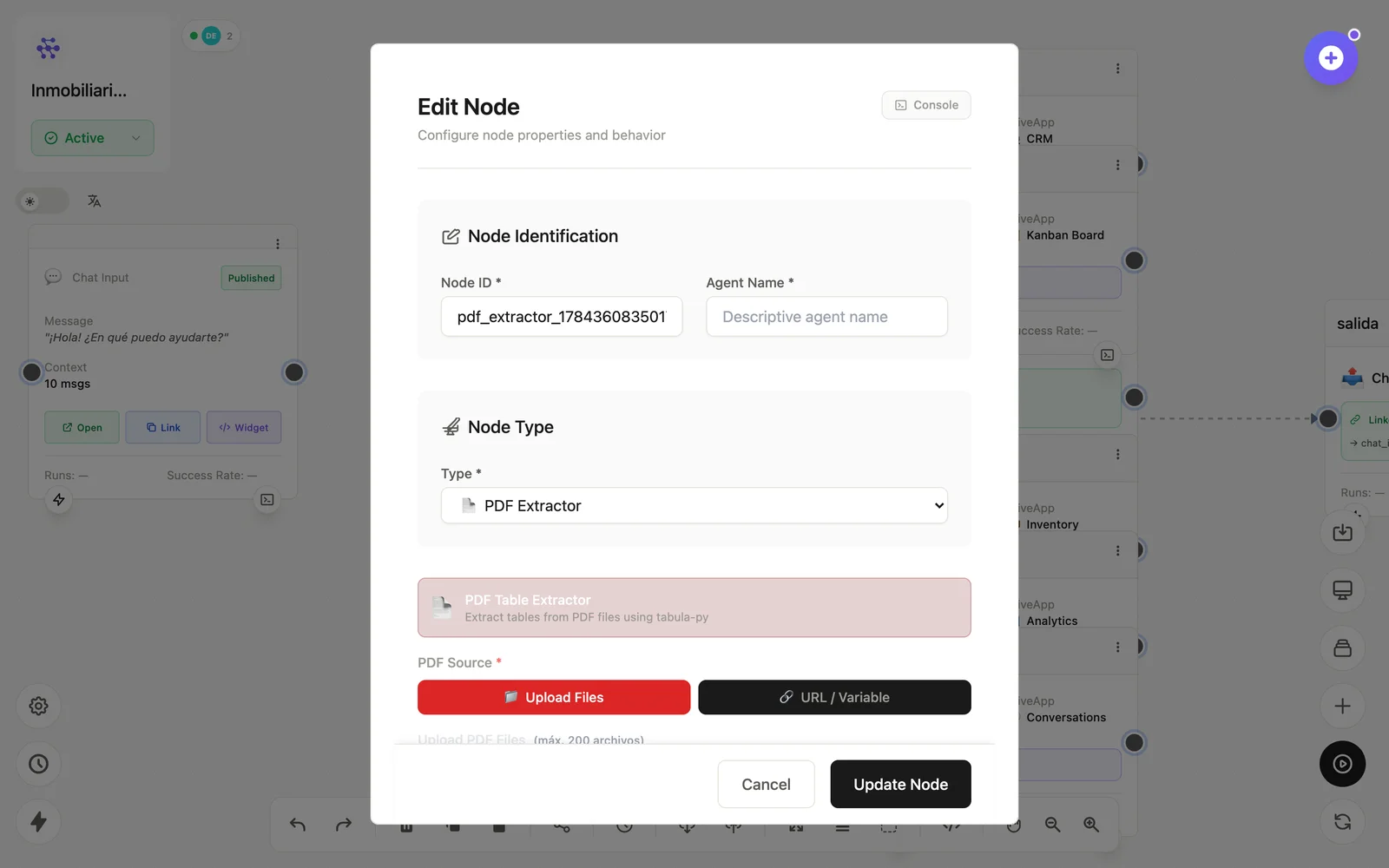
Configuration
Open the node (double-click) to edit it. Key fields:
- Node ID / Name — the identifier used in variables and the display name on the canvas.
- Source file — from a form upload, S3 or URL.
- Extraction options — pages/area to read.
Inputs & outputs
It receives a PDF and emits its tables as arrays of rows. Downstream nodes reference its output with {{node_id.field}} — see the variables reference.
Example
Form Input (PDF) → PDF Extractor → Pandas → DatabaseSee also: Data nodes · Cookbook: document pipeline