Troubleshooting
The most common HiveFlow problems and their fixes: credits, function calling support, inactive flows, WhatsApp sessions, MCP tools and stuck runs.
Most issues in HiveFlow have a fast, known fix. Check this table before anything else — and remember the golden rule: the node Console almost always has the answer.
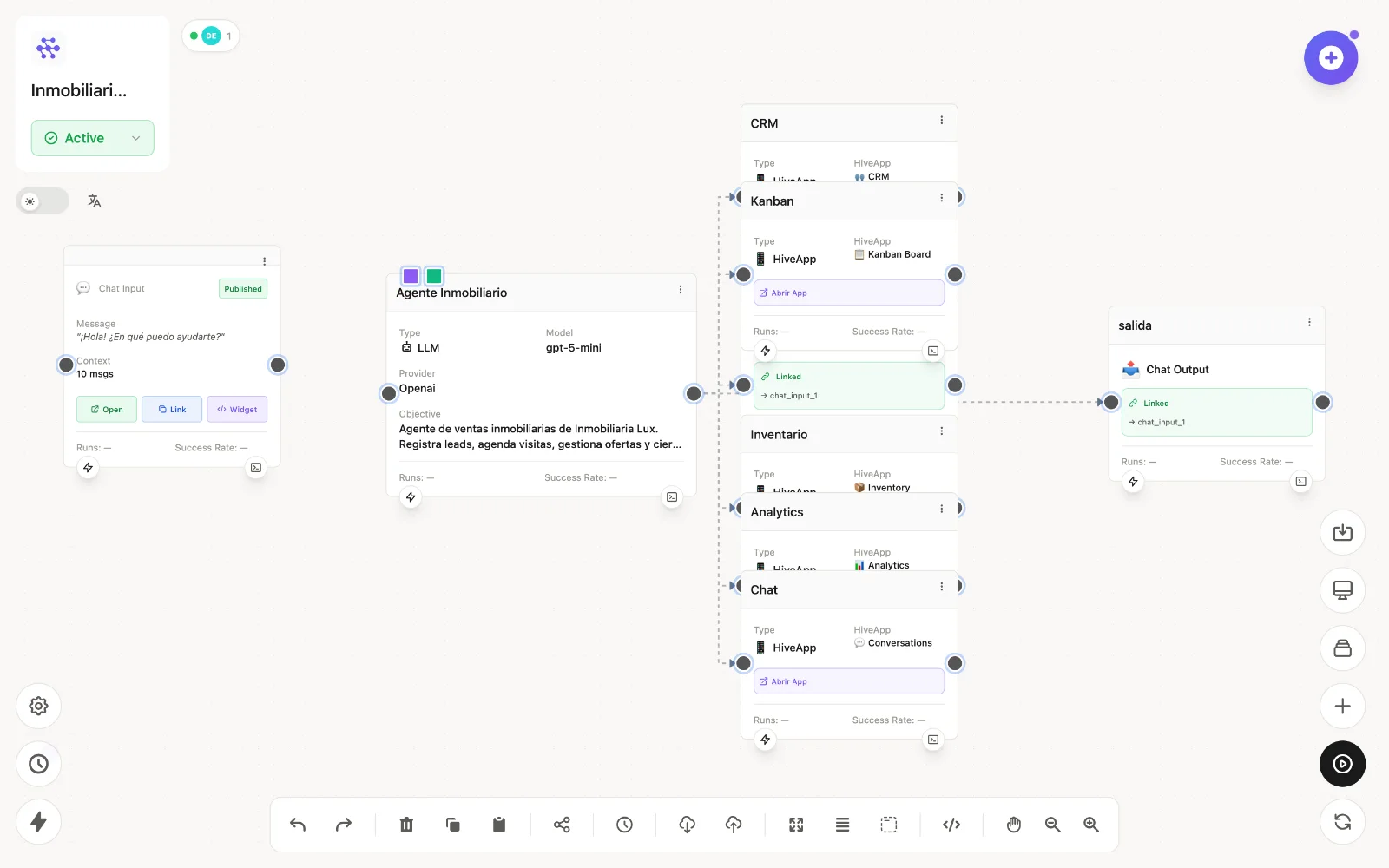
Common problems
| Problem | Likely cause | Fix |
|---|---|---|
| Insufficient credits modal, AI calls blocked | Credit balance at zero | Top up or upgrade in Profile → Subscription. See Billing & credits. |
| "This model does not support function calling" | The provider/model pair can't use tools (e.g. Perplexity) | Pick a supporting pair in the LLM node — OpenAI, Anthropic, Gemini, Vertex, Groq, Mistral and more qualify. |
| Public chat/form doesn't respond | Flow Paused, or the input node isn't Published | Set the flow to Active and publish the interface node. |
| WhatsApp bot went silent | Session dropped | Re-scan the QR in WhatsApp Config. See WhatsApp. |
| MCP tool call fails | Wrong/expired credentials, or tool errored | Re-check the service in Integrations; the node Console shows the server's exact response. |
| Execution seems stuck | Stale node states from a previous run | Reset States in the editor, then run again. |
| My edits aren't live | Canvas changes unsaved | Click Save flow — the Unsaved badge disappears. Public surfaces serve the saved version. |
| Login OTP never arrives | Filtered mail | Check spam, then use Resend code. |
| Variable resolves empty | Wrong Node ID or field path | See Variables reference — confirm the source node's output in its Console. |
| Agent ignores its knowledge | Skill inactive or out of scope | Verify the skill's Active toggle and scope in Using skills. |
Debugging method
- Reproduce with Process Flow in the editor.
- Find the first red node and open its Console — input, output, error.
- For agent misbehavior, read Function Calling Process round by round.
- Fix, Save, re-run. If a change made things worse, Versions restores any snapshot.
Still stuck?
Ask in the community Discord or open a ticket from the app — Genius can create support tickets for you.