Templates & Marketplace
Start from working flows instead of a blank canvas: clone templates, save your own from the editor, and install community templates from the Marketplace.
Nobody should build their tenth support bot from scratch. Templates are flows packaged for reuse, and the Marketplace is where the community shares them.
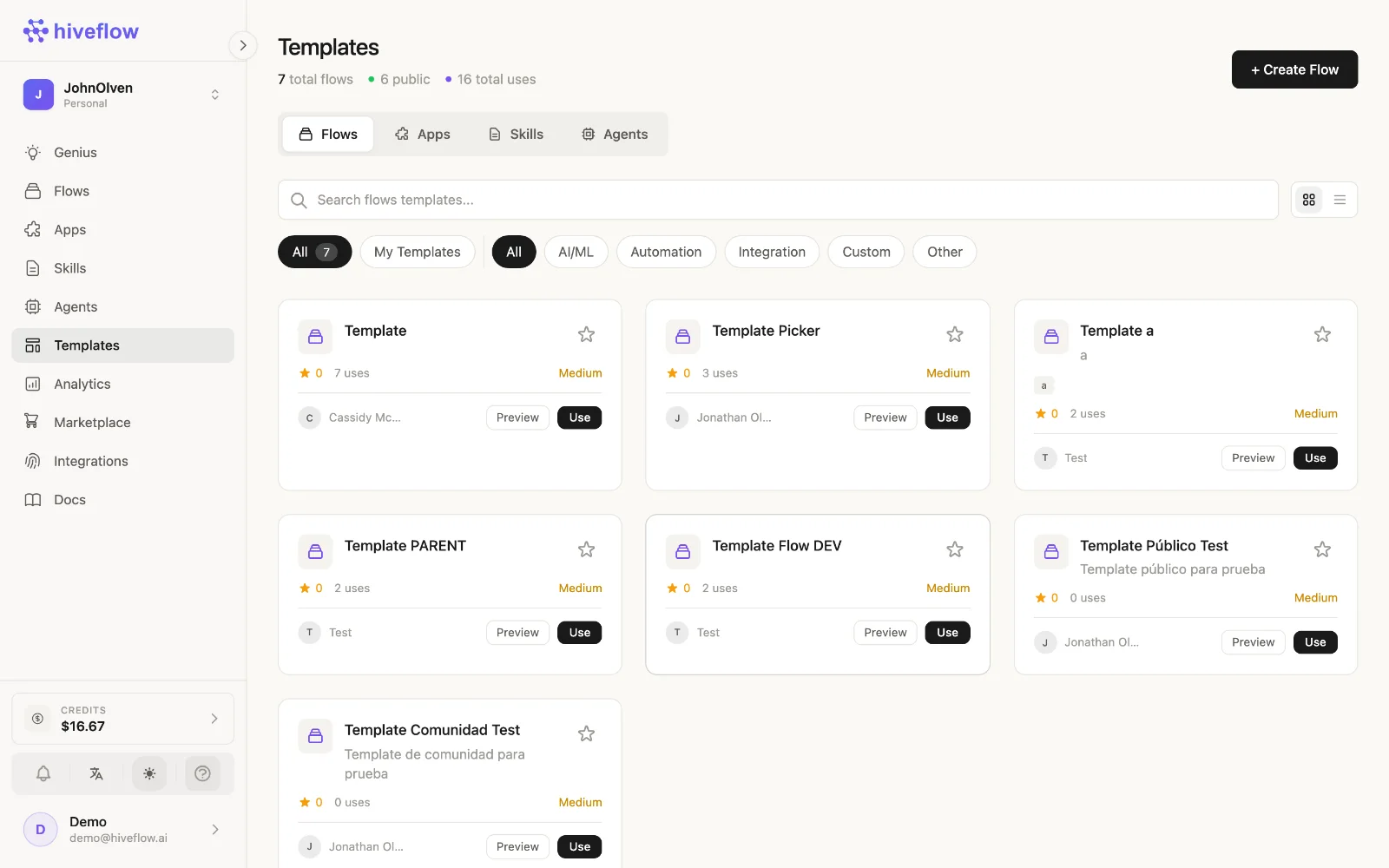
Use a template
Open Templates in the sidebar, browse the gallery (filter by type), and clone the one that matches your case — the clone lands in your flows, fully editable, wired and ready to run. Genius can also search templates for you: "find me a template for lead capture".
Save your own
Two ways to turn work into a reusable asset:
- In the flow editor: Save as Template.
- From an agent's chat: the Template button packages the agent's flow.
Your templates appear in the Templates section for you and your organization — build once, let every teammate clone it.
The Marketplace
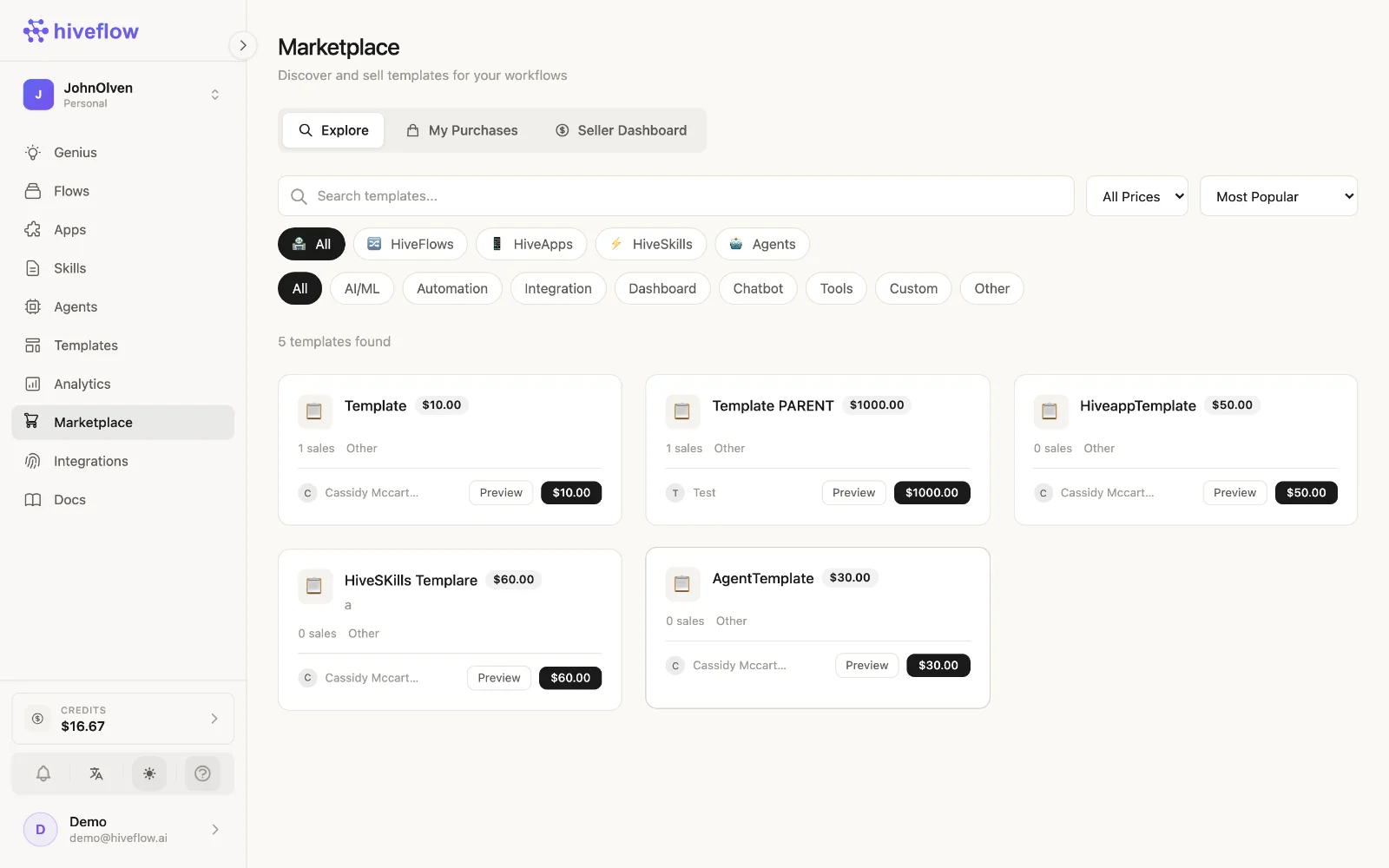
Marketplace extends the gallery with community-published templates and components. Install one and it becomes a flow (or component) in your workspace, editable like anything you built yourself.
Publishing well
If you share templates (with your org or the community), a few practices make them actually reusable:
- Name the outcome, not the mechanism: "WhatsApp sales bot with CRM", not "Flow 7 final".
- Write the description — it's what people (and Genius) search against.
- Strip credentials and personal data: connected accounts, API keys and Tool contents don't belong in a template. Clones should ask each user for their own integrations.
- Leave Note nodes explaining the parts a cloner must configure.