Form Input node
A public web form with typed, validated fields (files included) — every submission executes the flow. Data capture with zero frontend code.
Form Input (form_input) publishes a hosted form: define typed fields, share the link or embed the widget, and each submission runs the flow with the form data.
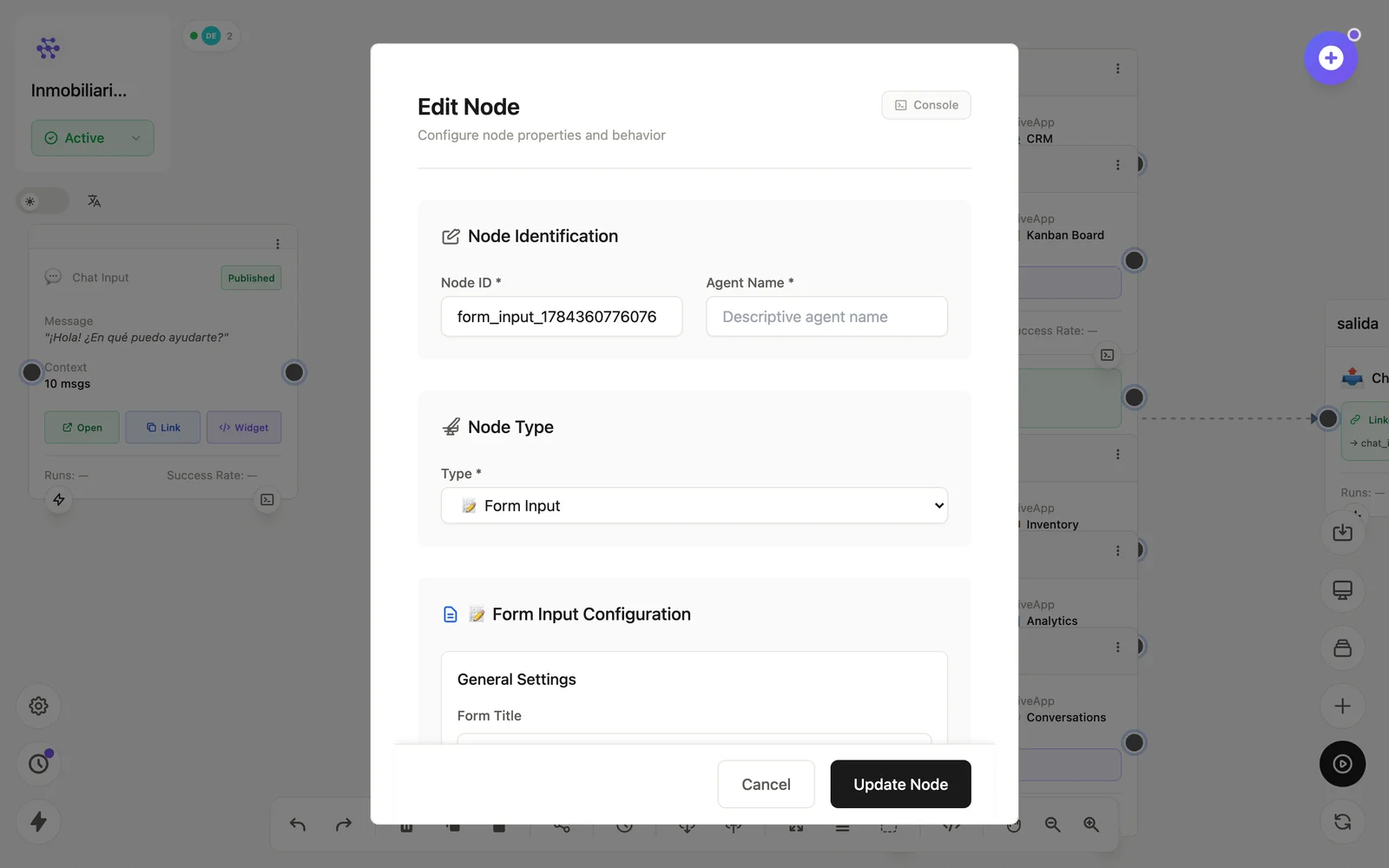
Configuration
Open the node (double-click) to edit it. Key fields:
- Node ID / Name — the identifier used in variables and the display name on the canvas.
- Fields — name, type (text, email, number, file…), required.
- Publishing — Open / Link / Widget actions on the node card; must be Published and the flow Active.
Inputs & outputs
It receives nothing from upstream; it emits one variable per field on each submission. Downstream nodes reference its output with {{node_id.field}} — see the variables reference.
Example
Form Input (nombre, email, mensaje) → LLM (clasifica) → CRM + EmailSee also: Interface nodes · Cookbook: lead capture