Data Table node
An interactive table over flow data — sorting, filtering, pagination and export — for browsing results like a spreadsheet, shareable by link.
Data Table (data_table) renders records as an interactive table with sorting, filters, pagination and export — the quickest way to make flow output explorable by humans.
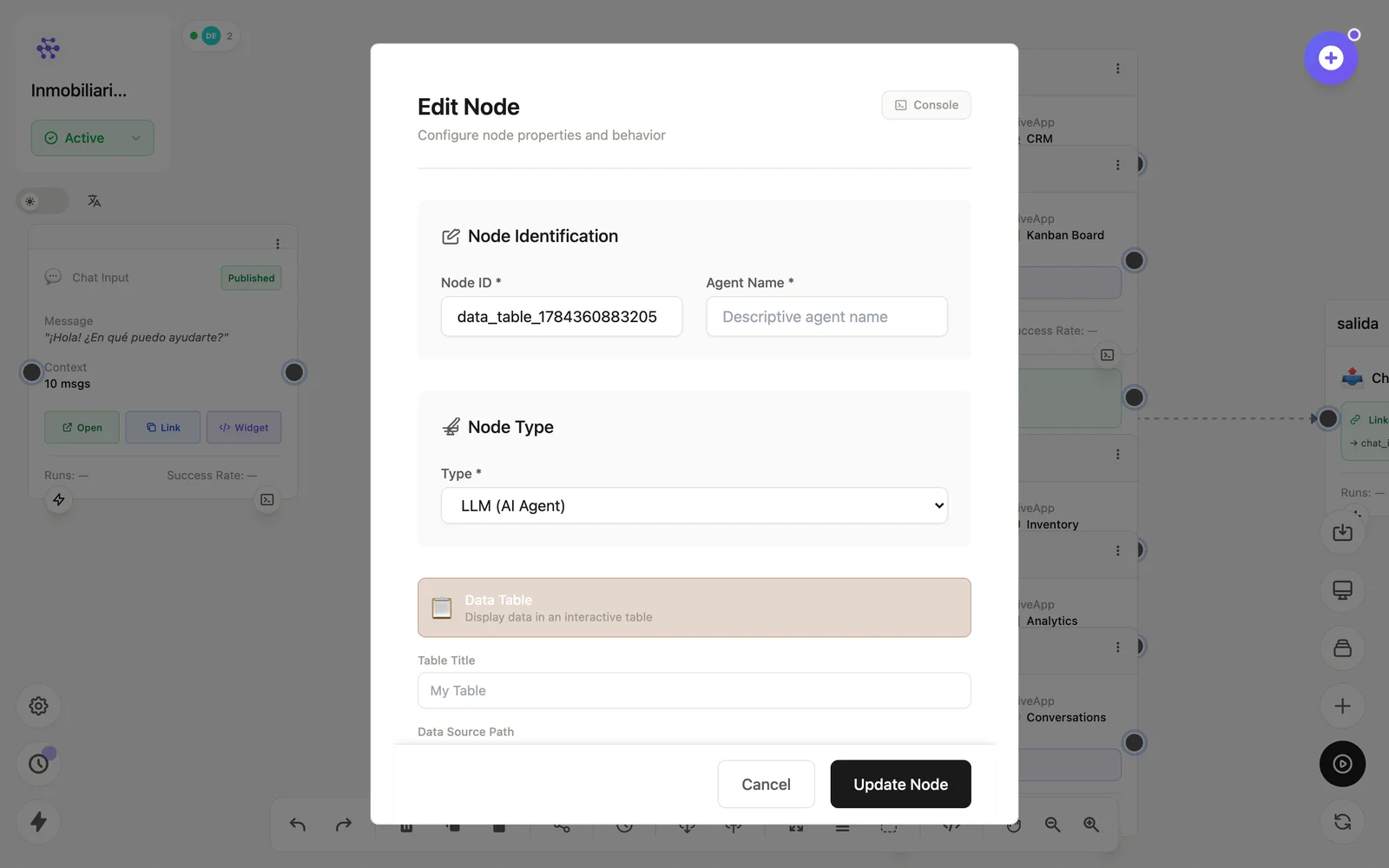
Configuration
Open the node (double-click) to edit it. Key fields:
- Node ID / Name — the identifier used in variables and the display name on the canvas.
- Columns — which fields to show and how.
Inputs & outputs
It receives arrays of records and renders the table view. Downstream nodes reference its output with {{node_id.field}} — see the variables reference.
Example
HTTP Request (API externa) → Data Table (explora los resultados)See also: Visual nodes · Database