Connecting apps and flows
Link a Hive App to a flow so the app's forms and chats execute your automation — I/O contracts, triggers and Connect Flow.
A Hive App is the frontend; a flow is the backend. Linking them means the app's forms, chats and buttons execute your automation and render its responses — a full product with zero servers.
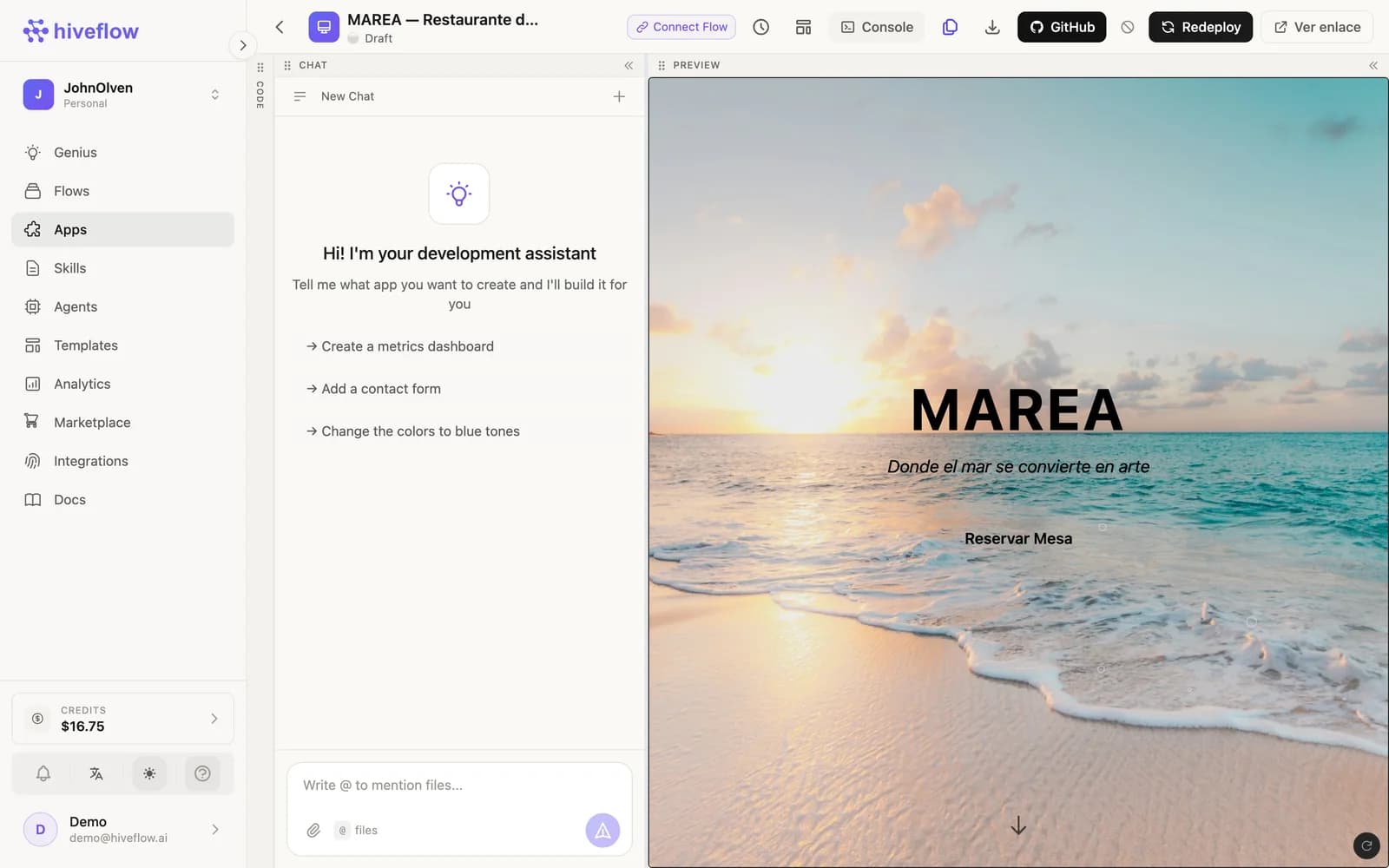
Link an existing flow
In the app editor, click Connect Flow and choose one of your flows. HiveFlow creates the wiring:
- An HTTP trigger on the flow becomes the app's API endpoint (endpoint + API key stored in the app's config).
- The I/O contract describes what the app sends (form fields, chat message) and what the flow returns. Use Suggest contract to infer it from the flow, or Detect form fields to map an existing form in the app.
The app card then shows a Flow badge; app interactions now appear as executions of the linked flow, with full node consoles for debugging.
Create the flow from the app
No flow yet? Create & link flow scaffolds one matching the app's interface (inputs for the app's fields, an LLM step, an output) that you can then open on the canvas and extend.
From the flow side
The reverse direction also works: from a flow, generate an app for it (Genius: "create an app for this flow"). And inside the canvas, the Connect HiveApp button links Tools as nodes.
Typical architecture
Hive App (deployed UI)
   └─ HTTP trigger → Flow: validate → LLM Agent (tools: CRM, inventory) → respond
One flow can back several apps, and one app can call several flows through different forms or actions.