Tools: CRM, Kanban, Inventory & more
Ready-made structured apps — Kanban, CRM, Inventory, Analytics and Chat — that your agents read and write through the HiveApp node.
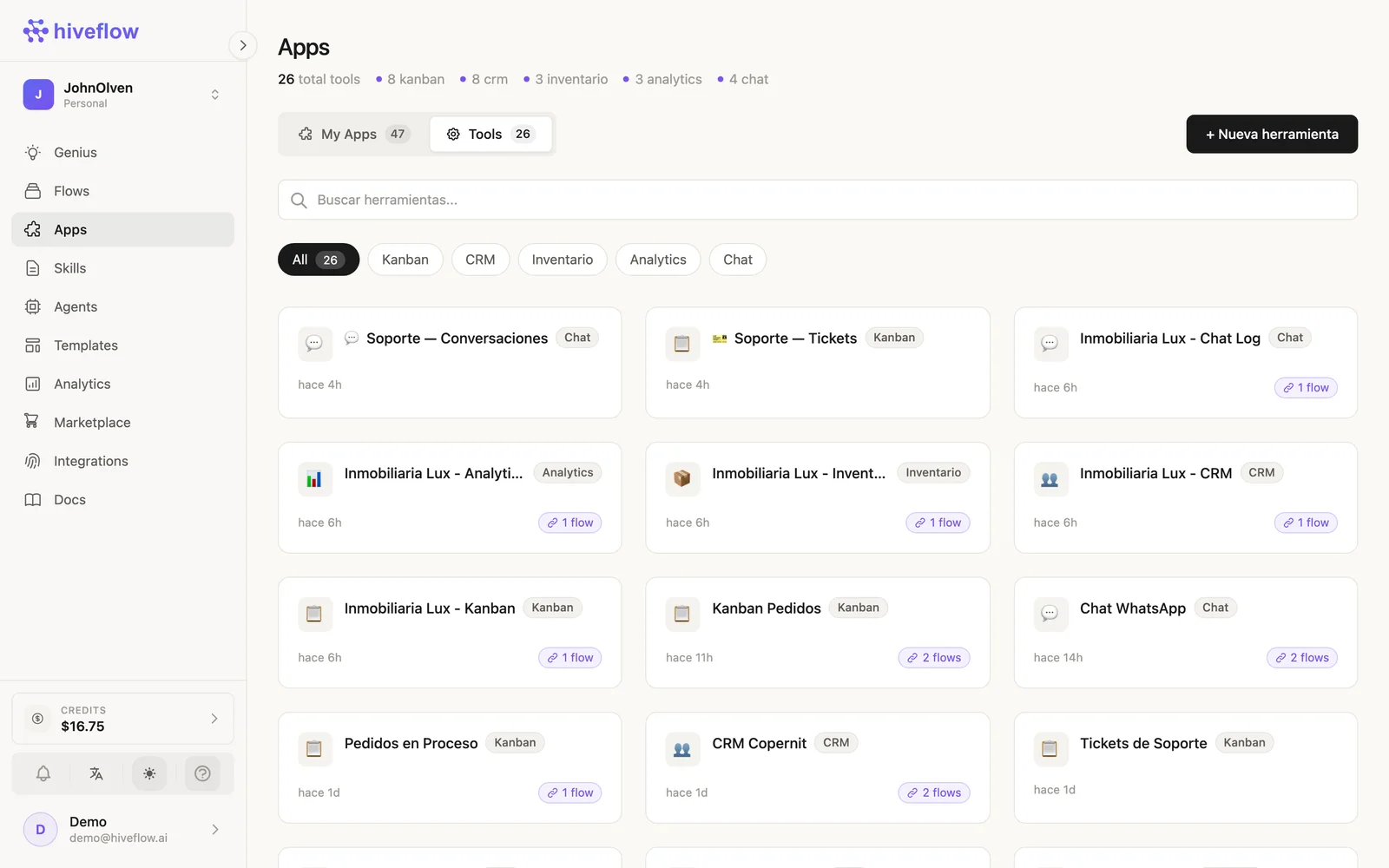
Tools are predefined mini-apps with structured data that plug straight into your automations: Kanban boards, CRM contact bases, Inventory, Analytics dashboards and Chat conversation logs. They live in Apps → Tools.
Creating and using a Tool
- In Apps → Tools → + New tool, pick the type and name it (e.g. "Support Tickets" as a Kanban).
- Open it any time from the same list — each Tool is a full working UI (board, table, dashboard or chat log).
- Connect it to a flow with the HiveApp node: add the node (or the canvas Connect HiveApp button), select the instance, and wire it into an LLM Agent to make it a function-calling tool.
Once connected, the agent can read and write the Tool: create cards, move stages, register contacts, adjust stock, log conversations. The Tool card shows which flows are linked.
The AI-operated back office pattern
A single agent + a few Tools replaces a small stack of SaaS:
WhatsApp/Chat Input → LLM Agent ⇄ CRM (leads)
                              ⇄ Kanban (orders pipeline)
                              ⇄ Inventory (stock)
                              → Chat Output
The customer talks; the agent sells; the CRM, pipeline and stock update themselves. Humans supervise from the Tool UIs — and for chat Tools, a human takeover mode lets a person pause the AI and answer directly.
Sharing
Tools support public share links, so a client or teammate can see a board or dashboard without a HiveFlow account.