Application nodes
HiveApp tools, WhatsApp Input/Output, Email and Tier Modifier — nodes that connect flows to apps and messaging channels.
Application nodes connect your flows to apps and outbound channels: the built-in Tools (CRM, Kanban, Inventory…), WhatsApp conversations and transactional email.
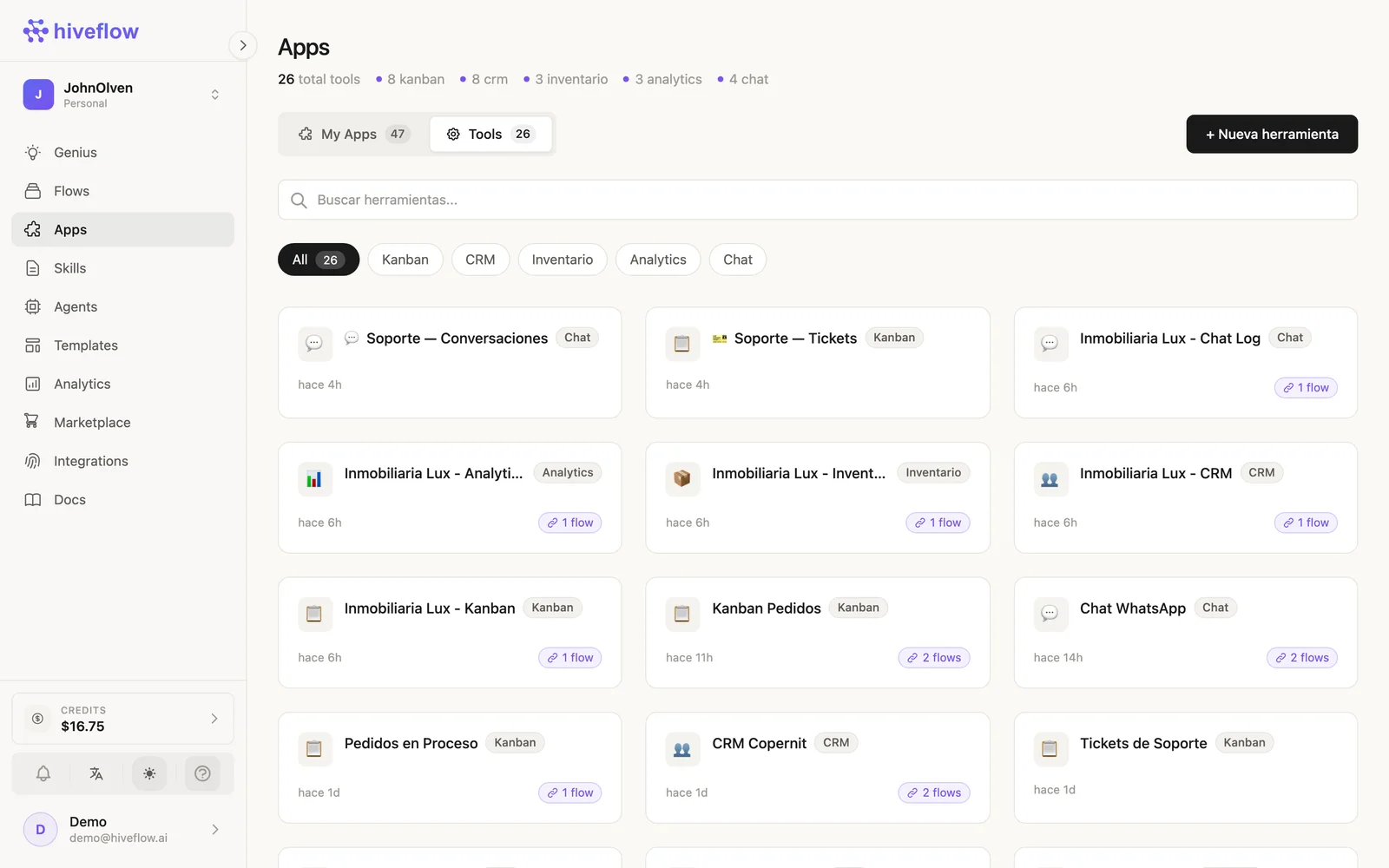
The nodes
| Node | id | What it does |
|---|---|---|
| HiveApp | hiveapp | Connects one of your Tools (Kanban, CRM, Inventory, Analytics dashboard, Chat) to the flow. Wired into an LLM Agent, it becomes a function-calling tool the AI can read and write. |
| WhatsApp Input | whatsapp_input | Receives messages from a connected WhatsApp number and starts the flow with them. |
| WhatsApp Output | whatsapp_output | Sends the flow's response back over WhatsApp. |
email | Sends emails via Resend or your own SMTP — templates with variables supported. | |
| Tier Modifier | picker_express | Delivery/logistics integration with a tier system for order routing. |
WhatsApp bots in one line
whatsapp_input → llm → whatsapp_output turns any flow into a WhatsApp bot. Connect your number from Dashboard → WhatsApp Config (QR session) first; the same LLM node can carry tools, so your WhatsApp bot can check inventory or register leads in the CRM.
AI-managed apps
The hiveapp node is the bridge between conversation and structured data: an agent that talks to customers and creates cards in a Kanban, rows in a CRM and movements in Inventory — all from the same flow. See a full example in Tools.