Email node
Sends emails from a flow via Resend or your own SMTP — templates with variables for notifications, reports, follow-ups and alerts.
Email (email) is the outbound mail step: compose subject and body with {{variables}}, deliver through Resend or your SMTP, and attach flow-generated files (like a PDF).
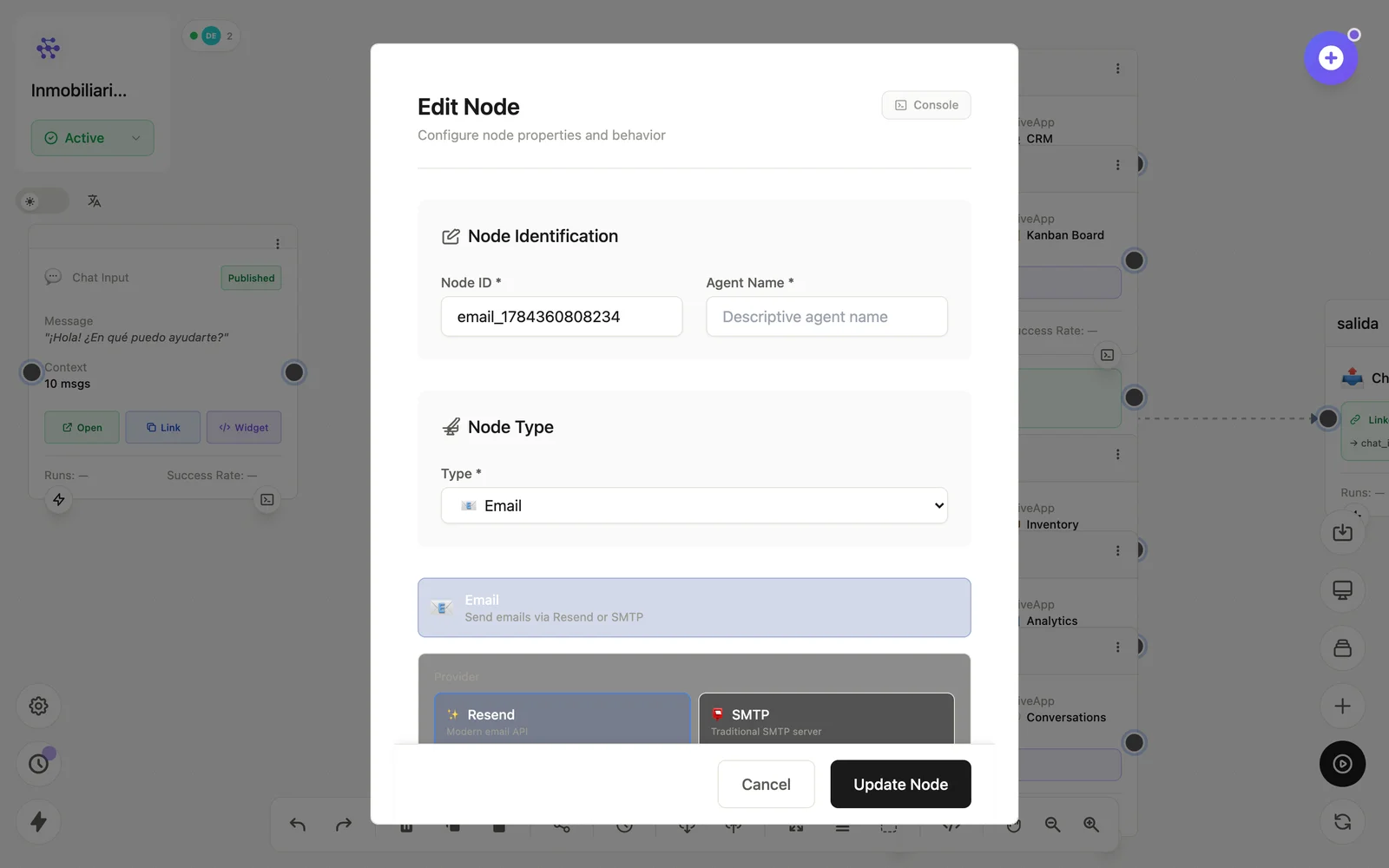
Configuration
Open the node (double-click) to edit it. Key fields:
- Node ID / Name — the identifier used in variables and the display name on the canvas.
- Provider — Resend or custom SMTP credentials.
- To / subject / body — all accept variables; attachments supported.
Inputs & outputs
It receives the composed content and emits the send result. Downstream nodes reference its output with {{node_id.field}} — see the variables reference.
Example
Form Input → LLM (resumen) → Email (a ventas@, con {{form.email}})See also: Application nodes · Cookbook: scheduled report