Database node
Connects to MongoDB and runs CRUD operations — find, insert, update, delete — with variables inside the queries. Persistence for flows.
Database (database) gives flows durable storage: run MongoDB CRUD operations with {{variables}} in filters and documents. Wire it into an LLM Agent and the agent can answer from your data.
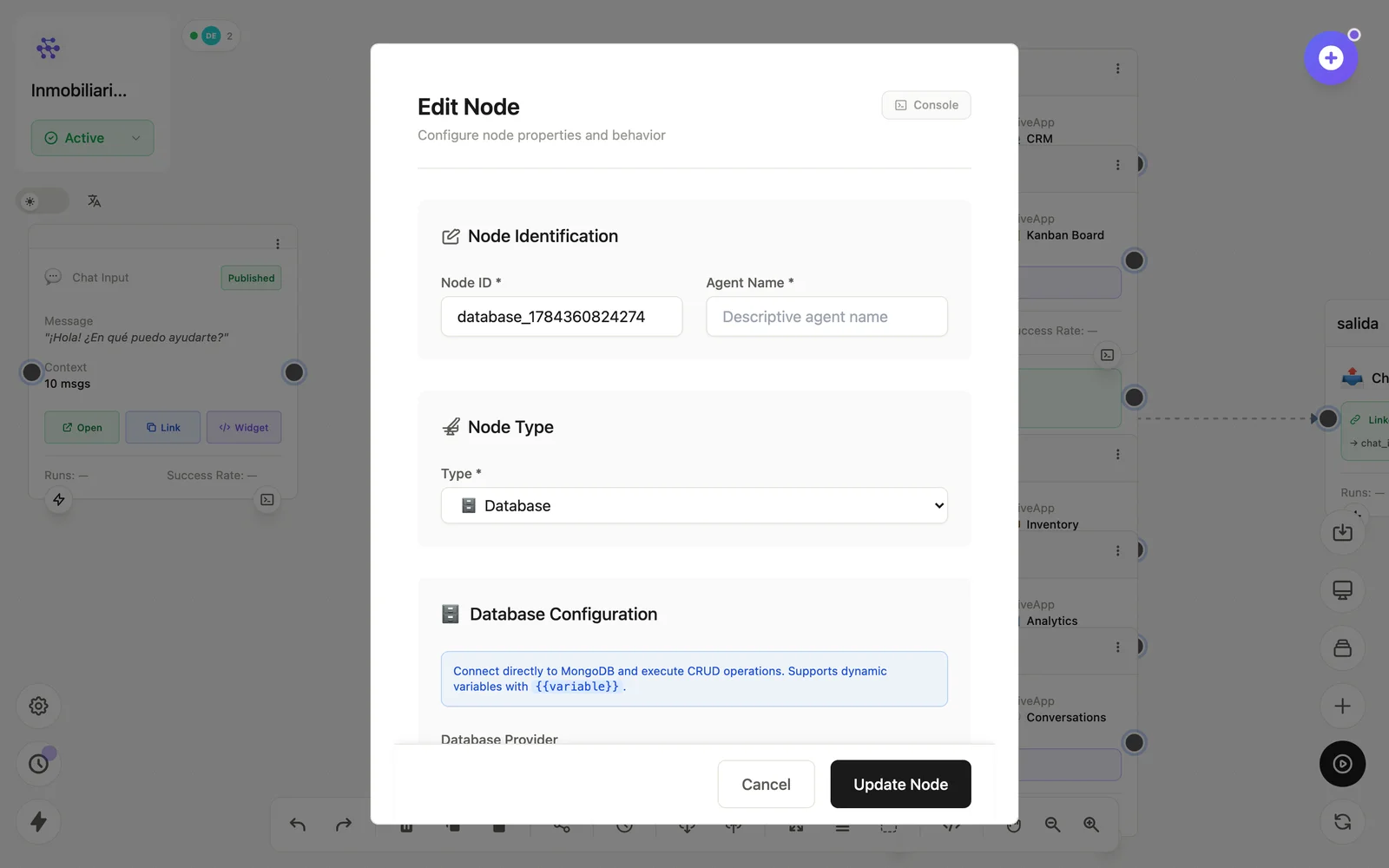
Configuration
Open the node (double-click) to edit it. Key fields:
- Node ID / Name — the identifier used in variables and the display name on the canvas.
- Connection & collection — where to operate.
- Operation & query — find/insert/update/delete with a JSON body.
Inputs & outputs
It receives query parameters and emits documents or write results. Downstream nodes reference its output with {{node_id.field}} — see the variables reference.
Example
Form Input → Database (insert lead) → Email (notificación)See also: Data nodes · Cookbook: document pipeline