Inspector node
Inspects and queries databases while you build — schemas, collections and ad-hoc reads to understand the data your flow will touch.
Inspector (inspector) is the exploration companion of the Database node: browse schemas and collections and run ad-hoc reads so you design queries against reality, not guesses.
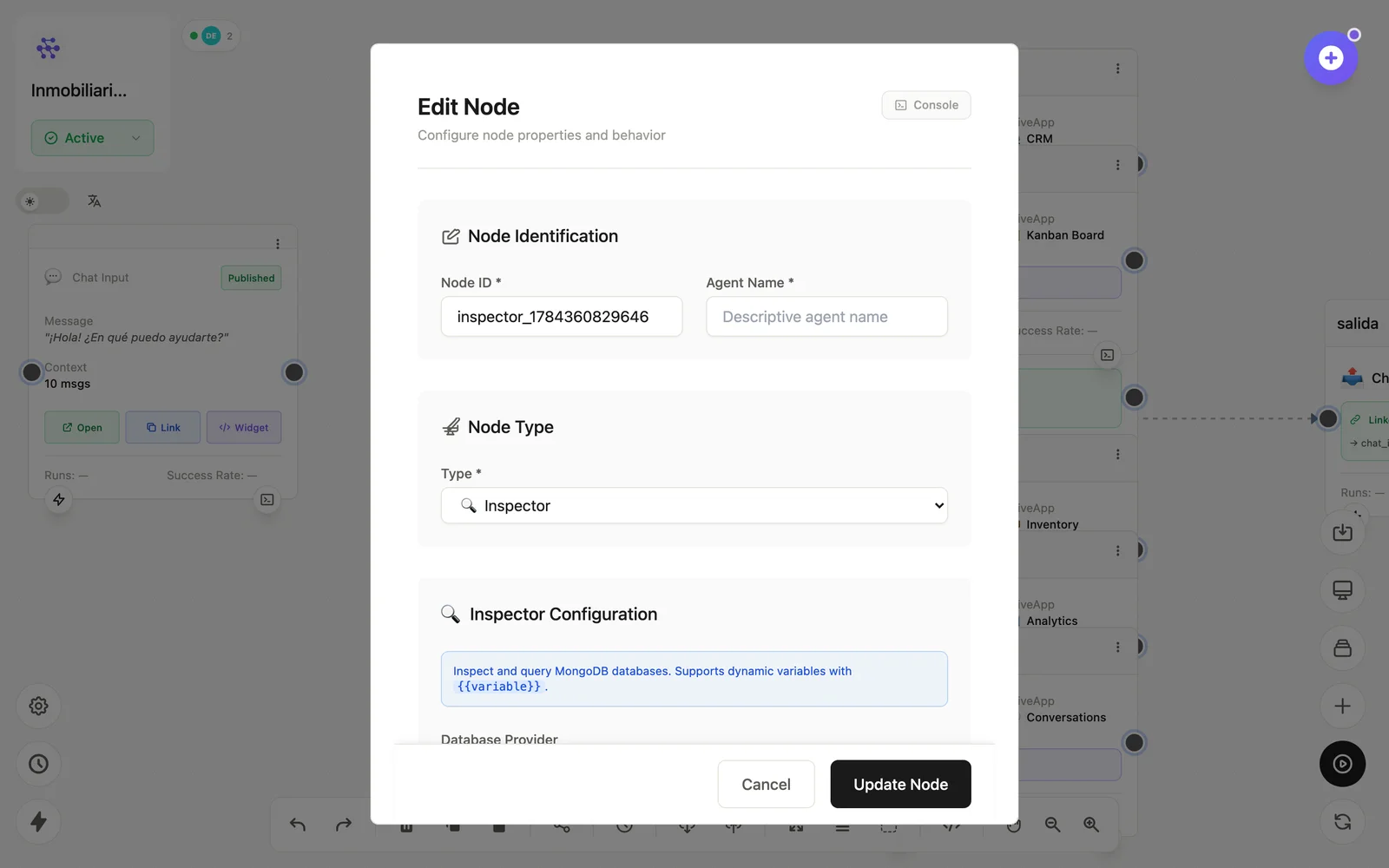
Configuration
Open the node (double-click) to edit it. Key fields:
- Node ID / Name — the identifier used in variables and the display name on the canvas.
- Connection — the database to inspect.
- Query — the read to preview.
Inputs & outputs
It emits the inspection results (schemas, sample documents). Downstream nodes reference its output with {{node_id.field}} — see the variables reference.
Example
Inspector (colección orders) → diseña la query → Database (find)See also: Data nodes · Database