Pandas Processor node
Transforms tabular data with pandas — filter, aggregate, pivot and join — turning raw rows into exactly the shape your charts or reports need.
Pandas Processor (pandas_processor) applies pandas transformations to tabular data mid-flow: clean, aggregate, pivot and join before visualizing or storing.
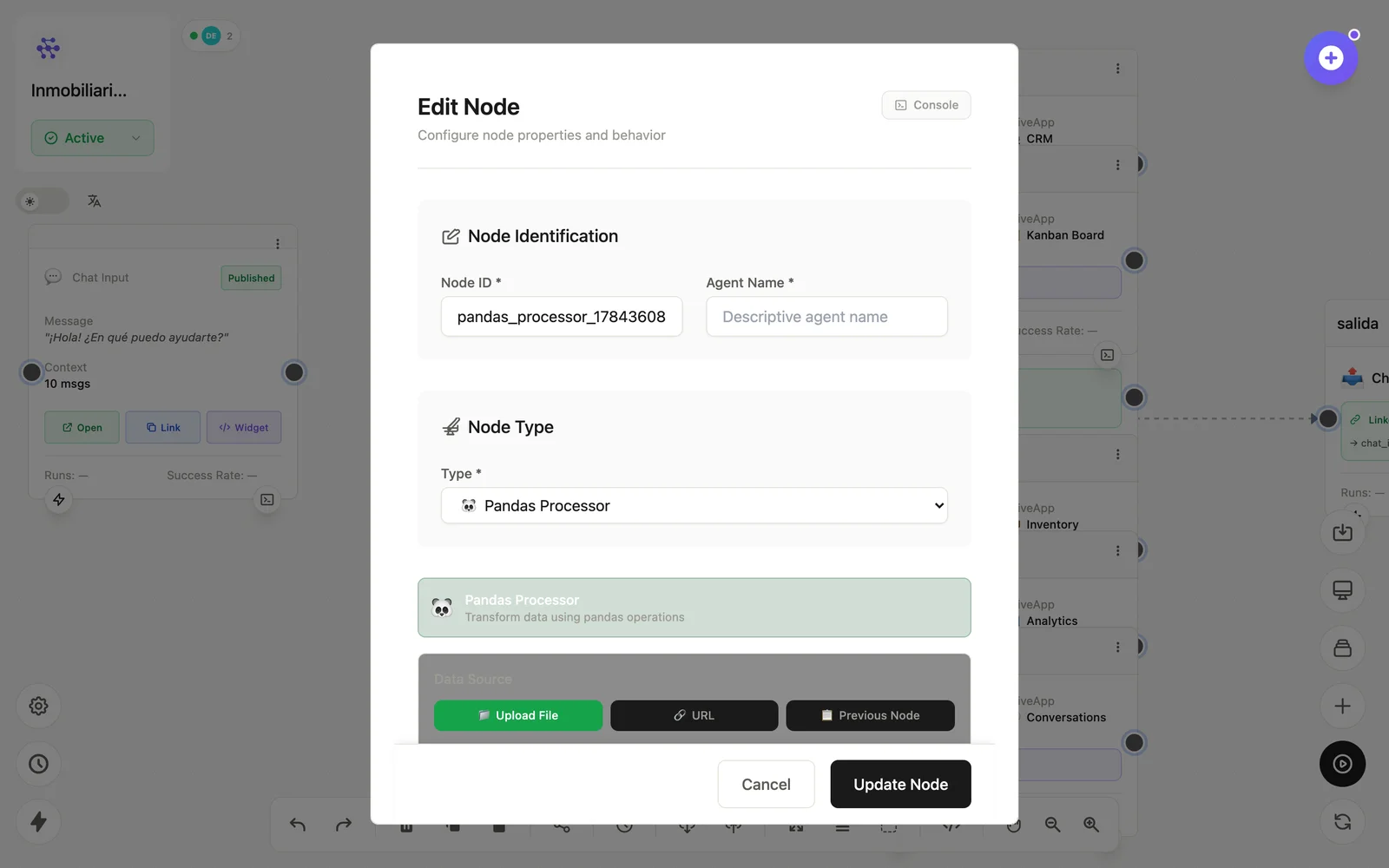
Configuration
Open the node (double-click) to edit it. Key fields:
- Node ID / Name — the identifier used in variables and the display name on the canvas.
- Operations — the transformation pipeline (filter, groupby, pivot, join…).
Inputs & outputs
It receives arrays of rows and emits the transformed table. Downstream nodes reference its output with {{node_id.field}} — see the variables reference.
Example
Database → Pandas (groupby mes, sum ventas) → ChartSee also: Data nodes · Cookbook: scheduled report