PDF Generator node
Generates PDFs from visual templates or DOCX files with dynamic variables — invoices, reports and certificates produced by the flow itself.
PDF Generator (pdf_generator) produces formatted PDFs inside the flow: design a template (or upload a DOCX), inject {{variables}}, and emit a finished document.
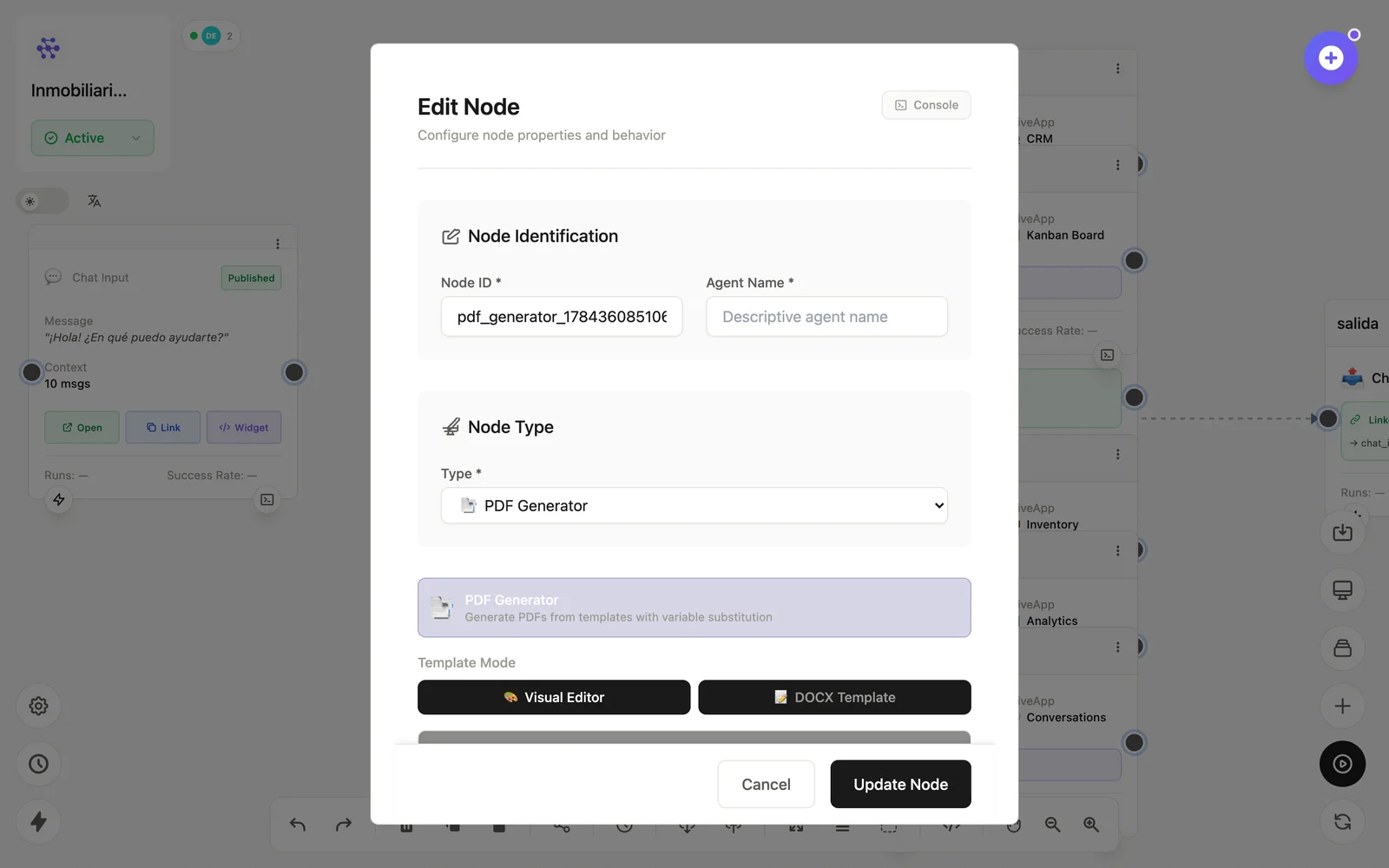
Configuration
Open the node (double-click) to edit it. Key fields:
- Node ID / Name — the identifier used in variables and the display name on the canvas.
- Template — visual template or DOCX source.
- Variables — the dynamic values injected per run.
Inputs & outputs
It receives the data to inject and emits the generated PDF file. Downstream nodes reference its output with {{node_id.field}} — see the variables reference.
Example
LLM (redacta) → PDF Generator (plantilla reporte) → EmailSee also: Data nodes · Cookbook: scheduled report