HTML View node
Renders custom HTML/CSS/JS with variable injection — bespoke reports, mini dashboards and rich AI-formatted output as a shareable page.
HTML View (html_view) gives you full rendering freedom: write HTML/CSS/JS, inject {{variables}}, and publish the result as a live page — ideal when Chart and Data Table aren't custom enough.
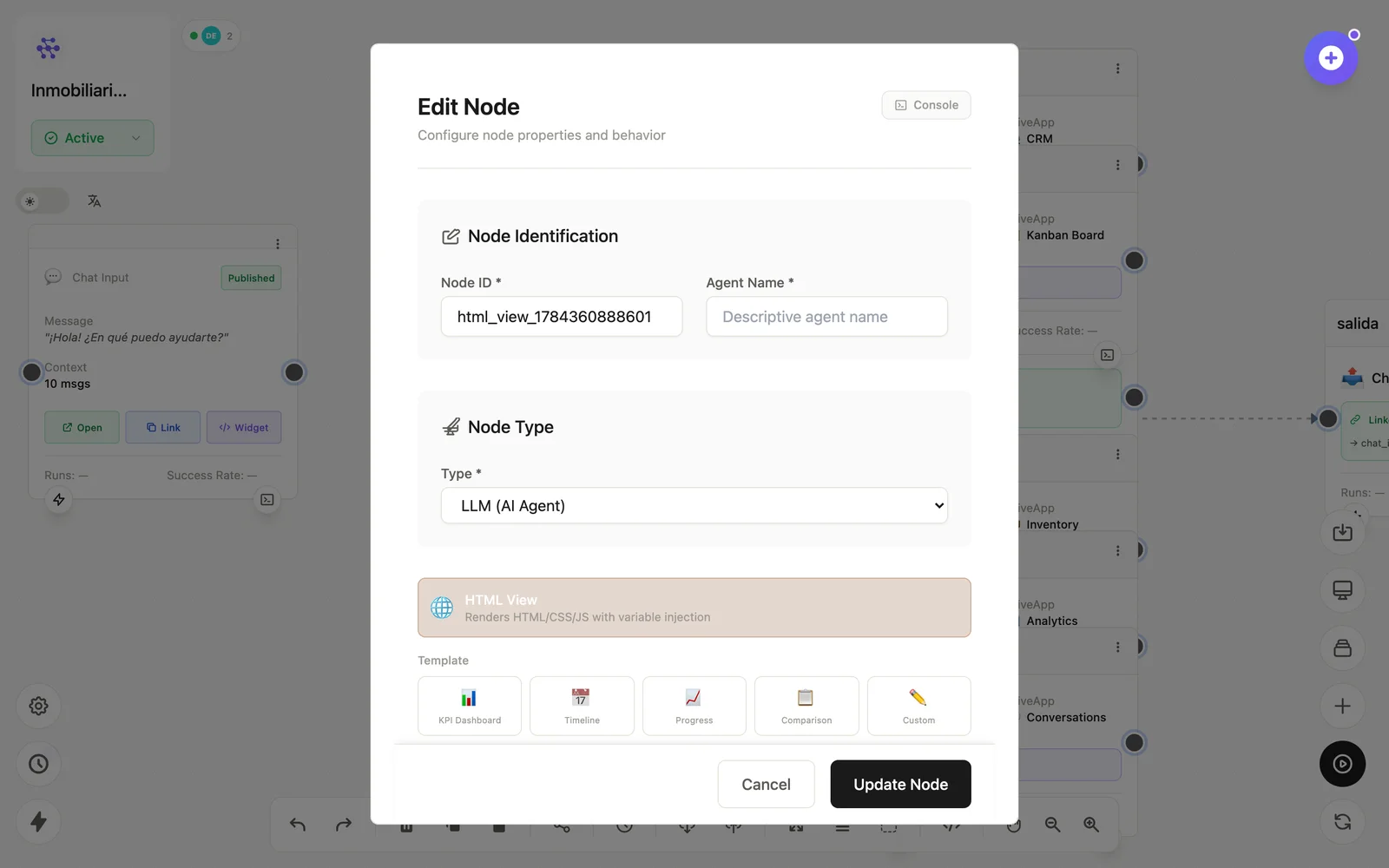
Configuration
Open the node (double-click) to edit it. Key fields:
- Node ID / Name — the identifier used in variables and the display name on the canvas.
- HTML/CSS/JS — the template, with variables anywhere.
Inputs & outputs
It receives the injected values and renders the page. Downstream nodes reference its output with {{node_id.field}} — see the variables reference.
Example
LLM (reporte en HTML) → HTML View (página publicable)See also: Visual nodes · Hive Apps