Adding tools to agents (function calling)
Give any LLM Agent tools — MCP integrations and Hive App tools — and let the model decide when to call them, with multi-round execution.
Function calling is how your agents act: instead of only writing text, the model can call tools — query a database, create a CRM contact, move a Kanban card, hit an API — and use the results in its answer. In HiveFlow, tools are simply nodes wired into the LLM Agent.
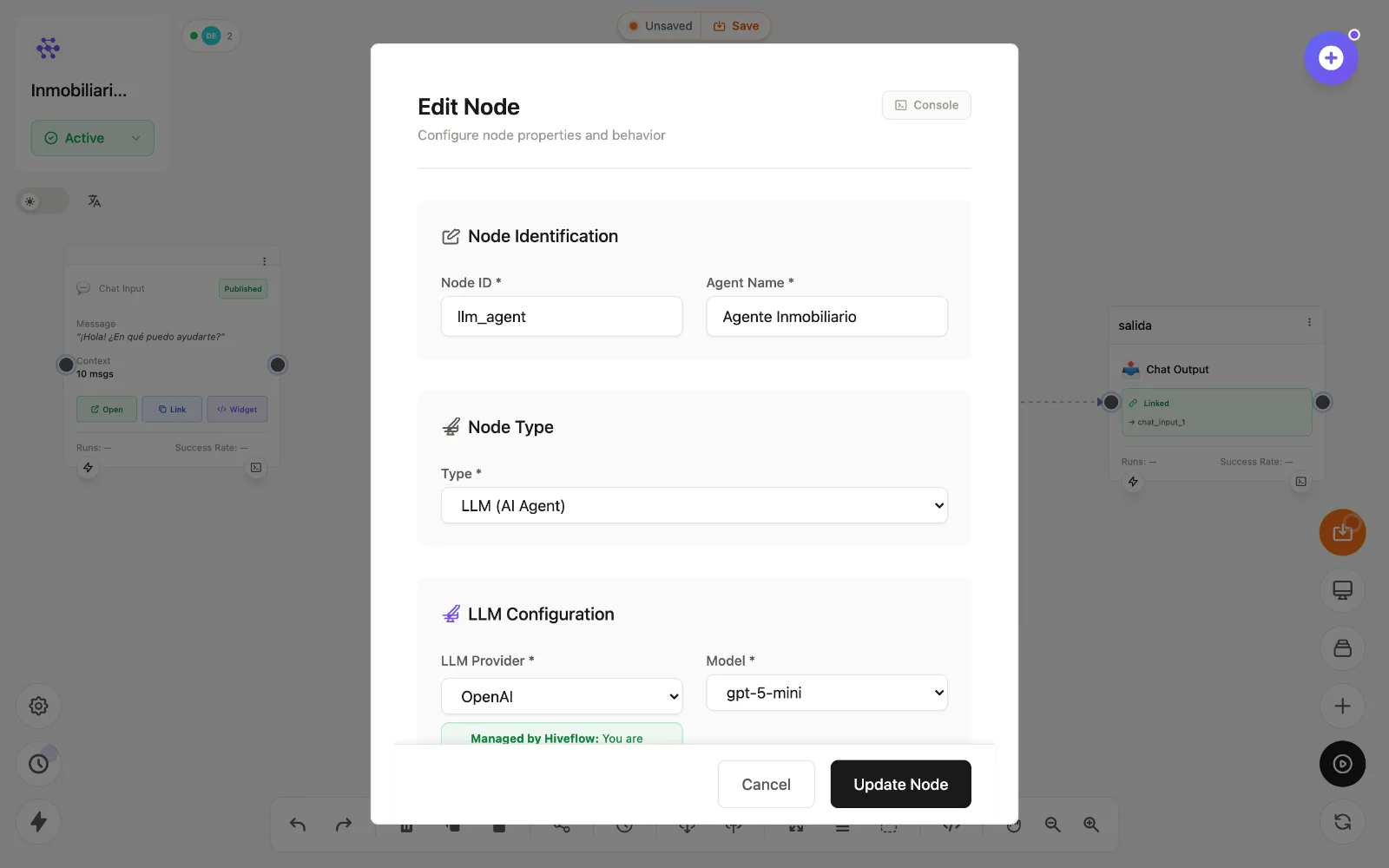
Wire a tool
- On the canvas, add the tool node:
- MCP Client / MCP Tool — any connected integration (Airtable, Slack, Postgres…).
- HiveApp — a Tool instance (CRM, Kanban, Inventory, Analytics, Chat).
- Connect it into the LLM Agent node (into the node, not after it — that's what makes it a tool instead of a sequential step).
- Double-click the LLM node and enable Function Calling. The Built-in Tools section lists what the model can now call.
Genius can do this wiring for you: "connect my CRM to the sales agent".
Provider support
Function calling needs a provider/model pair that supports it — OpenAI, Anthropic, Gemini, Vertex, Azure, Bedrock, Groq, Mistral, HuggingFace and Friendli models qualify (Perplexity doesn't). The LLM form only shows the tools section for supported pairs, and warns if a tool node is connected to an unsupported one.
How execution works
At run time the model receives the tool definitions and decides — per message — whether to answer directly or call tools. HiveFlow executes the calls (in multiple rounds if the model chains tools), feeds results back, and the model produces the final answer.
Audit everything in the LLM node's Console → Function Calling Process: each round, the model's decision, each tool's ✓/✗ and duration, and the final response.
Design tips
- Fewer, well-named tools beat many vague ones — the model chooses better.
- Put usage rules in the Objective ("always check inventory before promising stock").
- Use Skills for knowledge, tools for actions — don't make the model call a tool for things it should simply know.