Extension Input node
Receives data captured by the HiveFlow Chrome extension — selected text, the current URL or screenshots — and starts the flow with it.
Extension Input (extension_input) connects a flow to the HiveFlow browser extension: whatever you capture while browsing — selected text, page URL, screenshots — lands here and runs the flow.
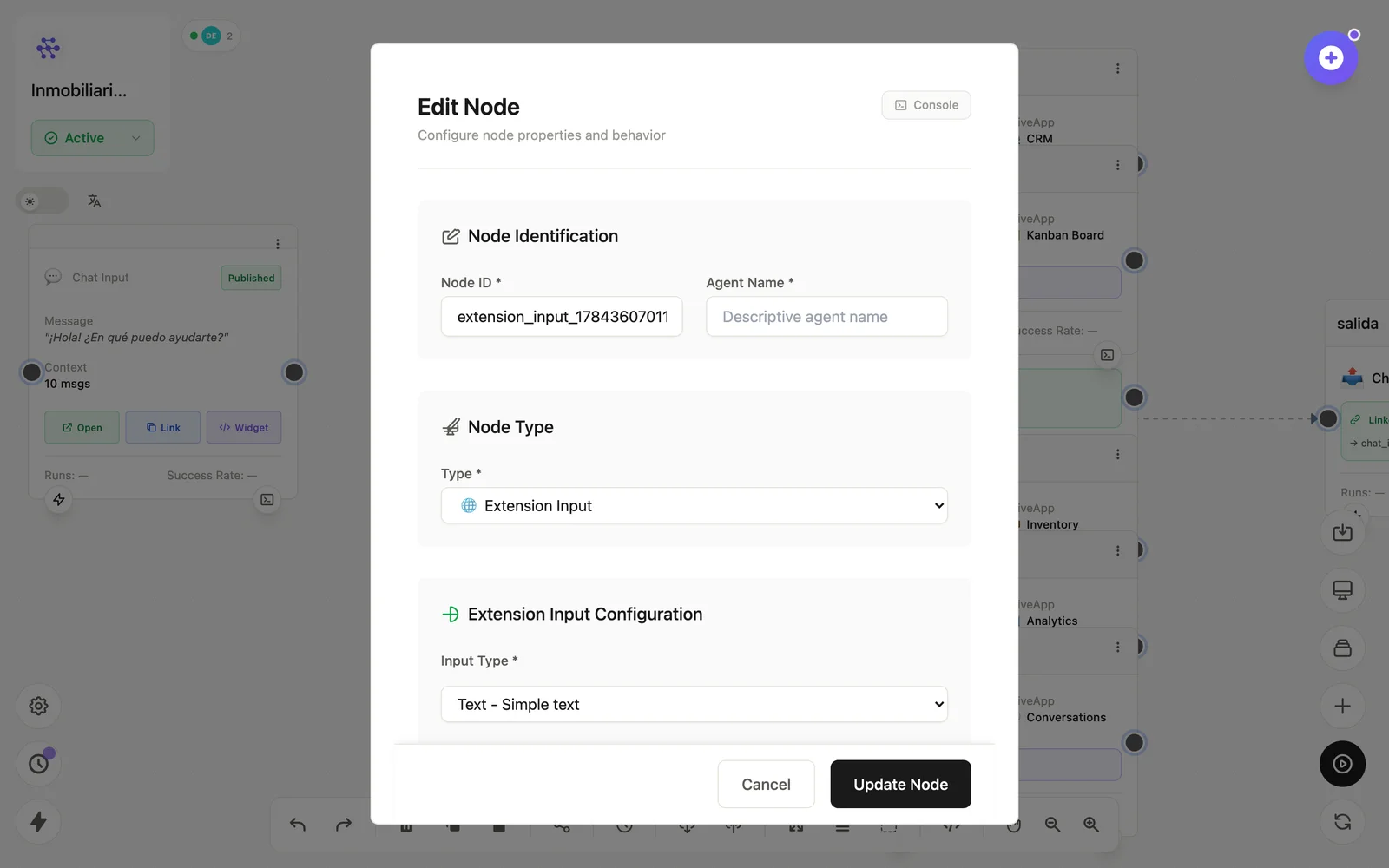
Configuration
Open the node (double-click) to edit it. Key fields:
- Node ID / Name — the identifier used in variables and the display name on the canvas.
- Accepted capture types — text selection, URL, screenshot.
Inputs & outputs
It receives the extension capture and emits its fields (text, url, image). Downstream nodes reference its output with {{node_id.field}} — see the variables reference.
Example
Extension Input (selección) → LLM Agent (resume) → MemorySee also: Browser extension · Base nodes