Human in the Loop node
Pauses the flow and sends an approval request to assignees — with title, context and timeout — before execution continues. Judgment where it matters.
Human in the Loop (human_in_the_loop) pauses execution and requests human approval before continuing. Put it before anything sensitive — sending money, publishing content, contacting a customer — so AI proposes and a person disposes.
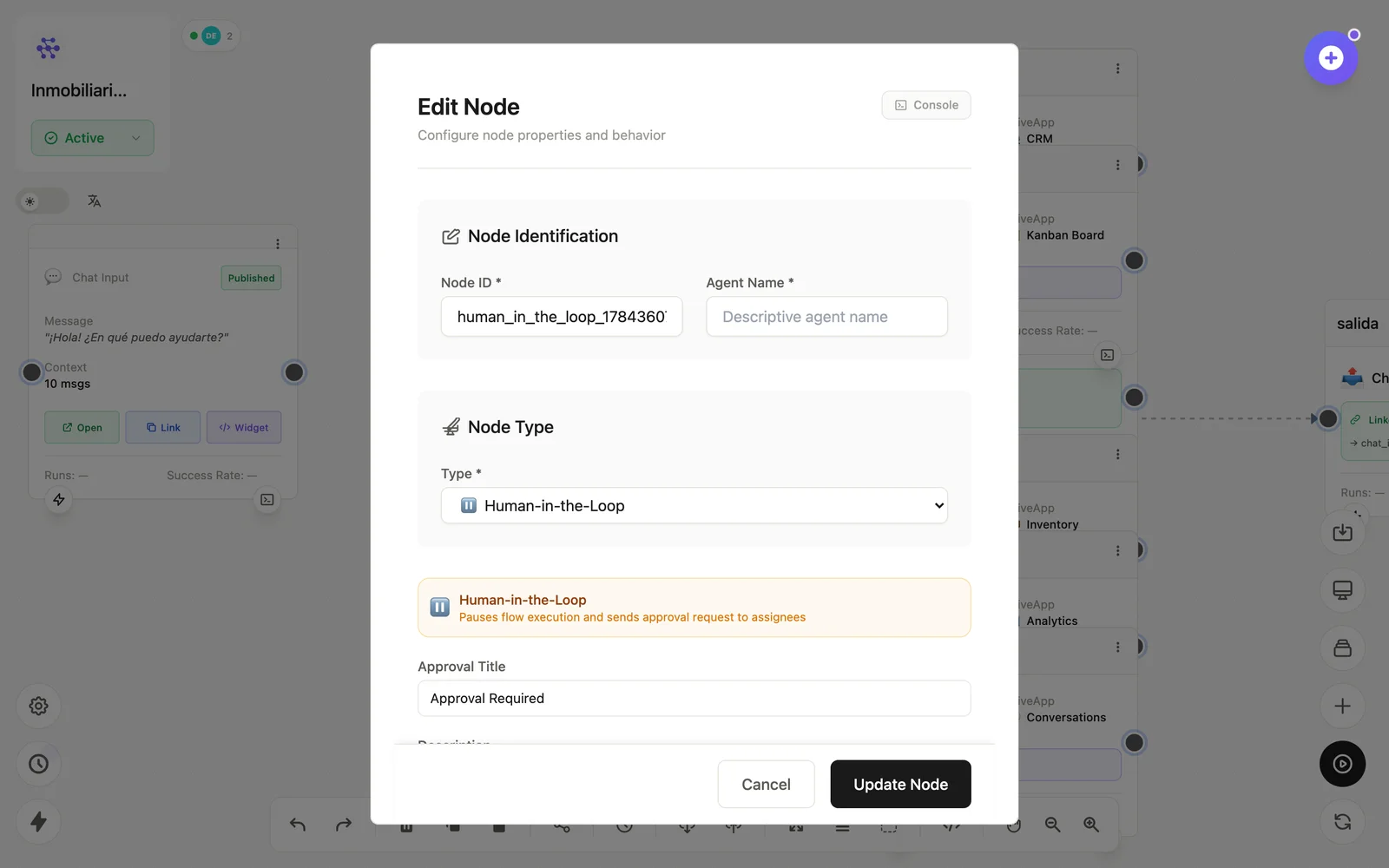
Configuration
Open the node (double-click) to edit it. Key fields:
- Node ID / Name — the identifier used in variables and the display name on the canvas.
- Approval title & description — what the approver sees.
- Assignees — who can approve or reject.
- Timeout — what happens if nobody answers in time.
Inputs & outputs
It receives the pending payload and emits it (or halts) according to the human decision. Downstream nodes reference its output with {{node_id.field}} — see the variables reference.
Example
LLM (email draft) → Human in the Loop (manager approves) → EmailSee also: Cookbook: approval workflow · Base nodes