Chat Output node
Sends the flow's answer back to the public chat session that started the run — closing the conversational loop with the visitor.
Chat Output (chat_output) delivers the reply: whatever reaches it is sent to the visitor's chat session. Between Chat Input and Chat Output you can put anything — one LLM or a whole multi-agent pipeline.
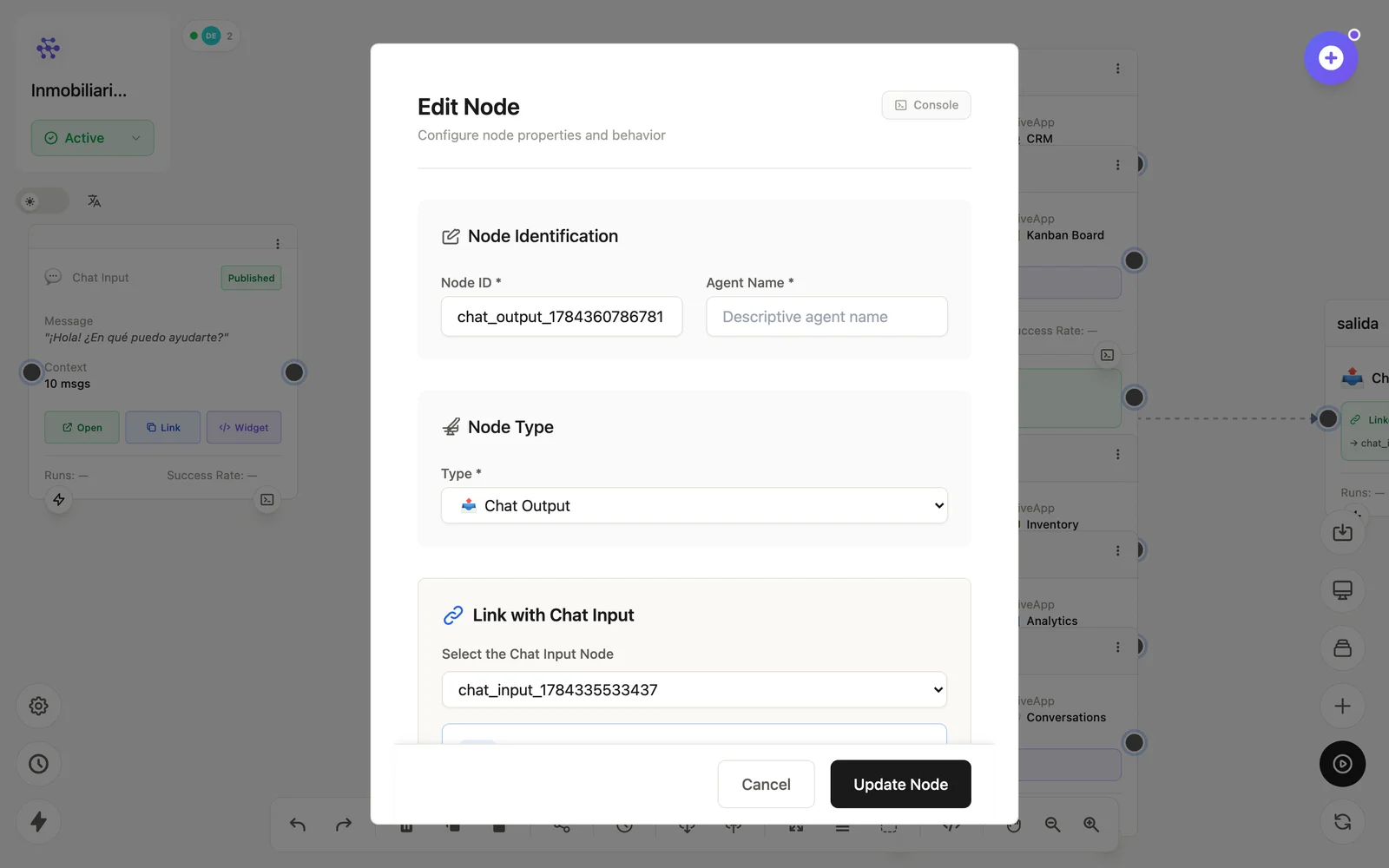
Configuration
Open the node (double-click) to edit it. Key fields:
- Node ID / Name — the identifier used in variables and the display name on the canvas.
- Response source — the variable to send, usually the LLM's response.
Inputs & outputs
It receives the final text and emits it to the chat session. Downstream nodes reference its output with {{node_id.field}} — see the variables reference.
Example
… → LLM Agent → Chat Output ({{llm_agent.response}})See also: Interface nodes · Chatting with agents