Organizations & workspaces
Collaborate in HiveFlow: create an organization, invite members with roles and permissions, separate projects into workspaces and bill as a team.
Your account starts in a personal space. When a team joins the picture, organizations add shared ownership: members with roles, granular permissions, separate workspaces and team billing.
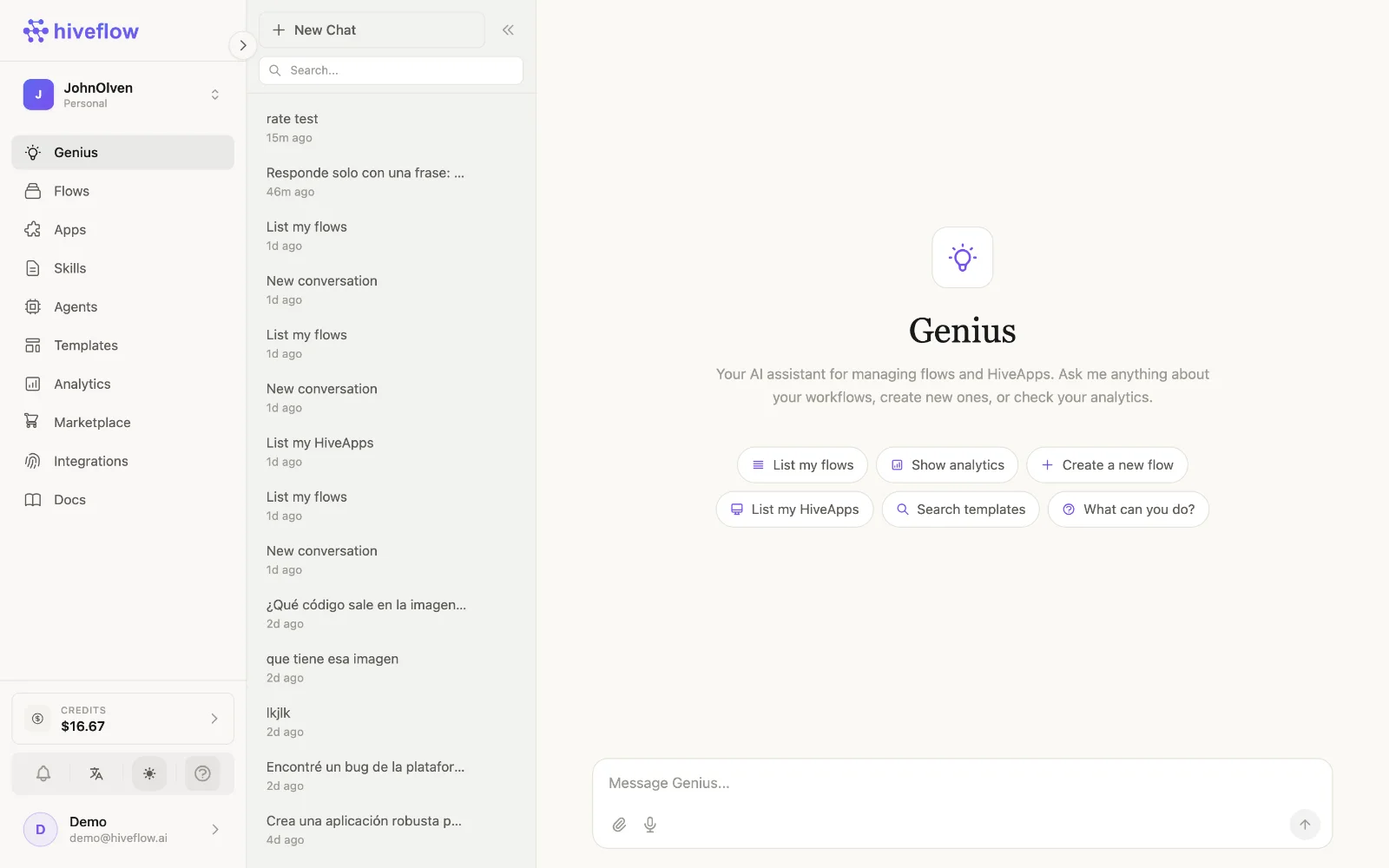
Create an organization
From the switcher at the top of the sidebar, choose Create organization, name it, and you become its owner. The switcher then lets you jump between your personal space and every organization you belong to.
Invite members
Invitations are sent by email from the organization settings; the recipient opens the invite link and the organization appears in their switcher. Each member gets a role that maps to a set of permissions.
Permissions
Organization access is enforced permission by permission across the platform:
| Permission | Grants |
|---|---|
view_resources | See flows, apps, skills and integrations. |
create_resources | Create new flows, apps and skills. |
edit_resources | Modify resources — including connecting integrations. |
delete_resources | Remove resources. |
execute_flows | Run flows and chat with agents. |
view_analytics | Open the Analytics section. |
deploy_apps | Deploy Hive Apps publicly. |
manage_billing | Plans, credits and payment settings. |
Design roles so day-to-day builders have create/edit/execute, while deploy and billing stay with admins.
Workspaces
Inside an organization, workspaces separate projects: each holds its own flows, apps, skills and integrations. Use them per client, per team or per environment (e.g. Production vs Experiments). The switcher shows the active workspace next to the organization.
Billing at the organization level
Organizations have their own credit balance and plan, separate from personal accounts — usage by any member draws from the organization's credits. See Billing & credits.