HiveApp node
Connects a Tool instance — CRM, Kanban, Inventory, Analytics or Chat — to the flow; wired into an LLM Agent it becomes a read/write AI tool.
HiveApp (hiveapp) bridges flows and Tools: select one of your instances (CRM, Kanban, Inventory, Analytics, Chat) and the flow can read and write its data. Connected into an LLM Agent, it becomes a function-calling tool the AI operates on its own.
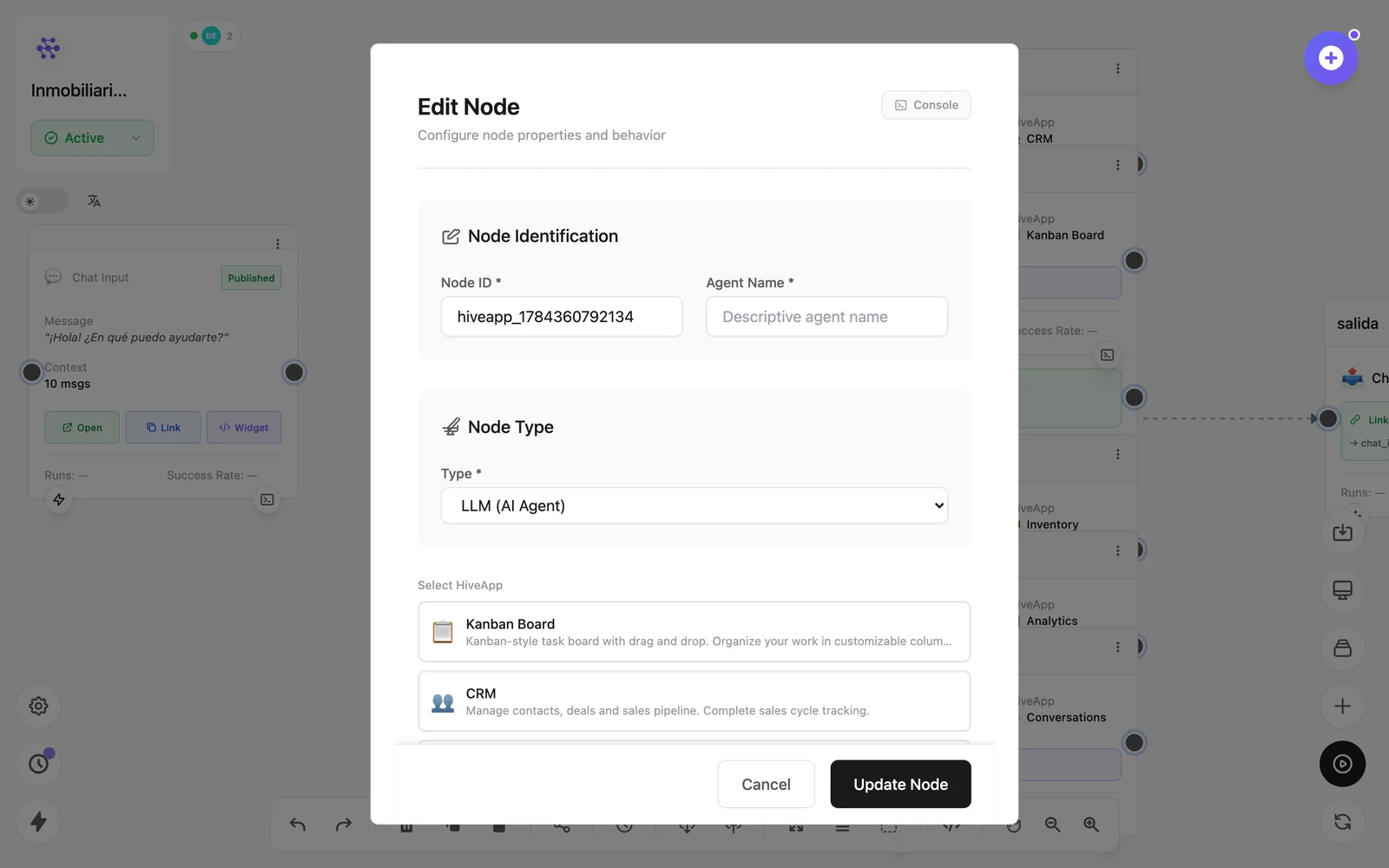
Configuration
Open the node (double-click) to edit it. Key fields:
- Node ID / Name — the identifier used in variables and the display name on the canvas.
- App instance — which Tool this node binds to (shown on the card with an Abrir App shortcut).
Inputs & outputs
As a step it receives operations and emits their results; as a tool the LLM invokes its actions (create card, register contact, adjust stock…). Downstream nodes reference its output with {{node_id.field}} — see the variables reference.
Example
WhatsApp Input → LLM Agent ⇄ HiveApp (CRM)
                          ⇄ HiveApp (Inventario) → WhatsApp Output
See also: Tools · Adding tools