WhatsApp Input node
Receives messages from a connected WhatsApp number and starts the flow with them — the entry point of every WhatsApp bot in HiveFlow.
WhatsApp Input (whatsapp_input) turns messages to your connected WhatsApp number into flow executions, with per-number conversational context.
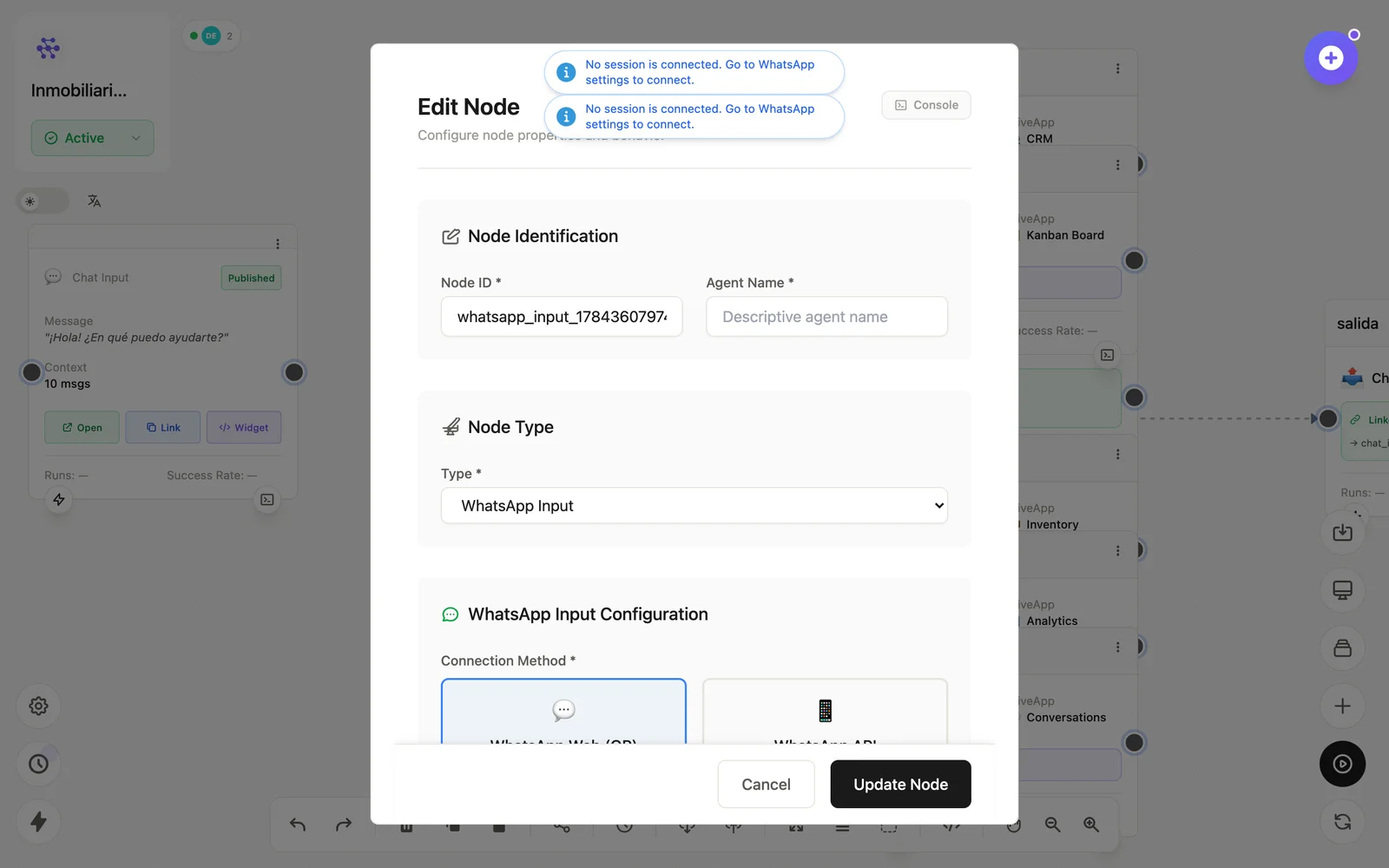
Configuration
Open the node (double-click) to edit it. Key fields:
- Node ID / Name — the identifier used in variables and the display name on the canvas.
- WhatsApp session — which connected number feeds this node.
Inputs & outputs
It emits the incoming message, sender and media for the rest of the flow. Downstream nodes reference its output with {{node_id.field}} — see the variables reference.
Example
WhatsApp Input → LLM Agent ⇄ CRM → WhatsApp OutputSee also: WhatsApp channel · Cookbook: WhatsApp sales