Code node
Runs custom JavaScript inside the flow when no built-in node fits — transformations, calculations and edge-case logic with full access to variables.
Code (code) executes custom JavaScript with the upstream values in scope. It's the escape hatch for the 5% of logic no visual node covers — keep it small and name it well.
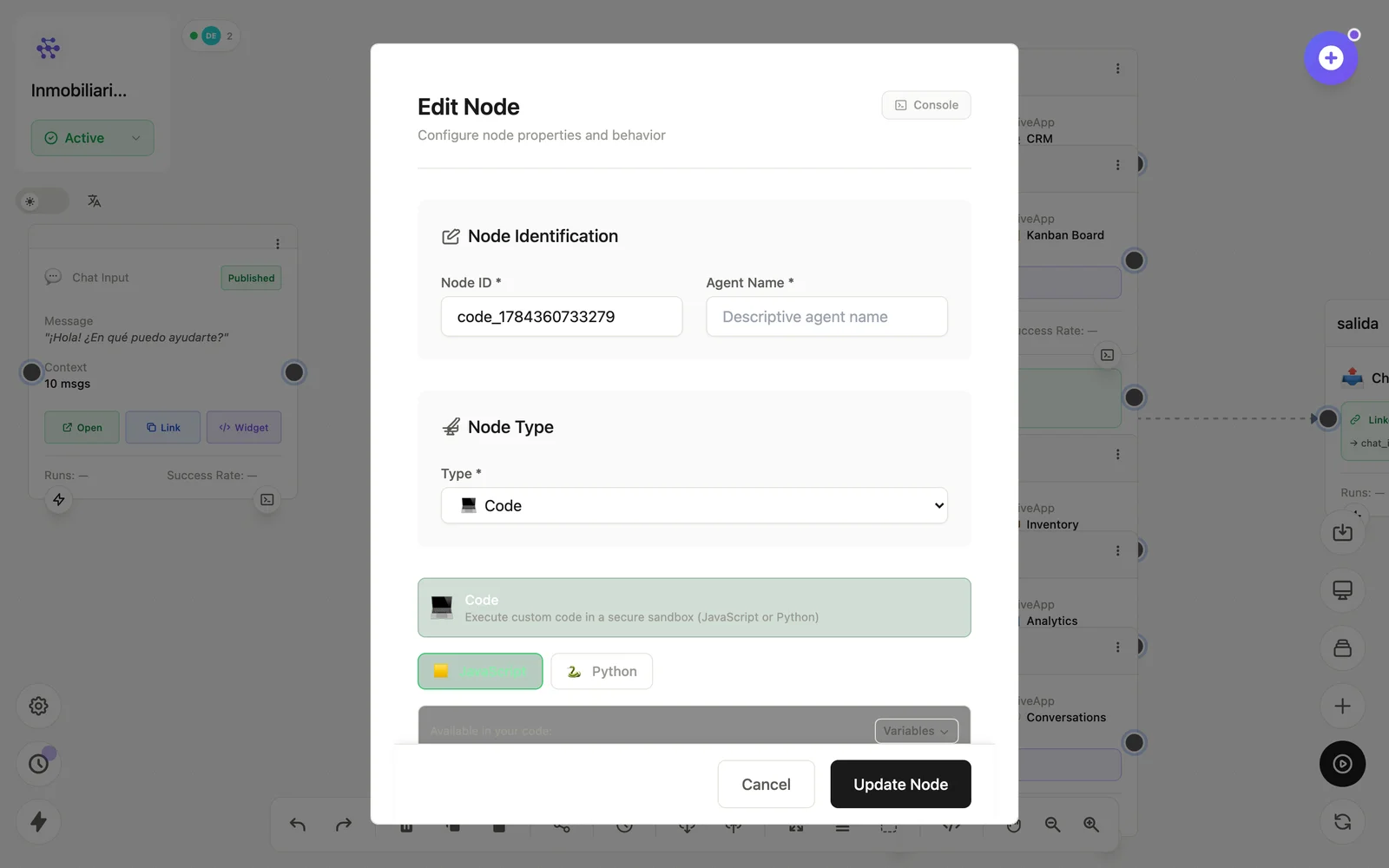
Configuration
Open the node (double-click) to edit it. Key fields:
- Node ID / Name — the identifier used in variables and the display name on the canvas.
- Code — the JavaScript body; return the value you want to emit.
Inputs & outputs
It receives upstream outputs as variables and emits whatever the code returns. Downstream nodes reference its output with {{node_id.field}} — see the variables reference.
Example
HTTP Request → Code (normaliza fechas y montos) → DatabaseSee also: Base nodes · Variables