Conditional Flow node
Routes execution into different branches based on conditions over upstream values — the if/else and business-rules primitive of the canvas.
Conditional Flow (conditional_flow) is the branching primitive: it evaluates conditions over upstream values and routes execution down the matching branch. Use it for routing, validation gates and business rules.
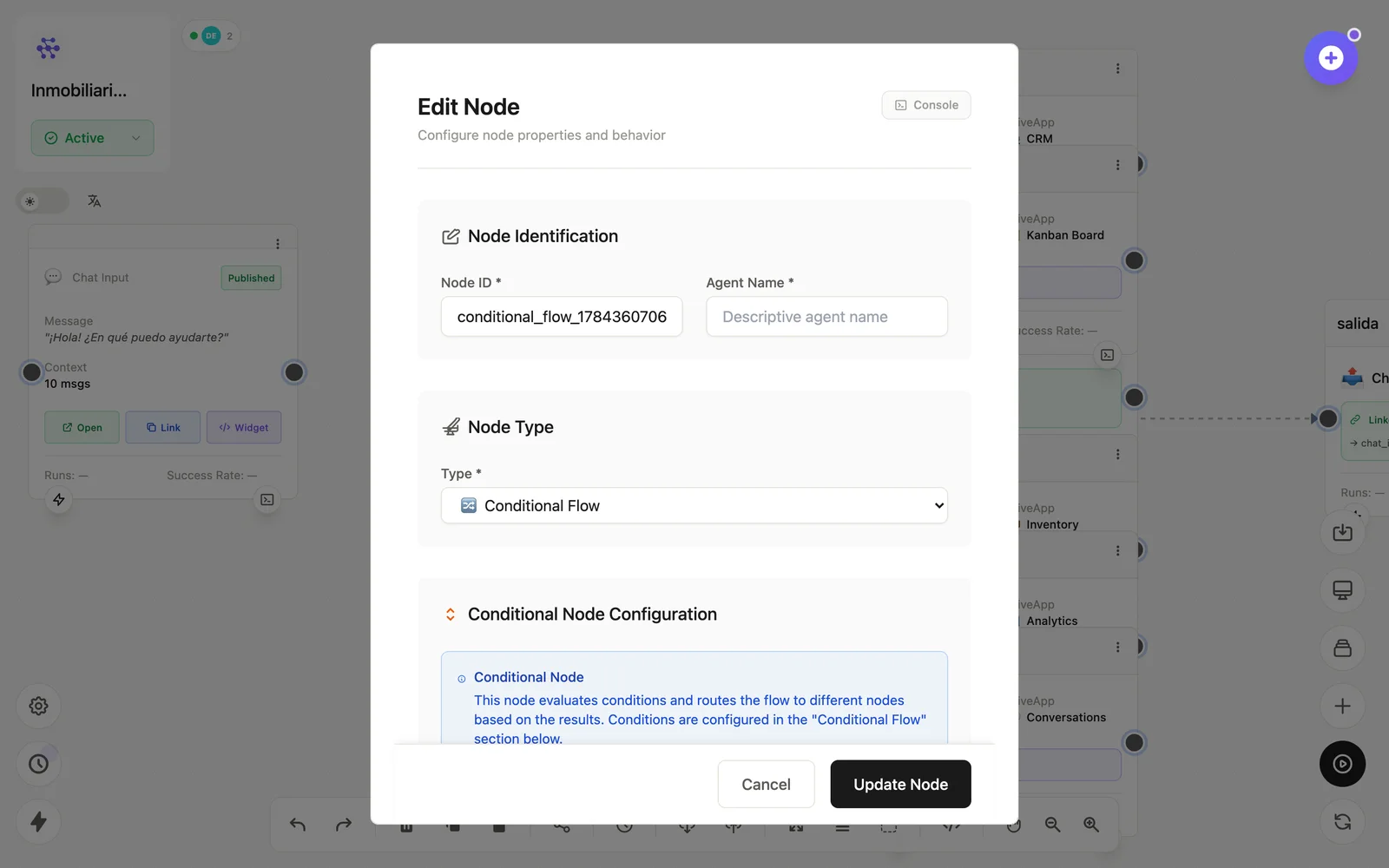
Configuration
Open the node (double-click) to edit it. Key fields:
- Node ID / Name — the identifier used in variables and the display name on the canvas.
- Conditions — comparisons over
{{variables}}(equals, contains, greater than…). - Branches — one outgoing connection per condition, plus a default path.
Inputs & outputs
It receives any upstream data and emits it unchanged down the branch whose condition matched. Downstream nodes reference its output with {{node_id.field}} — see the variables reference.
Example
LLM (clasifica) → Conditional: intent=ventas → CRM
                            intent=soporte → Kanban
See also: Base nodes · Cookbook: lead capture