Filter node
Keeps only the array items that match your conditions — cleaning lists before loops, storage or notifications.
Filter (filter) evaluates conditions over each item of an array and lets through only the matches. Put it before a Loop to avoid processing what you'll discard.
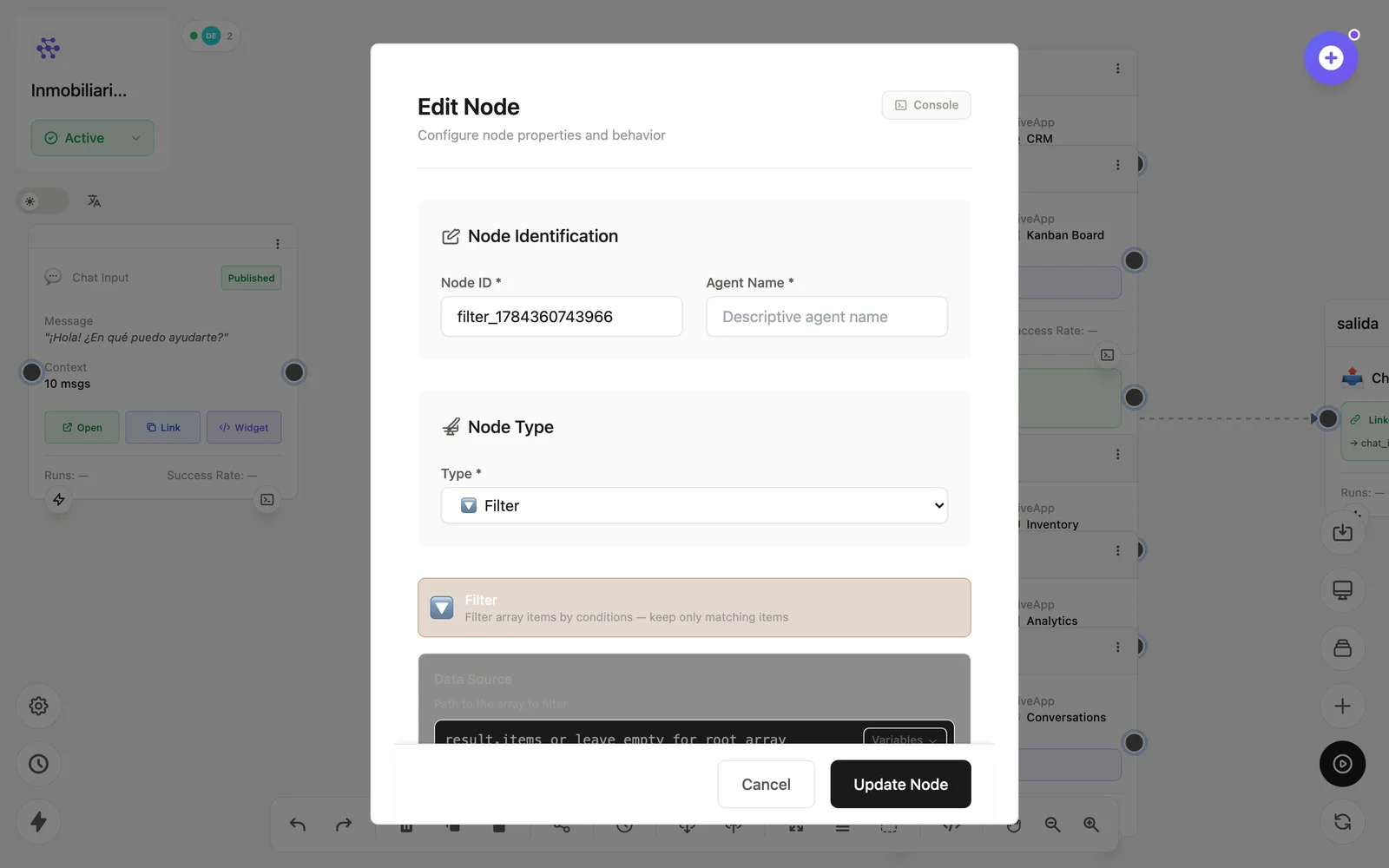
Configuration
Open the node (double-click) to edit it. Key fields:
- Node ID / Name — the identifier used in variables and the display name on the canvas.
- Conditions — per-item comparisons (field equals, contains, greater than…).
Inputs & outputs
It receives an array and emits the filtered array. Downstream nodes reference its output with {{node_id.field}} — see the variables reference.
Example
Database (orders) → Filter (status = 'pending') → Loop → WhatsApp OutputSee also: Base nodes · Loop