Loop node
Iterates over an array, running the downstream branch once per item — the batch-processing primitive for lists of leads, files or records.
Loop (loop) takes an array and runs the connected branch once per item. Combine with Aggregate to collect the results back into one output.
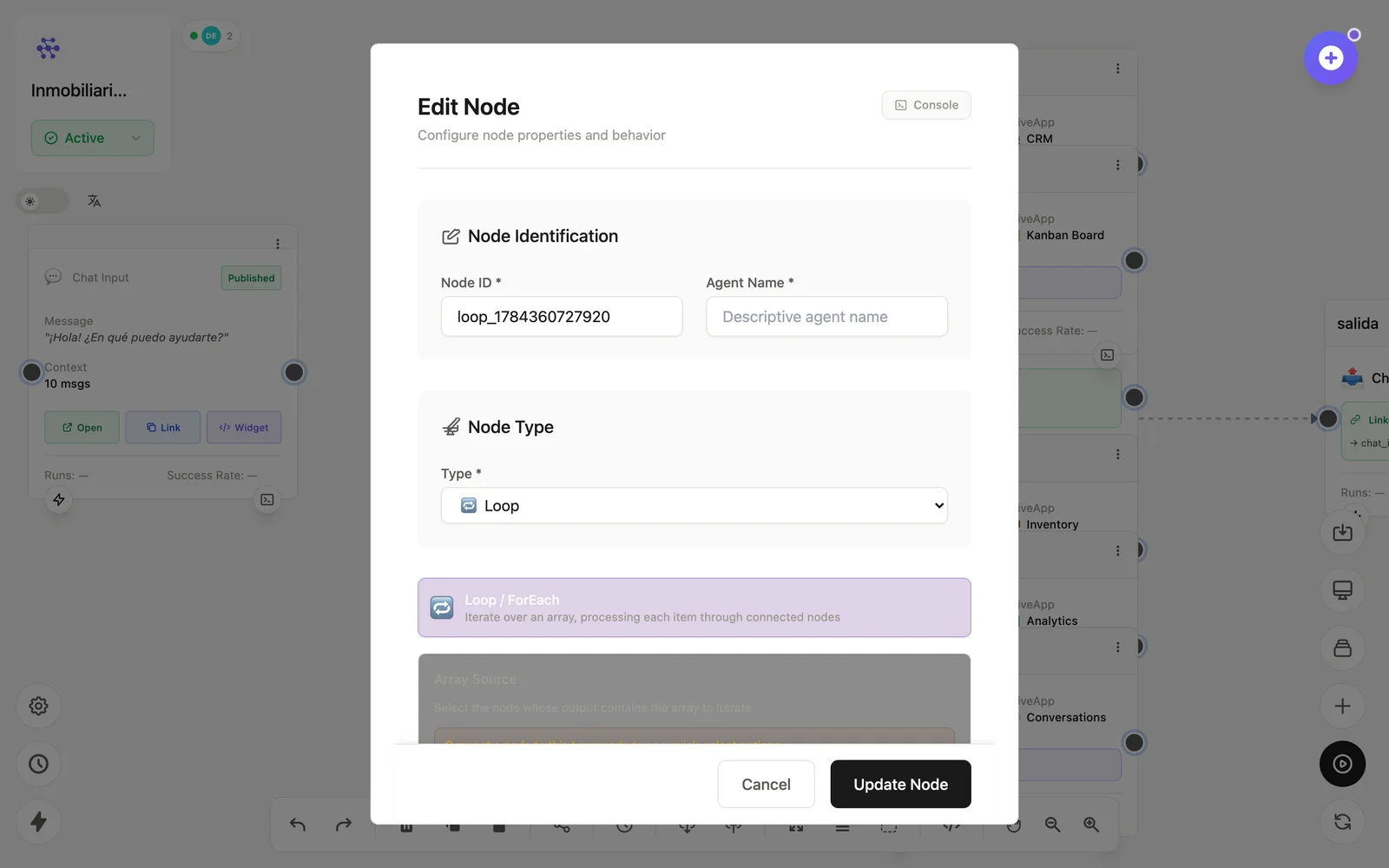
Configuration
Open the node (double-click) to edit it. Key fields:
- Node ID / Name — the identifier used in variables and the display name on the canvas.
- Source array — the
{{variable}}to iterate. - Item variable — how each element is exposed to the branch.
Inputs & outputs
It receives an array and emits each item, one branch run at a time. Downstream nodes reference its output with {{node_id.field}} — see the variables reference.
Example
Database (leads sin contactar) → Loop → LLM (personaliza) → EmailSee also: Base nodes · Aggregate