Trigger node
HTTP entry point for a flow: exposes a webhook URL with its own API key so external systems, scripts or apps can execute the flow remotely.
Trigger (trigger) turns a flow into an HTTP endpoint: it exposes a webhook URL with a per-flow API key. Call it with a JSON body and the flow runs with that payload — the mechanism behind the HiveFlow API triggers and Hive App backends.
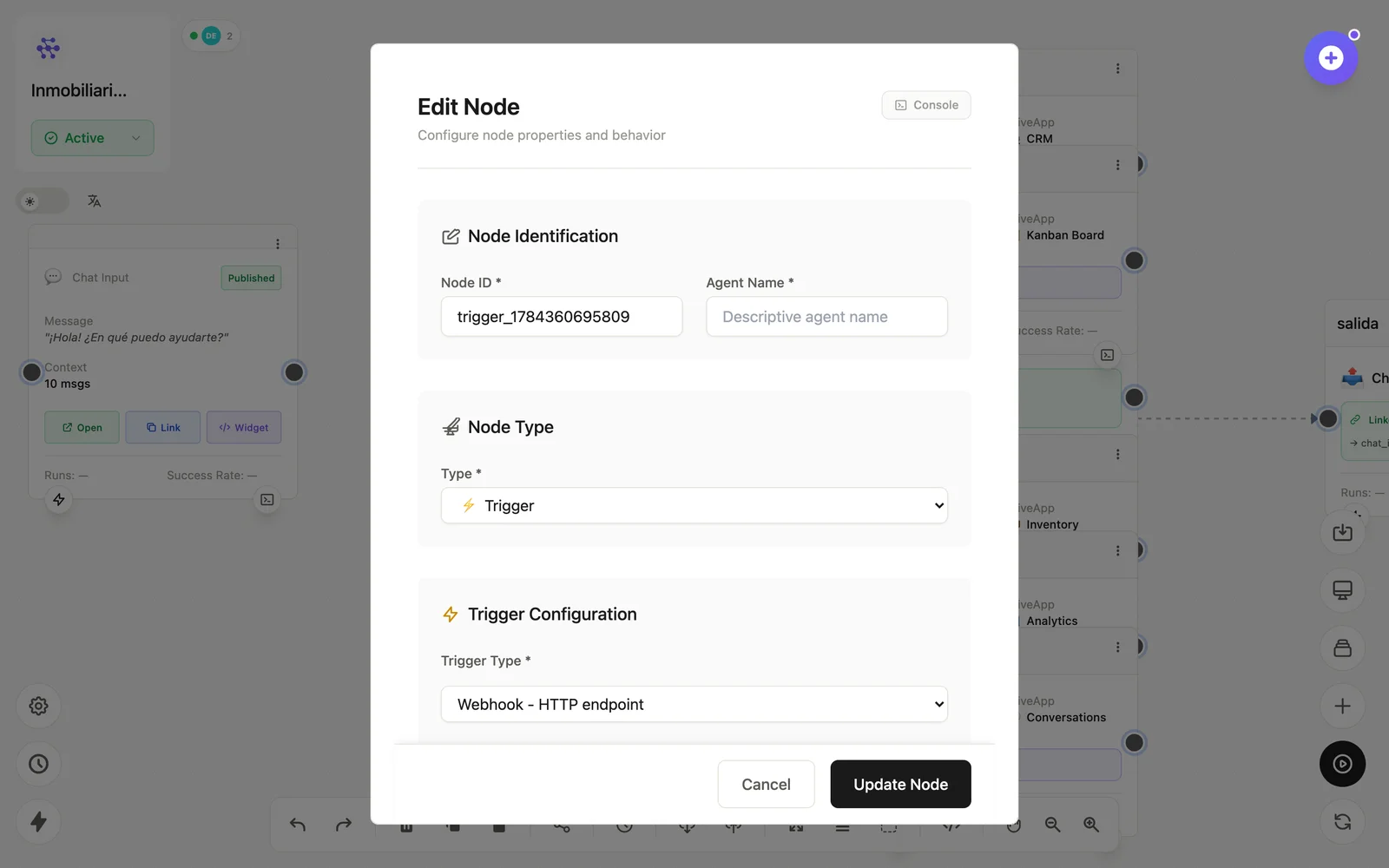
Configuration
Open the node (double-click) to edit it. Key fields:
- Node ID / Name — the identifier used in variables and the display name on the canvas.
- Webhook URL & API key — shown on the node; the key travels in the URL.
- Enabled/Disabled — the node card shows the trigger's HTTP state.
Inputs & outputs
It receives the HTTP request body and emits it as the flow's input data. Downstream nodes reference its output with {{node_id.field}} — see the variables reference.
Example
POST /api/triggers/flow/{flowId}/{apiKey}  {"message": "New order"}
  → Trigger → LLM Agent → Email
See also: HiveFlow API · Running flows