MCP Server node
Exposes the flow as an MCP server over HTTP — with auth and rate limiting — so Claude, Cursor or any MCP client can run it as a tool.
MCP Server (mcp_server) publishes this flow to the MCP ecosystem: any MCP-speaking assistant can discover and execute it as one of its tools. Your automation becomes a capability of other AIs.
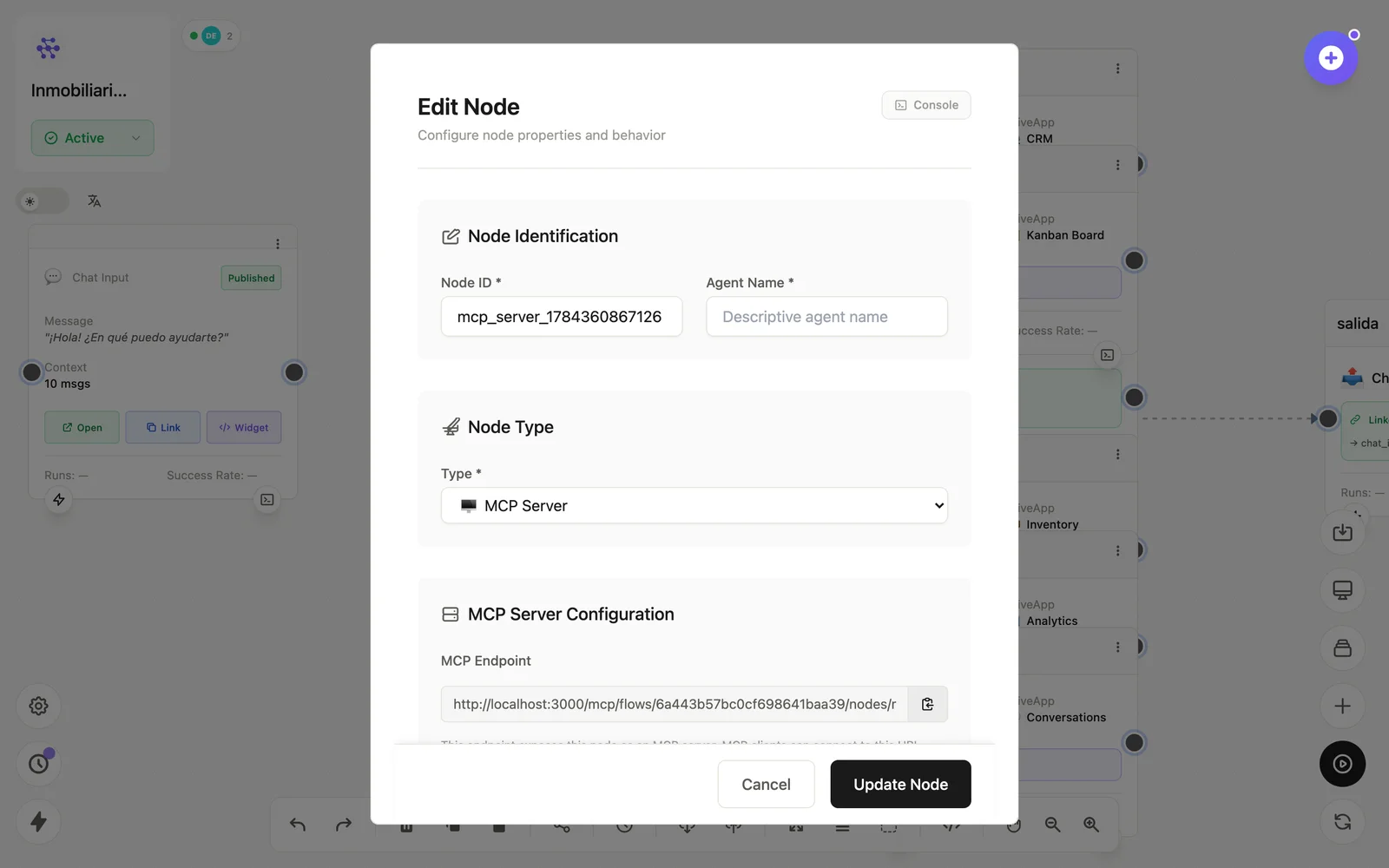
Configuration
Open the node (double-click) to edit it. Key fields:
- Node ID / Name — the identifier used in variables and the display name on the canvas.
- Endpoint & auth — the HTTP surface and its credentials.
- Rate limiting — protection for the public endpoint.
Inputs & outputs
It receives MCP tool calls from external clients and emits them into the flow; the flow's output returns to the caller. Downstream nodes reference its output with {{node_id.field}} — see the variables reference.
Example
Claude Desktop ⇄ MCP Server → (este flow) → resultado a ClaudeSee also: Cookbook: flow as MCP tool · MCP nodes