MCP (Integrations) nodes
MCP Client, MCP Tool, MCP Resource and MCP Server — how HiveFlow speaks the Model Context Protocol in both directions.
The Integrations category is built on MCP (Model Context Protocol) — the open standard for connecting AI to tools. HiveFlow speaks it in both directions: it consumes MCP servers (yours or from connected integrations) and can expose your flows as MCP servers for other AI assistants.
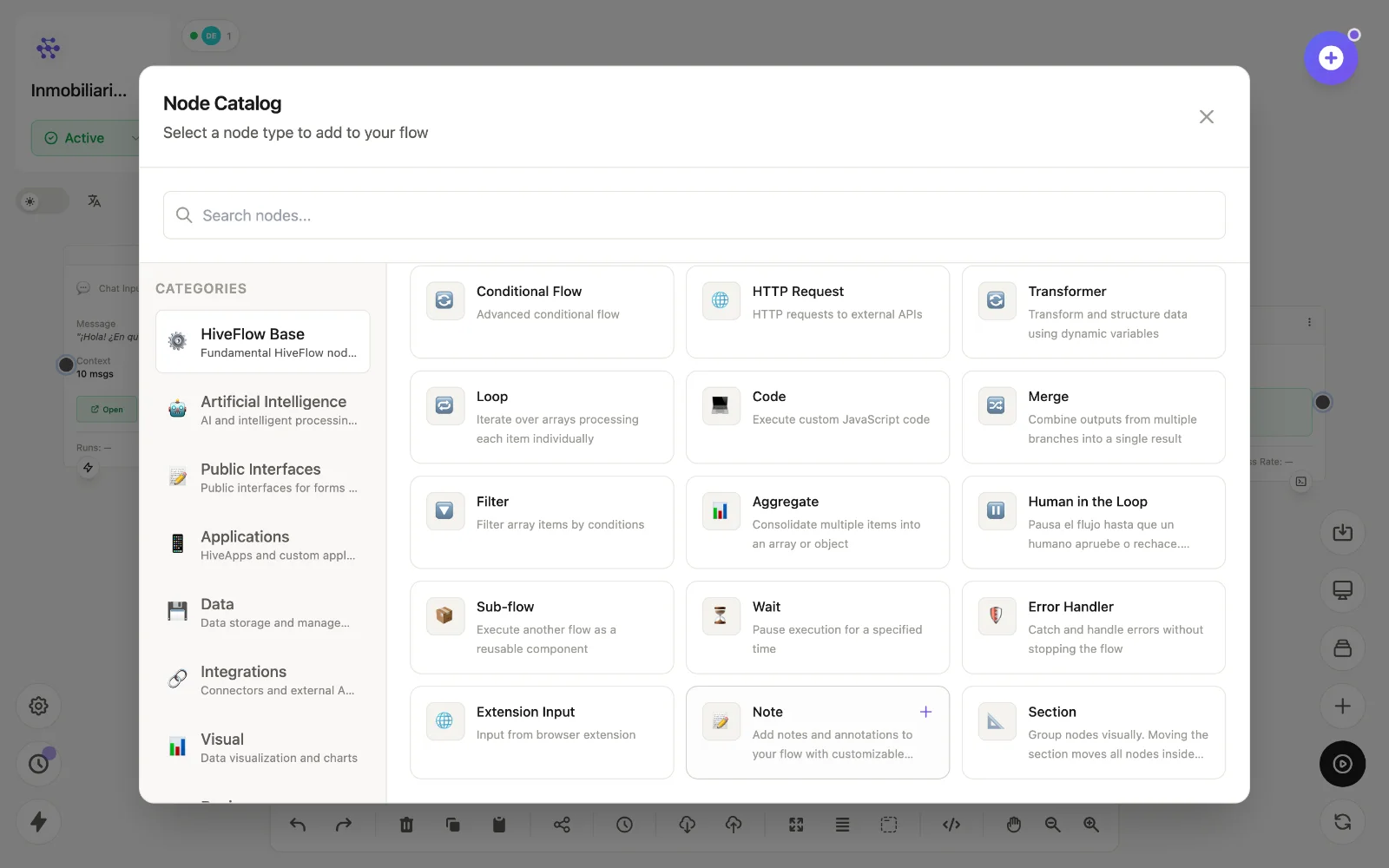
The nodes
| Node | id | What it does |
|---|---|---|
| MCP Client | mcp_client | Selects a registered MCP server and makes its tools available — connect it into an LLM Agent to hand those tools to the AI. |
| MCP Tool | mcp_tool | Executes a specific tool (or reads resources) from an MCP server as a flow step. |
| MCP Resource | mcp_resource | Reads resources exposed by MCP servers, with format, encoding and cache options. |
| MCP Server | mcp_server | Exposes this flow as an MCP server over HTTP — with auth and rate limiting — so Claude, Cursor or any MCP client can call it as a tool. |
Consuming tools (most common)
- Connect an integration in Dashboard → Integrations (this registers an MCP server with your credentials).
- Add an MCP Client or MCP Tool node and pick the server/tool.
- Wire it into the LLM Agent and enable Function Calling — the model now uses the integration on its own. Full guide: adding tools.
Publishing your flow as a tool
Add an MCP Server node (or use Dashboard → MCP Generator) to turn a flow into an MCP endpoint. Anything that speaks MCP — Claude Desktop, IDEs, other agents — can then execute your automation as one of its tools. This also powers the HiveFlow MCP server for AI assistants.