Desktop & mobile
The Electron desktop app for macOS, Windows and Linux — required for device agents — plus the native iOS and Android apps, with approvals on Apple Watch and Wear OS.
HiveFlow lives beyond the browser: a desktop app (Electron) that also powers the device-control nodes, and native mobile apps for iOS and Android that put your workspace — and the approvals your flows are waiting on — in your pocket and on your wrist.
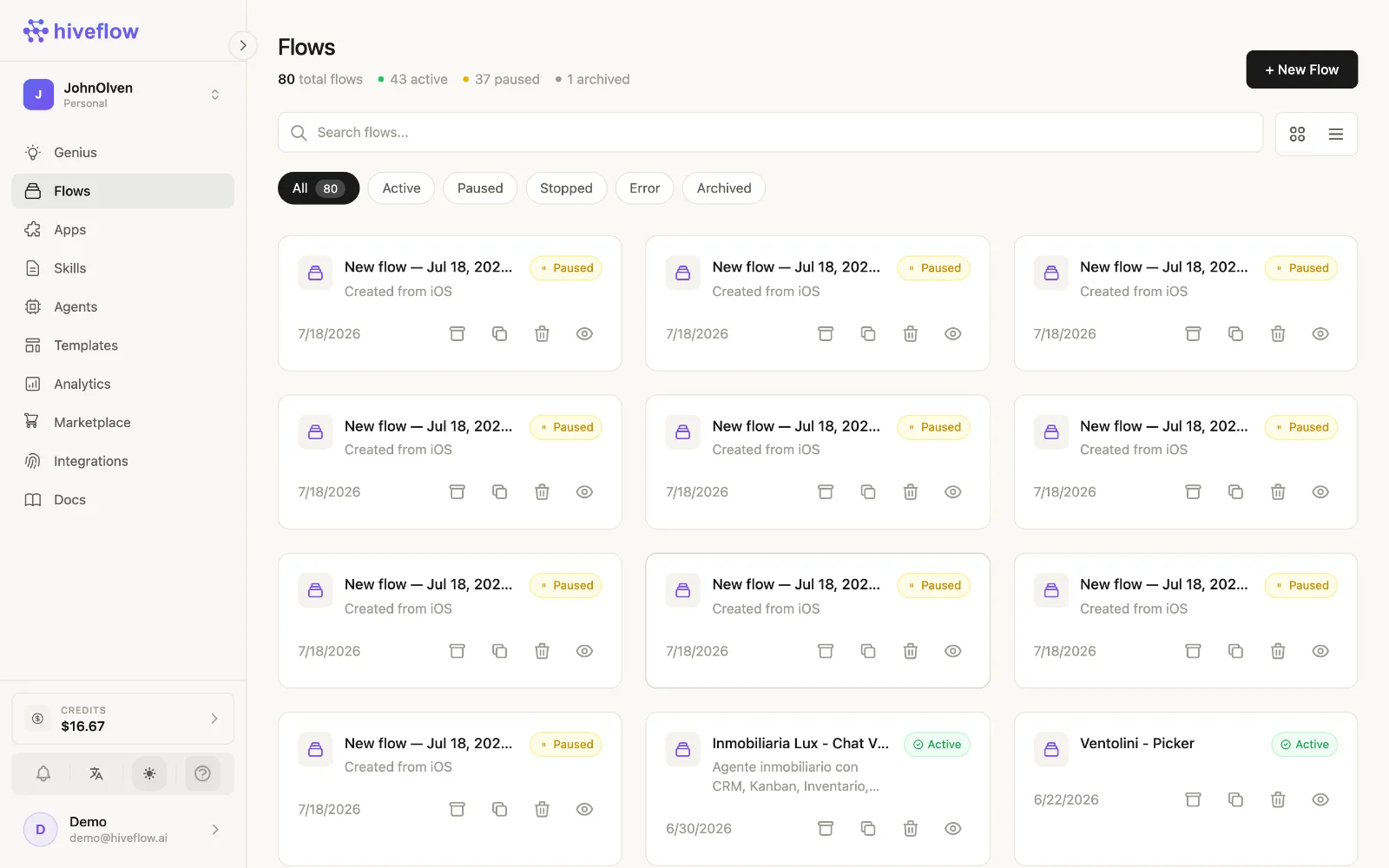
Everything below signs in with the same HiveFlow account and stays in sync with the web dashboard. The fastest way to get the right build for the machine you're on is hiveflow.ai/download, which detects your OS and offers the rest.
Desktop app (macOS, Windows, Linux)
The desktop app wraps the full dashboard in a native window. Download the installer for your OS:
| OS | Download | Releases |
|---|---|---|
| macOS | hiveflow.ai/download — signed and notarized .dmg, universal (Apple Silicon + Intel) | hiveflowai/hiveflow-mac-os |
| Windows | hiveflow.ai/download — .exe installer, 64 & 32-bit | hiveflowai/hiveflow-windows |
| Linux | hiveflow.ai/download — self-updating AppImage or .deb, x64 and ARM64 | hiveflowai/hiveflow-linux |
The app updates itself, so you only download it once. On Windows, SmartScreen may ask the first time: More info → Run anyway.
Device agents
The desktop app is also the local agent behind the Device nodes (mac_agent, pc_agent, linux_agent): with the app running on a machine, your flows can operate it remotely — files, terminal commands, system info and applications. Install the app on the target machine, sign in with the same account, and the machine becomes selectable in the device node's configuration.
Security note: device agents execute real commands. Keep those flows private and gate destructive steps with Human in the Loop.
iOS app (iPhone, iPad, Apple Watch)
HiveFlow AI on the App Store — native SwiftUI, with widgets and an Apple Watch companion.
- Browse and manage flows and their status (Active/Paused), and run one on demand.
- Chat with your Agents and with Genius, with streaming replies.
- Follow executions and credits while away from the desk.
- Approve or reject Human in the Loop steps from the watch, without unlocking the phone.
Android app (phone, tablet, Wear OS)
HiveFlow on Google Play — native Kotlin and Jetpack Compose with Material 3, adaptive layout (bottom bar on phones, navigation rail on tablets) and a Wear OS companion.
- The same flows, executions and history as on iOS.
- Genius chat with SSE streaming.
- Inbox with human-in-the-loop approvals, mirrored to Wear OS — the watch picks the session up from the phone, nothing to configure.
- Push notifications for what actually needs you: a pending approval, a failed run, a credit threshold.
Which one do I need?
- Just building flows? The web app is enough.
- Controlling a computer from flows? Desktop app on that computer.
- Answering your agents on the go? The iOS or Android app.
- Approving steps without pulling out your phone? Apple Watch or Wear OS.
- Working from a terminal? The CLI.
- Driving HiveFlow from Claude or ChatGPT? The MCP connector.