Flow Input node
Entry point of a flow: defines the data it accepts — form fields, chat messages, media or API payloads. The modern replacement for the raw Trigger.
Flow Input (flow_input) is where a flow begins: it declares what data the flow accepts (form, chat, media or API payload) and exposes it to every downstream node. Start new flows here unless you specifically need a raw webhook.
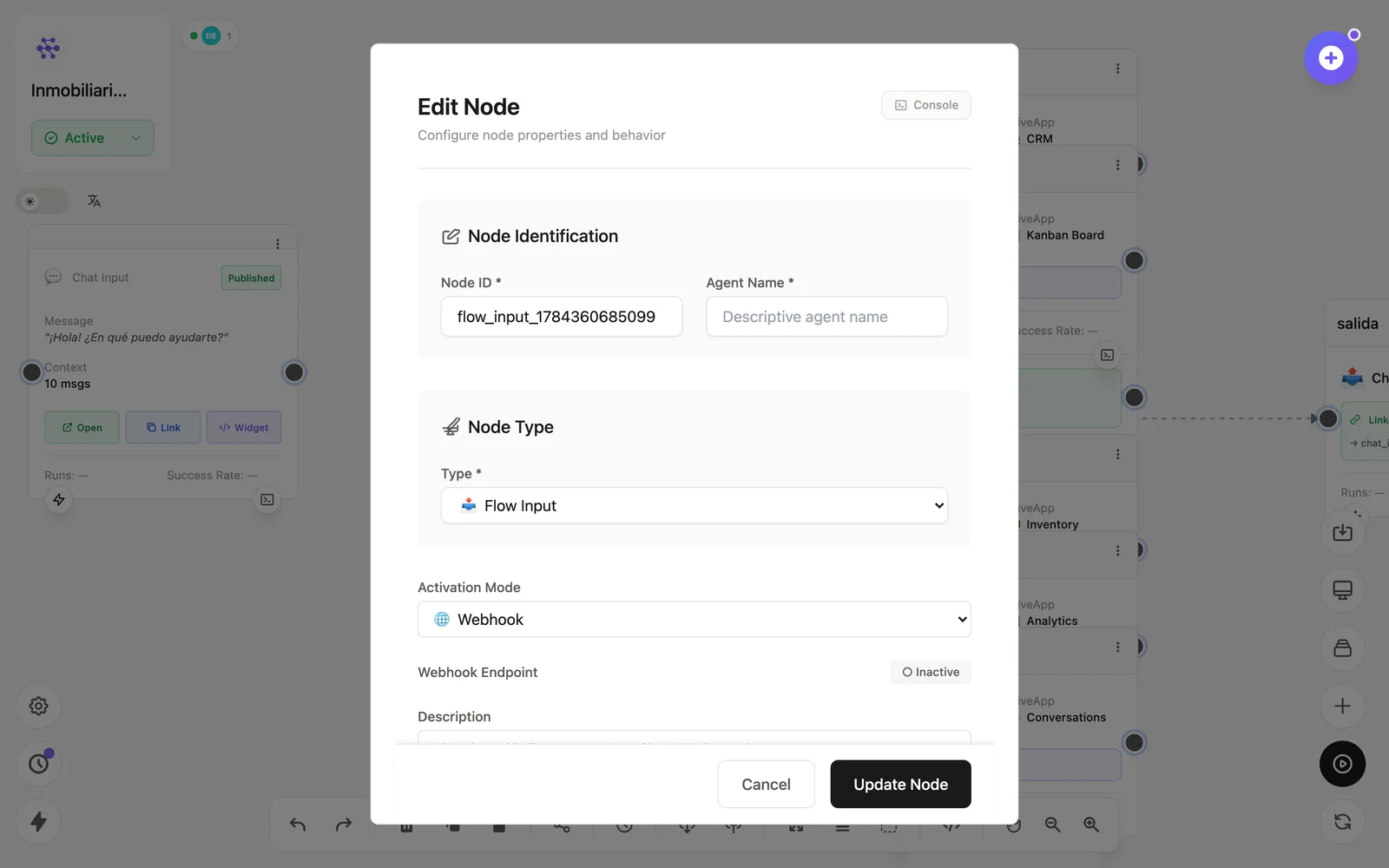
Configuration
Open the node (double-click) to edit it. Key fields:
- Node ID / Name — the identifier used in variables and the display name on the canvas.
- Input mode — form, chat, media or API, which shapes the fields offered.
- Fields — the typed inputs (name, type, required) the flow will receive.
Inputs & outputs
It receives the trigger payload and emits one field per declared input. Downstream nodes reference its output with {{node_id.field}} — see the variables reference.
Example
Flow Input (fields: name, email) → LLM Agent → Flow OutputSee also: Base nodes · Running flows