Wait node
Pauses execution for a set amount of time — pacing between API calls, delays before follow-ups, or spacing steps in long automations.
Wait (wait) inserts a timed pause: rate-limit friendly API sequences, polite follow-up delays, or scheduled-feeling steps inside a run.
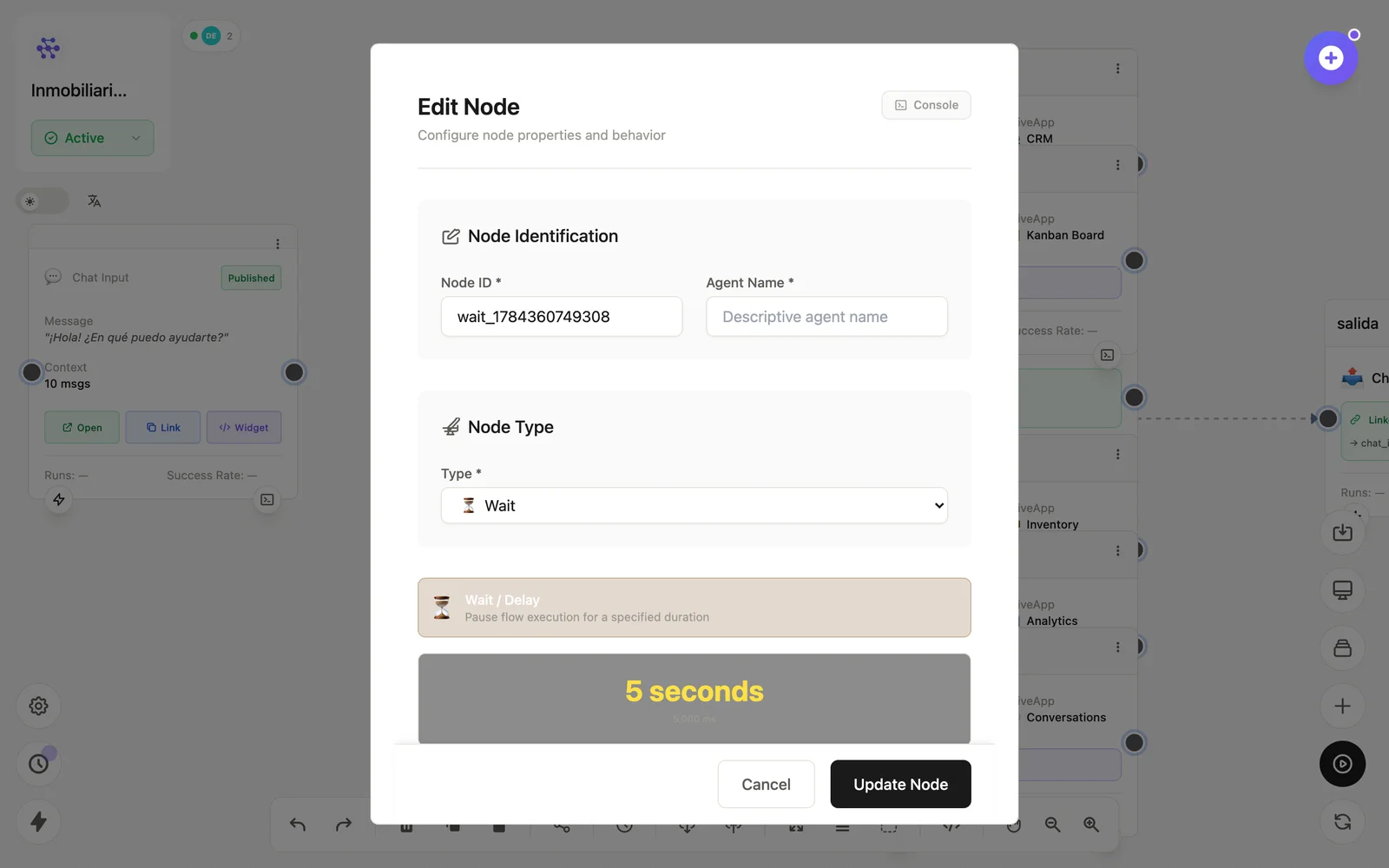
Configuration
Open the node (double-click) to edit it. Key fields:
- Node ID / Name — the identifier used in variables and the display name on the canvas.
- Duration — how long to pause before continuing.
Inputs & outputs
It passes its input through unchanged after the pause. Downstream nodes reference its output with {{node_id.field}} — see the variables reference.
Example
Email (propuesta) → Wait (2 días) → Conditional (¿respondió?) → Email (follow-up)See also: Base nodes · Running flows