MCP Tool node
Executes one specific tool of an MCP server as a flow step — deterministic integration calls without giving the whole toolset to an agent.
MCP Tool (mcp_tool) runs a chosen tool from an MCP server with explicit arguments — the deterministic sibling of MCP Client: no model decision, just the call.
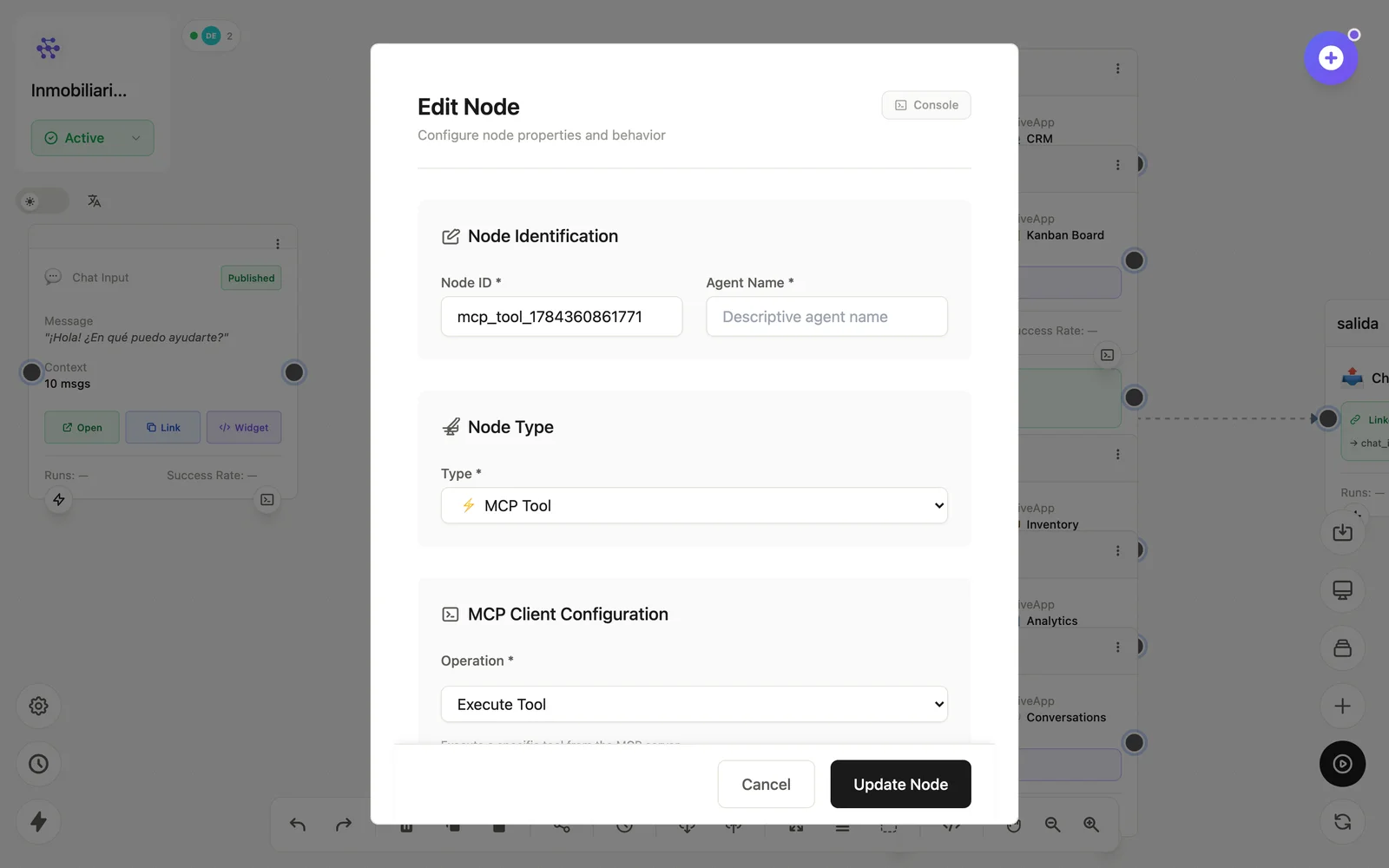
Configuration
Open the node (double-click) to edit it. Key fields:
- Node ID / Name — the identifier used in variables and the display name on the canvas.
- Server & tool — which tool to execute.
- Arguments — the payload, with
{{variables}}.
Inputs & outputs
It receives its arguments and emits the tool's result. Downstream nodes reference its output with {{node_id.field}} — see the variables reference.
Example
Trigger → MCP Tool (slack.postMessage) → Flow OutputSee also: MCP nodes · Connecting integrations