Create your account
Sign up for HiveFlow with email or Google/GitHub, verify with a one-time code, and get your starting credits.
Sign up
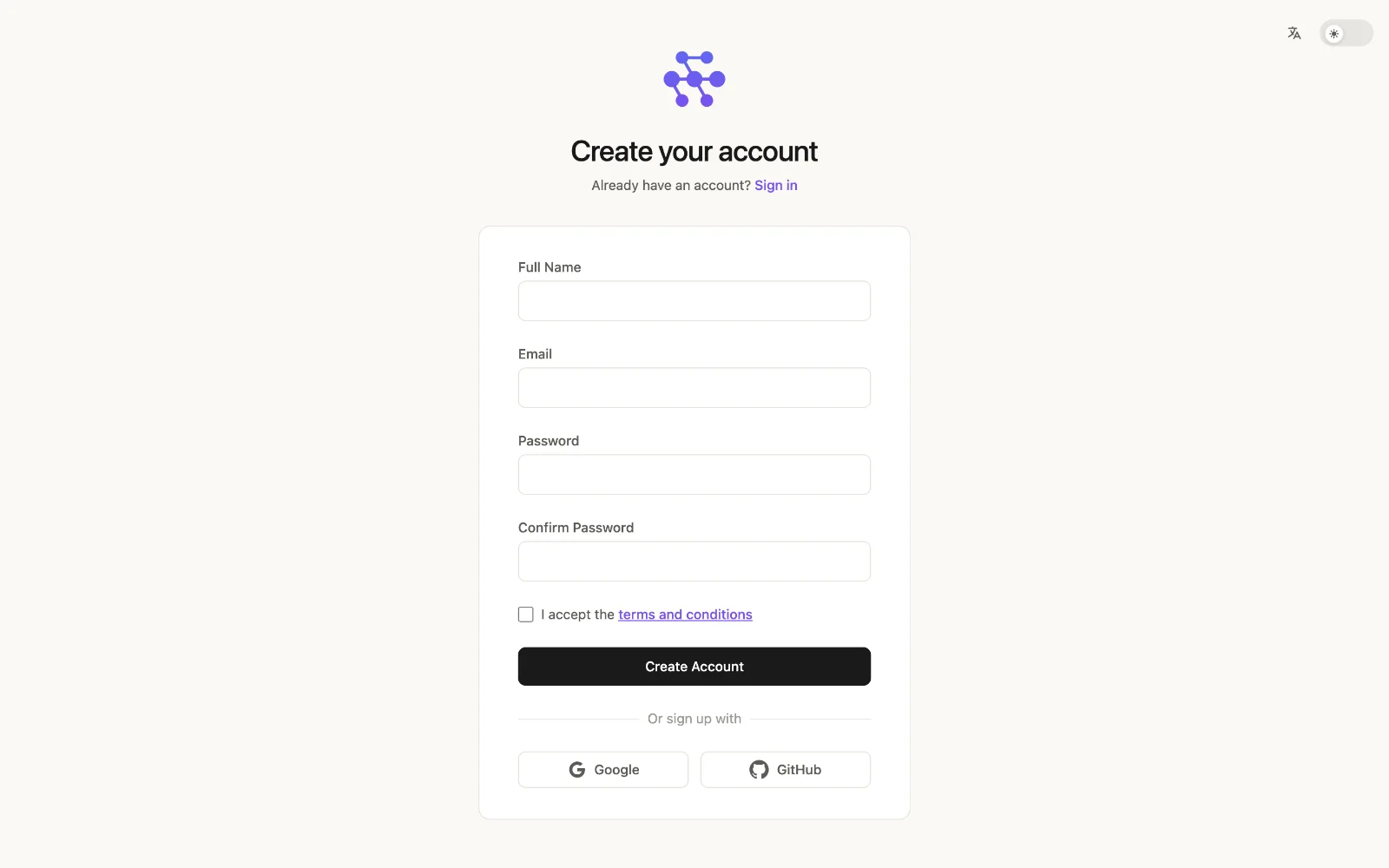
Go to app.hiveflow.ai/signup and create your account with your name, email and a password — or use Continue with Google / Continue with GitHub to sign up in one click.
Verify with a one-time code
For email sign-ups, HiveFlow uses two-step verification: after submitting the form you'll receive a one-time code (OTP) in your inbox. Enter it to activate the account. The same verification protects logins and password resets.
Your starting credits
New accounts start with free credits for AI usage. Every LLM call in HiveFlow (flows, agents, Genius, Hive Apps) consumes credits from your balance, which you can see at the bottom of the sidebar. You can top up or subscribe to a plan anytime from Profile → Subscription.
Organizations and workspaces
Your account starts in a personal space, and you can create or join organizations to collaborate: members, roles and permissions, shared workspaces and team billing. Invitations arrive by email; accepting one adds the organization to the switcher at the top of the sidebar.
Next step
Continue with the interface tour or jump straight to the quickstart.