LLM Agent node
The AI brain of a flow: pick a provider and model, define role and prompt, enable function calling with tools, and debug every decision in its console.
LLM Agent (llm) is where intelligence happens: it reasons over its input with a language model, optionally calls tools, and emits its answer. One node type covers every AI use case — from a one-shot summarizer to a multi-tool agent.
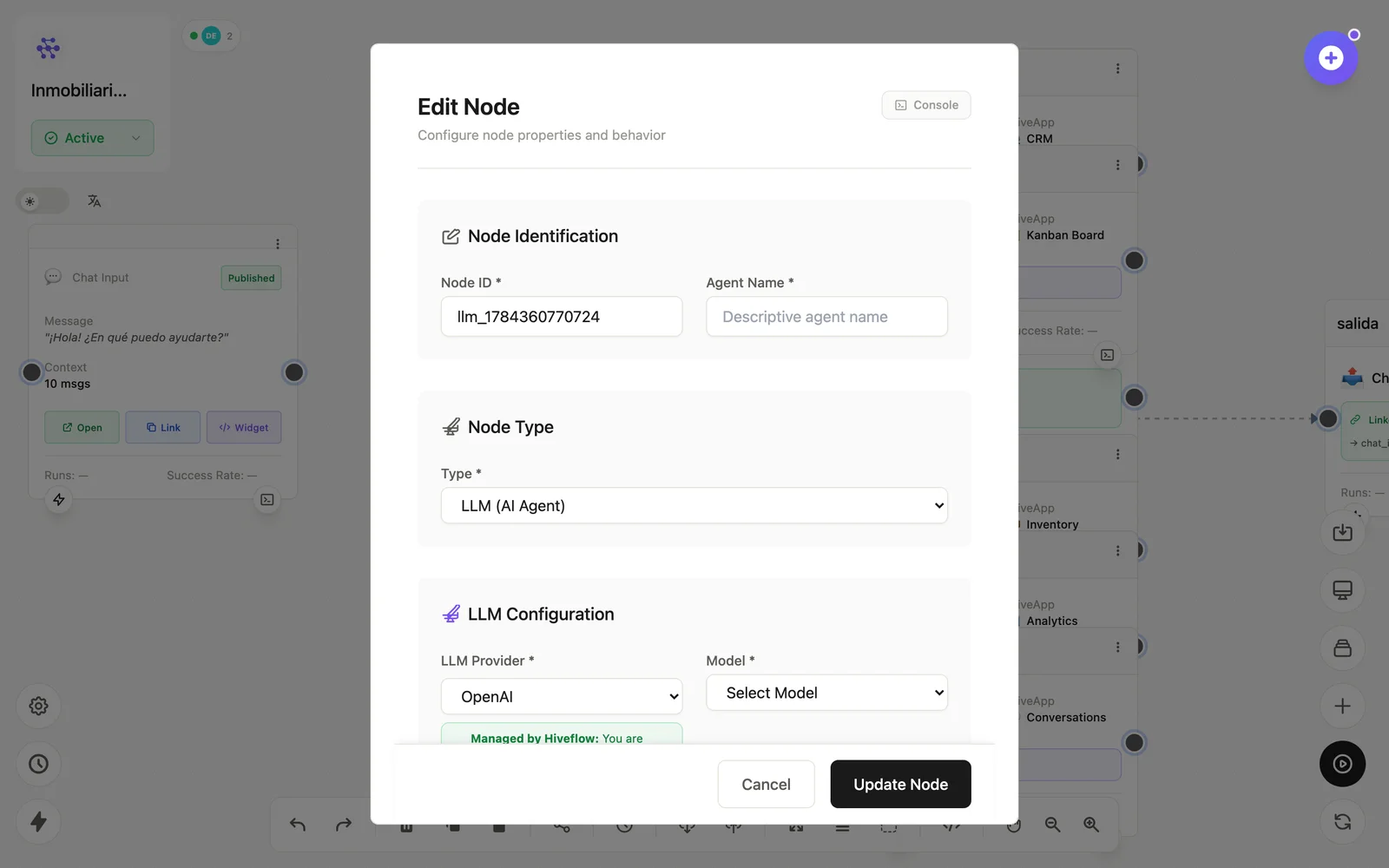
Configuration
Open the node (double-click) to edit it. Key fields:
- Node ID / Name — the identifier used in variables and the display name on the canvas.
- Provider & Model — OpenAI, Anthropic, Gemini, Vertex, Azure, Bedrock, Groq, Mistral, HuggingFace, Friendli, Perplexity… Managed by HiveFlow (credits) or your own keys.
- Objective — the system prompt: who the agent is and what it must achieve.
- Prompt — the per-run input, usually
{{message}}. - Function Calling — enable tools wired into the node; temperature / max tokens tune the output.
Inputs & outputs
It receives its prompt (plus chat context when fed by a Chat Input, and Skills in scope) and emits the model's response — with tool-call traces in its Console. Downstream nodes reference its output with {{node_id.field}} — see the variables reference.
Example
Chat Input → LLM Agent ⇄ CRM (tool)
                     ⇄ MCP Tool (Airtable)
            → Chat Output
See also: Adding tools · What is an AI agent? · Creating agents