Merge node
Combines the outputs of multiple branches into a single result, so parallel work reunites before continuing down the flow.
Merge (merge) reunites parallel branches: connect several nodes into it and it emits one combined result. The counterpart of fanning out edges for parallel execution.
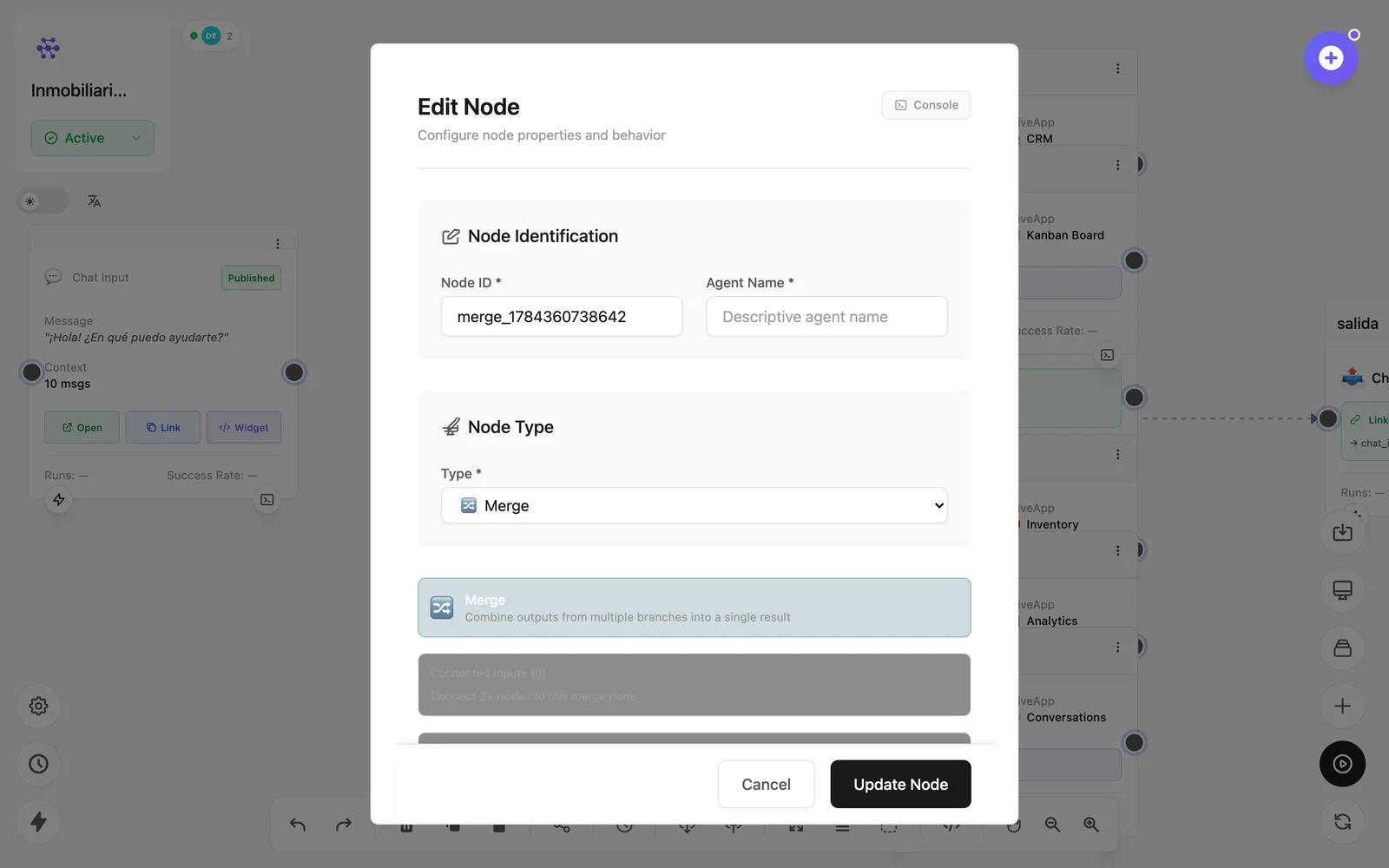
Configuration
Open the node (double-click) to edit it. Key fields:
- Node ID / Name — the identifier used in variables and the display name on the canvas.
- Merge strategy — how the incoming outputs combine into one object.
Inputs & outputs
It receives multiple branch outputs and emits the combined object. Downstream nodes reference its output with {{node_id.field}} — see the variables reference.
Example
HTTP (clima) ┐
HTTP (tráfico) ┴→ Merge → LLM (reporte del día)
See also: Base nodes · Aggregate