Data nodes
Memory, Database, Inspector, PDF Extractor, S3 Storage, Pandas Processor and PDF Generator — storing, querying and transforming data in flows.
Data nodes give flows persistence and data processing power — from a quick in-memory store to MongoDB, S3 files and pandas transformations.
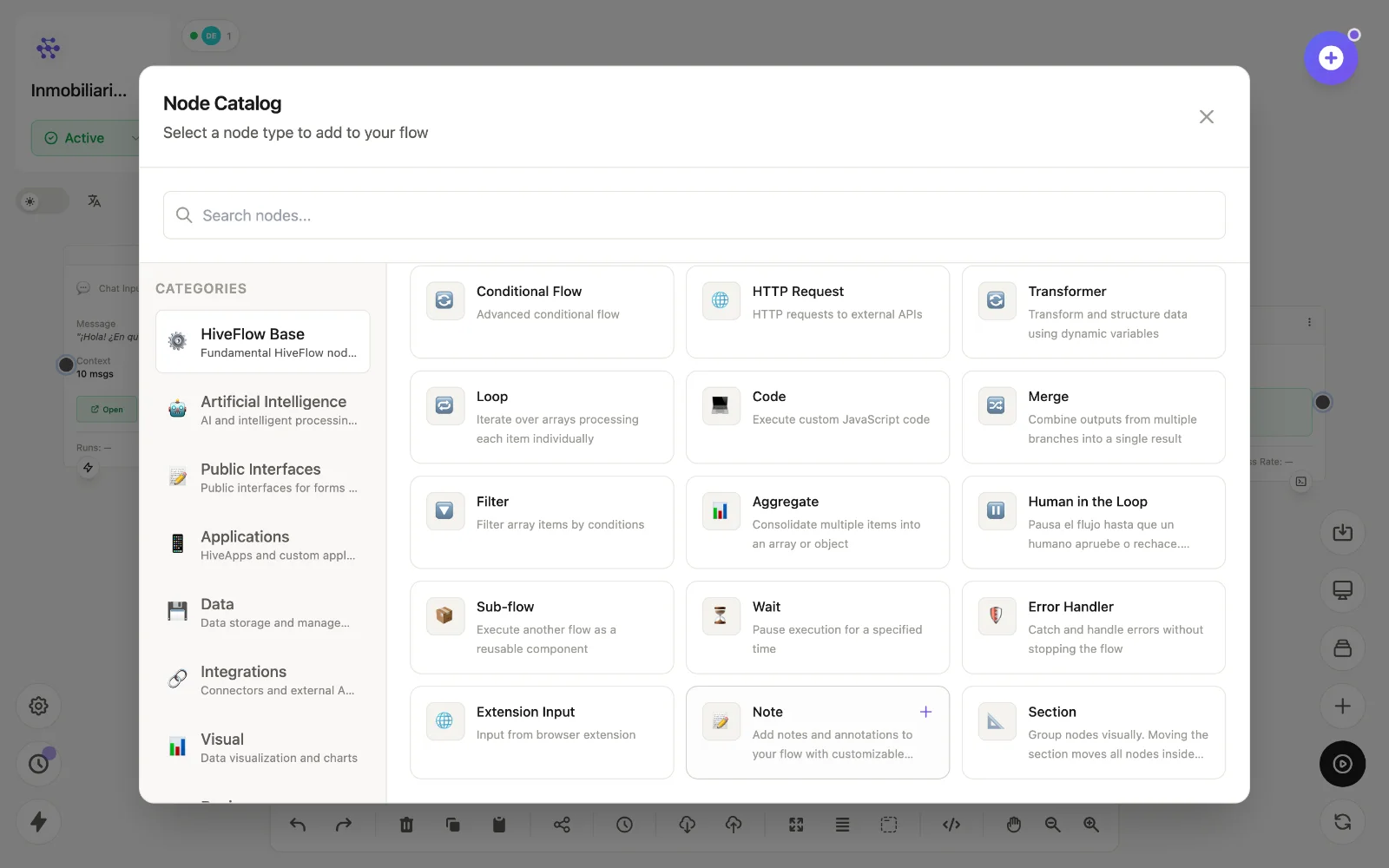
The nodes
| Node | id | What it does |
|---|---|---|
| Memory Database | memory | Lightweight in-memory store with save/read operations — state between nodes or runs without external infra. |
| Database | database | Connects to MongoDB and runs CRUD operations (find, insert, update, delete) with variables in the queries. |
| Inspector | inspector | Inspects and queries databases — schemas, collections and ad-hoc reads while you build. |
| PDF Extractor | pdf_extractor | Extracts tables from PDFs (Python/tabula under the hood) into structured data. |
| S3 Storage | s3_storage | Uploads, downloads, lists and deletes files in Amazon S3 buckets. |
| Pandas Processor | pandas_processor | Transforms tabular data with pandas: filter, aggregate, pivot, join. |
| PDF Generator | pdf_generator | Generates PDFs from visual templates or DOCX files with dynamic variables — invoices, reports, certificates. |
Typical patterns
form_input → database— capture structured records from a public form.pdf_extractor → pandas_processor → chart— turn a PDF report into clean data and a visualization.llm → pdf_generator → email— AI writes the content, the flow delivers a formatted PDF.database → llm— wire the database into the LLM node so the agent can answer from your data.
For external databases and SaaS (Postgres, Airtable, Notion…), use Integrations instead — they connect via MCP and appear as tools.