Mac Agent node
Remote control of a macOS machine from a flow — files, terminal commands, system info and applications via the HiveFlow desktop agent.
Mac Agent (mac_agent) operates a macOS machine running the HiveFlow desktop agent: run terminal commands, manage files, query system state and control applications from the flow.
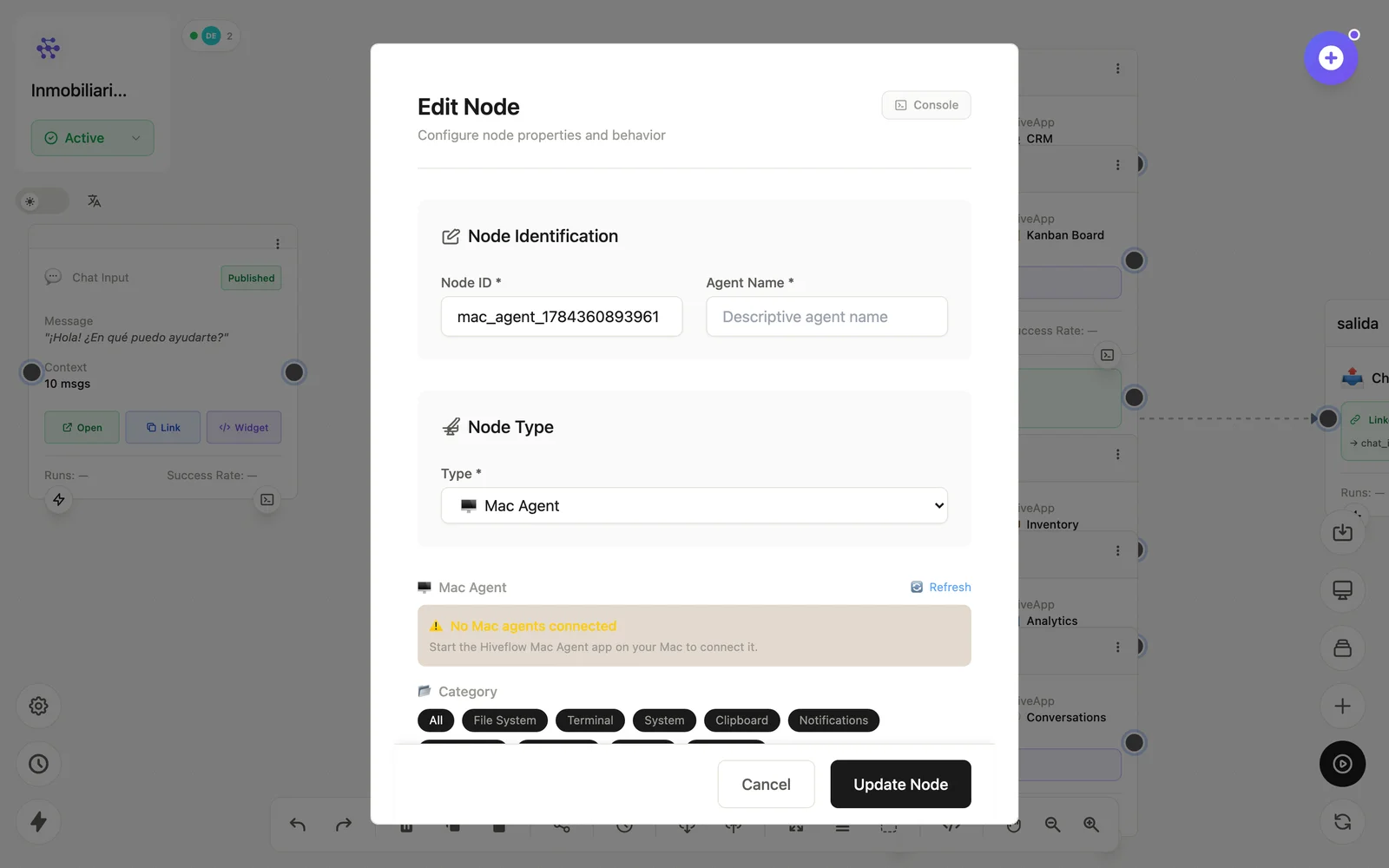
Configuration
Open the node (double-click) to edit it. Key fields:
- Node ID / Name — the identifier used in variables and the display name on the canvas.
- Paired machine — which registered device to control.
- Operation — files / terminal / system / apps, with its parameters.
Inputs & outputs
It receives the operation and emits the machine's result (command output, file data, system info). Guard destructive commands with Human in the Loop. Downstream nodes reference its output with {{node_id.field}} — see the variables reference.
Example
Trigger (horario) → Mac Agent (df -h) → Conditional → Email (alerta)See also: Device nodes · Cookbook: device monitoring