Chat Input node
A public conversational chat with context and memory — every message runs the flow. Open it, share its link or embed the widget on your site.
Chat Input (chat_input) is the public chat surface: each visitor message executes the flow (pair it with an LLM Agent) and the session keeps conversational context. This node is also how Agents receive their messages.
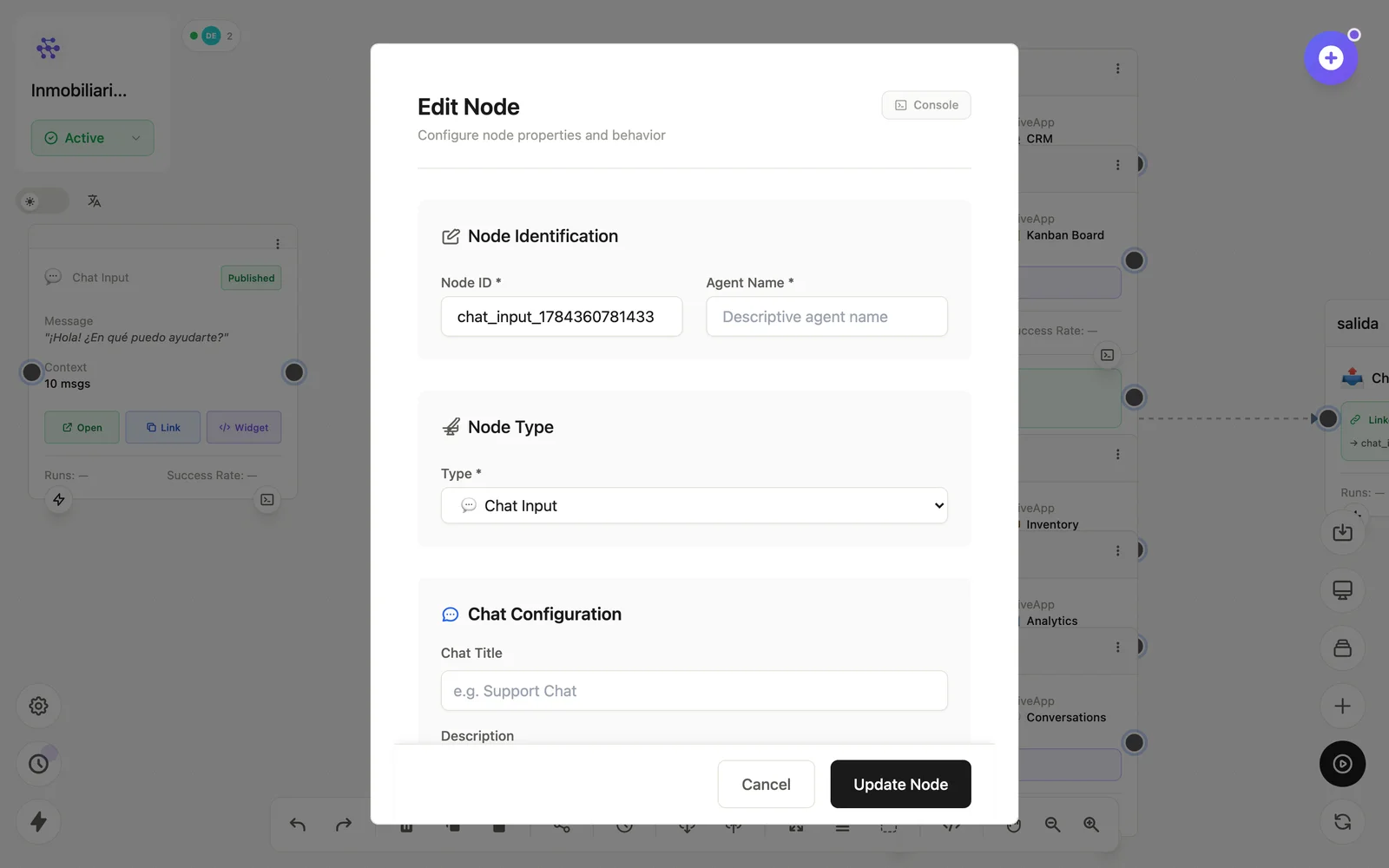
Configuration
Open the node (double-click) to edit it. Key fields:
- Node ID / Name — the identifier used in variables and the display name on the canvas.
- Welcome message — what the chat greets with.
- Context window — how many messages of memory each session carries.
- Publishing — Open / Link / Widget; Published state + Active flow required.
Inputs & outputs
It emits {{message}} plus session context on every user message. Downstream nodes reference its output with {{node_id.field}} — see the variables reference.
Example
Chat Input → LLM Agent → Chat Output (el patrón de todo Agent)See also: Interface nodes · Quickstart