API keys & BYOK
The three kinds of keys in HiveFlow: user API keys for the REST API, per-trigger keys on webhook nodes, and bringing your own LLM provider credentials.
HiveFlow has three distinct key concepts. Knowing which is which saves a lot of confusion:
1. User API keys (for the REST API)
Create them in Profile → API Keys. They authenticate server-to-server calls against the HiveFlow API — listing flows, running executions, managing resources programmatically. Treat them like passwords: store them in your backend's secret manager, rotate if exposed, and delete keys you no longer use.
Scopes (enforced permissions)
When creating a key you can restrict what it may do — essential before sharing keys with third parties or CI systems:
| Scope | Allows |
|---|---|
read | Listing and reading resources (GET requests) |
write | Creating, updating and deleting resources |
execute | AI executions that consume credits: agent chats, Genius, Hive App chats, flow runs |
A key missing the required scope receives a 403 naming the missing scope. Execution endpoints are additionally rate-limited per key (default 120 AI executions/hour, standard RateLimit-* headers). Keys created before scopes existed keep full access — rotate them to adopt scopes. A key with no scopes specified gets all three.
2. Trigger keys (per webhook)
Every Trigger node carries its own key embedded in its webhook URL:
POST /api/triggers/flow/<flowId>/<apiKey>That key only executes that flow — safe to hand to a partner system without exposing anything else. Regenerate it from the node if it leaks.
3. BYOK — bring your own LLM keys
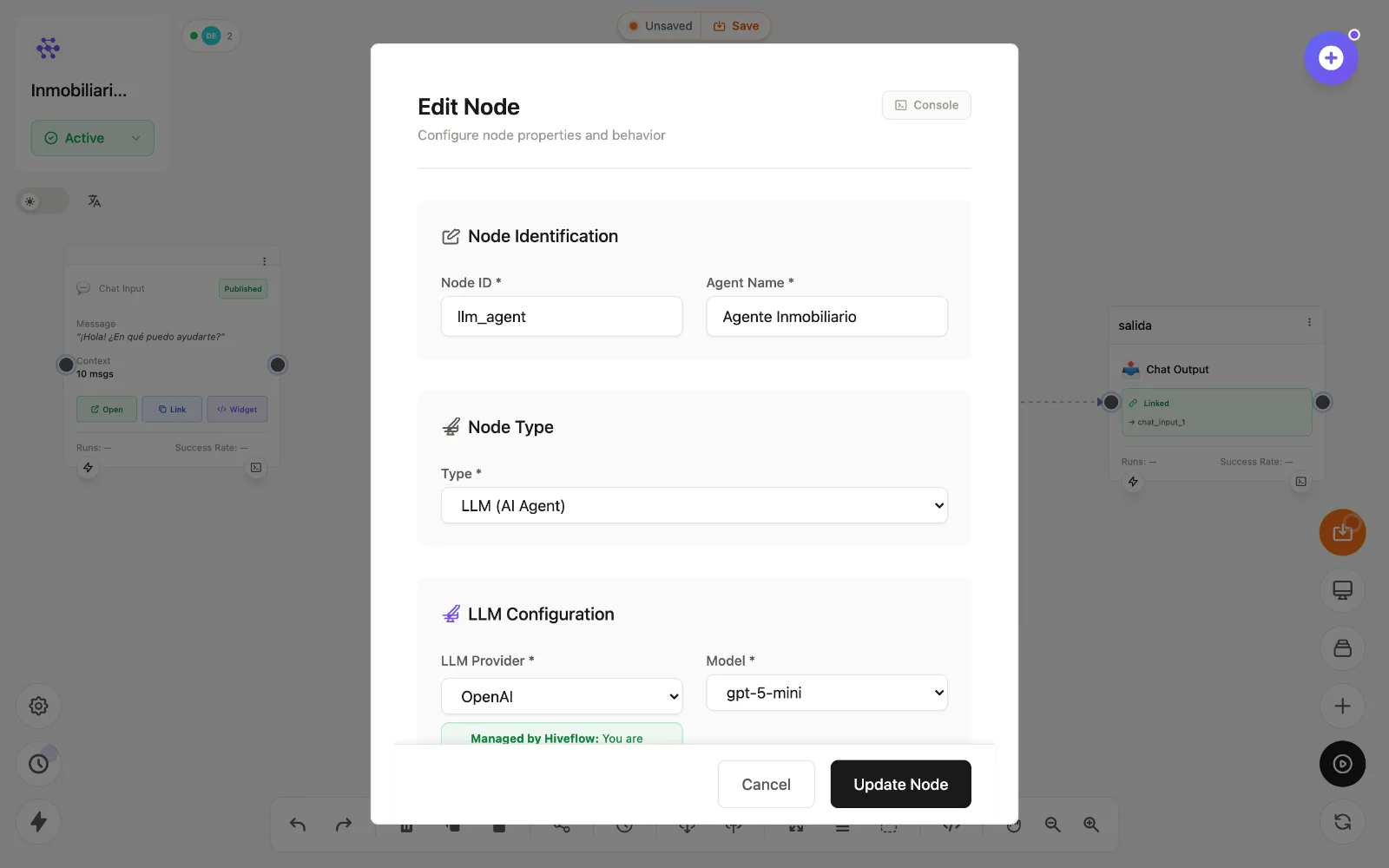
In the LLM Agent node you choose a provider. Two modes:
- Managed by HiveFlow — you use the platform's provider accounts and pay in credits. Zero setup; the node shows a Managed by HiveFlow badge.
- Your own credentials (BYOK) — configure your provider keys in your profile and select them in the node. Token costs then go to your provider bill, not your credits.
Providers you can bring keys for include OpenAI, Anthropic, Gemini, Azure OpenAI, AWS Bedrock, Groq, Mistral, HuggingFace, Friendli and Google Vertex — Vertex needs the service-account JSON plus project and region (e.g. us-central1).
When to use BYOK
- You already have negotiated rates or enterprise agreements with a provider.
- You need models/regions not offered under managed mode.
- Compliance requires calls to run under your own provider account.
Otherwise, managed mode is the fastest path — no keys to protect, one bill in credits.
Where keys live
All credentials are stored per user/organization and used only for your workloads. Integration credentials (databases, SaaS) are separate — see Connecting integrations.