Knowledge assistant
A website chat that answers from your own documentation loaded as Skills, with conversation memory and a one-line embed.
Your docs, policies and FAQs — answering questions on your site 24/7. No vector database required for the first version: Skills carry the knowledge.
The pattern
Skills (knowledge, injected) ⇢ LLM Agent
Chat Input → LLM Agent → Chat Output   → embedded as a website widget
Step by step
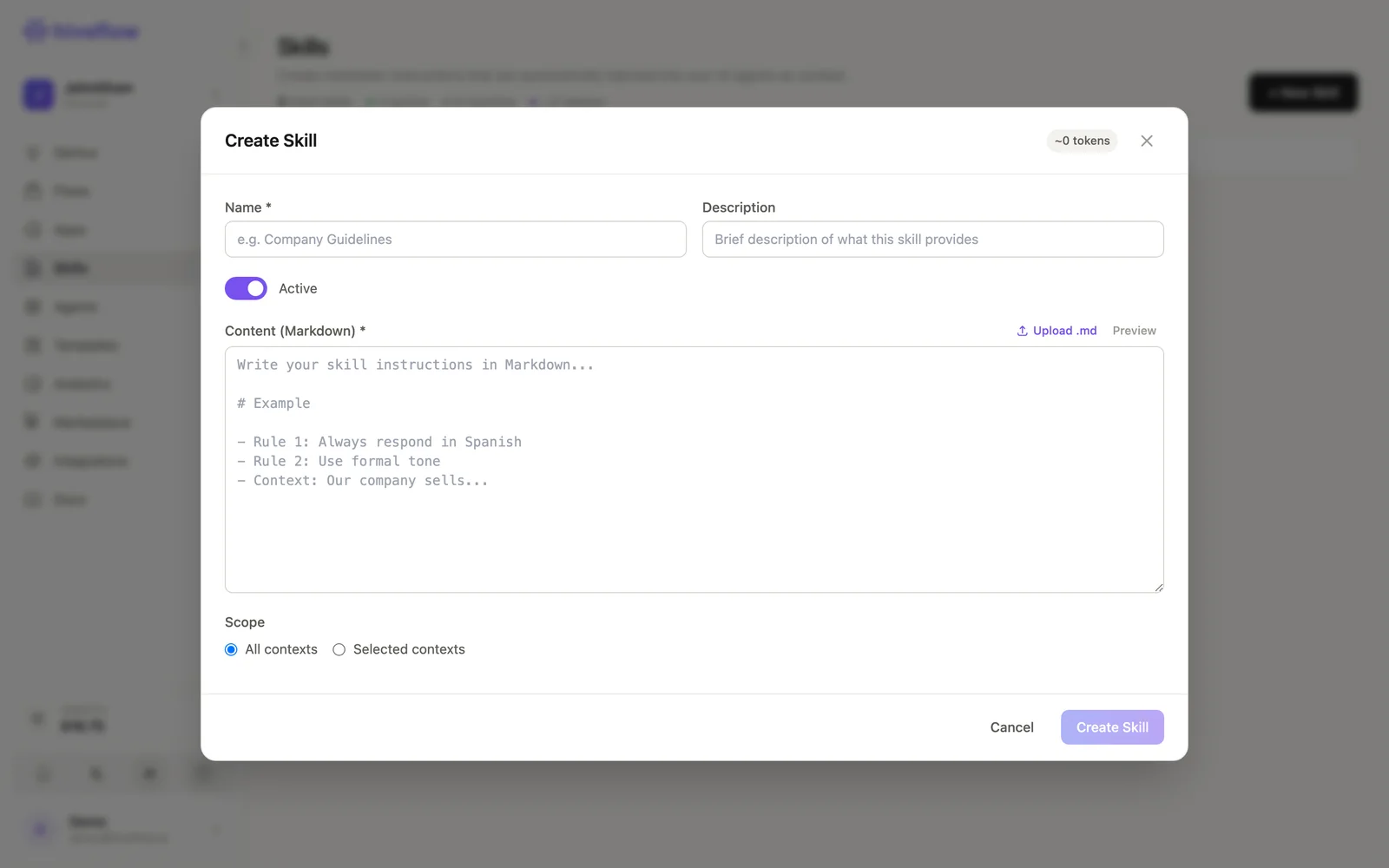
- Create the Skills — one per topic: "Product FAQ", "Pricing", "Return policy". Keep each tight; watch the token badge. Scope: Selected contexts → this flow.
- Chat Input (Public Interfaces) — context window ~10 messages, a friendly welcome message.
- LLM Agent (AI) — objective: "Answer only from the provided knowledge. If the answer isn't in it, say so and offer human contact. Be concise and cite the relevant policy when it applies."
- Chat Output — completes the loop.
- Publish: Widget on the Chat Input node gives you the embed snippet for your site; keep the flow Active.
Skills apply instantly — edit the Markdown and the assistant knows the new answer on the next message.
Variations
- Heavy corpus? Connect a vector database via MCP integrations and let the agent query it as a tool (RAG).
- Log every conversation to a Chat tool for review and human takeover.
- Route unresolved questions to the customer support pattern with ticket creation.
Genius prompt: "Create a knowledge assistant: a public chat whose agent answers only from my skills, embeddable on my website."