Public Interface nodes
Form Input, Chat Input and Chat Output — the public forms and chat widgets your users interact with, with links and embeddable widgets.
Public Interfaces are the nodes your end users touch. Each one generates a hosted public page (and an embeddable widget), so a flow becomes a product without writing any frontend.
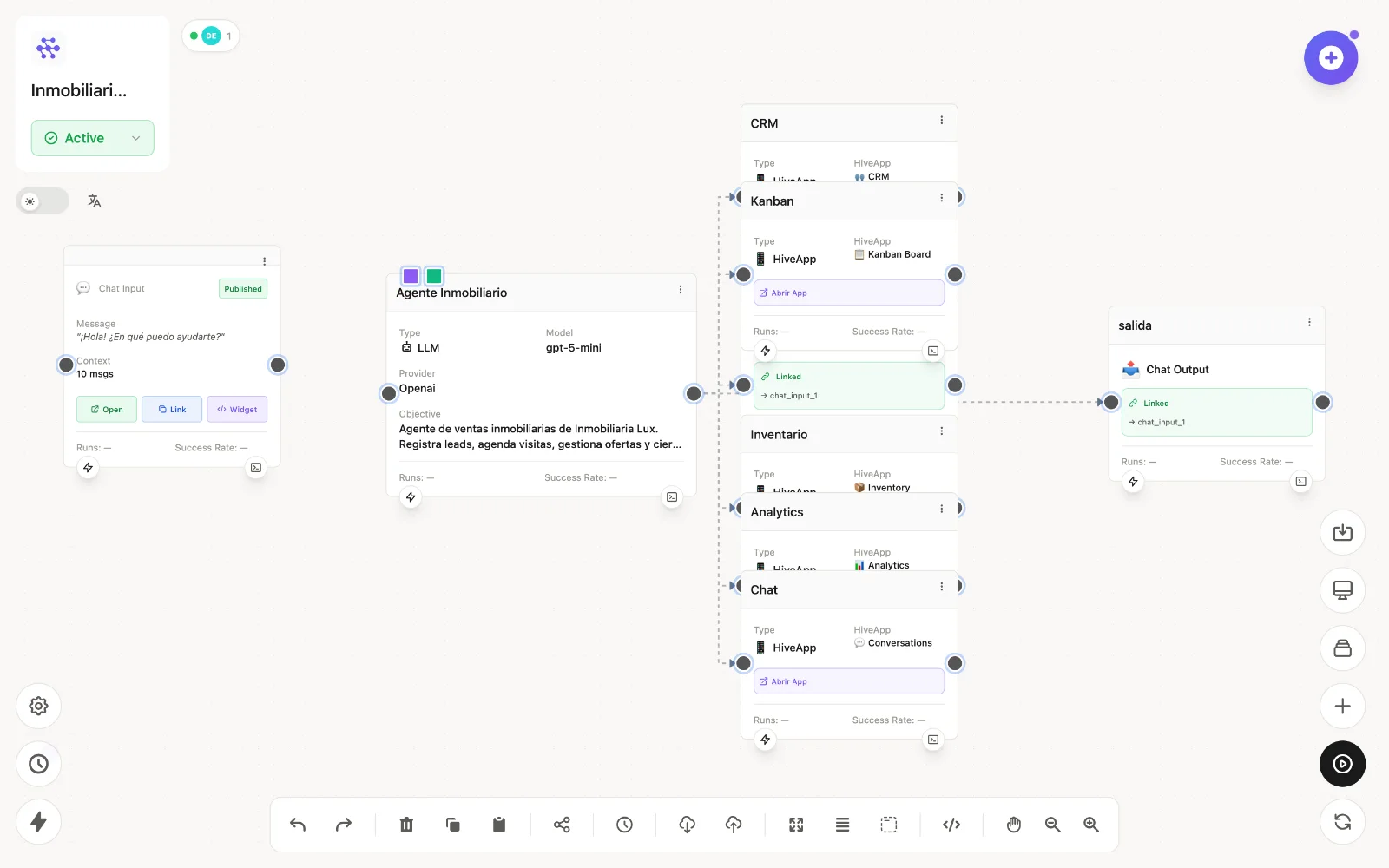
The nodes
| Node | id | What it does |
|---|---|---|
| Form Input | form_input | A public web form with typed, validated fields (including file uploads). Each submission executes the flow with the form data. |
| Chat Input | chat_input | A public conversational chat with context and memory. Every message runs the flow; pair it with an LLM Agent. |
| Chat Output | chat_output | Sends the flow's answer back to the public chat session. |
Sharing
On the node card you'll find three actions:
- Open — the hosted page, ready to use.
- Link — a public URL you can send to anyone.
- Widget — an embed snippet to drop the form/chat into your own website.
A node must be Published and the flow Active for the public page to respond.
Typical patterns
chat_input → llm → chat_output— a public AI chat (this is also what an Agent is).form_input → llm → email— a smart intake form that triages and notifies.form_input → database— structured data capture with zero code.
For WhatsApp equivalents of these interfaces, see Application nodes.