MCP Client node
Selects a registered MCP server and makes its tools available — connect it into an LLM Agent to hand every tool of an integration to the AI.
MCP Client (mcp_client) binds the flow to one of your MCP servers (each connected integration registers one). Wire it into an LLM Agent and the whole toolset becomes available via function calling.
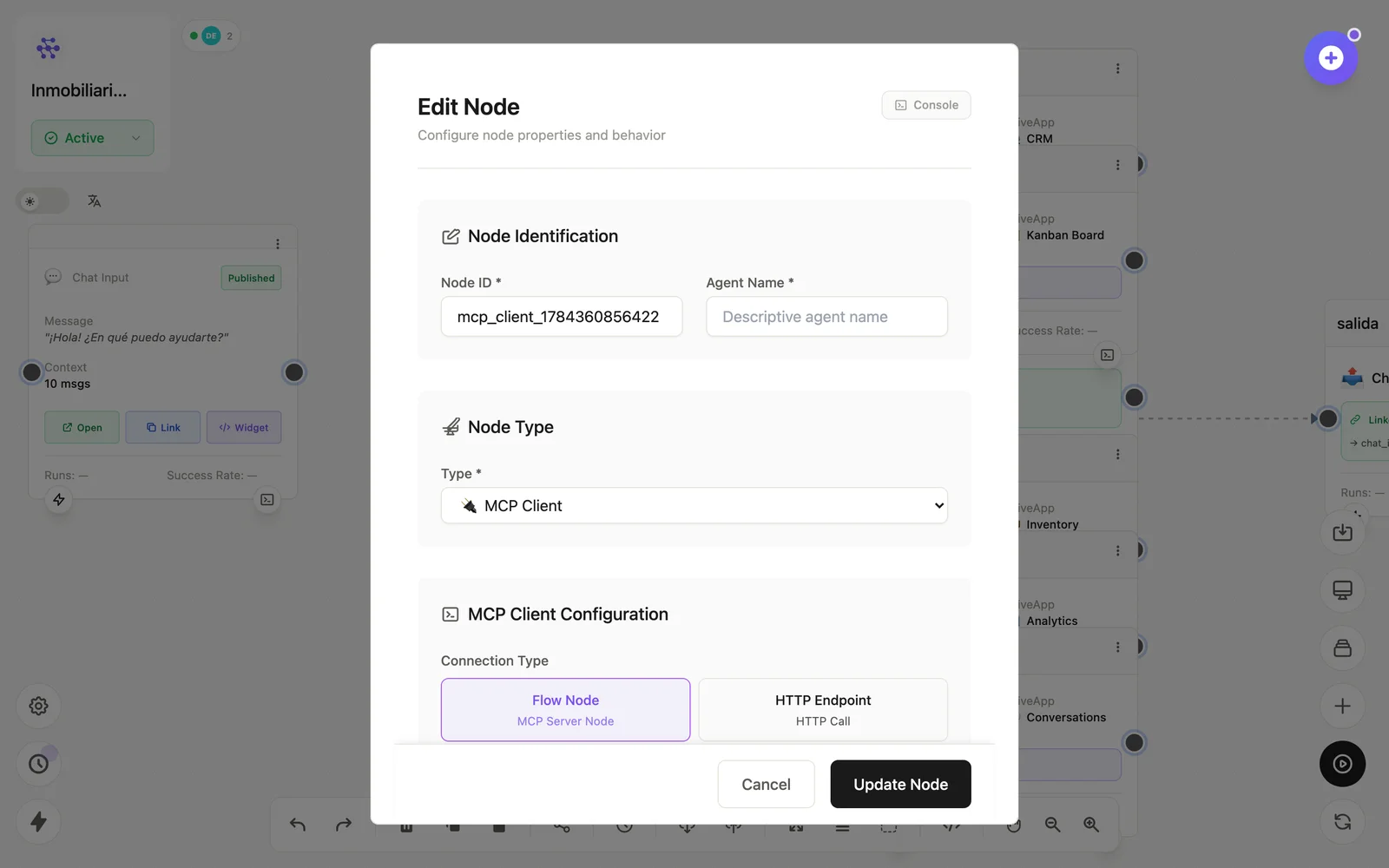
Configuration
Open the node (double-click) to edit it. Key fields:
- Node ID / Name — the identifier used in variables and the display name on the canvas.
- MCP server — which registered server (integration) to use.
- Connection mode — per-node connection or HTTP endpoint.
Inputs & outputs
As a tool source it exposes the server's tools to the LLM; as a step it emits tool results. Downstream nodes reference its output with {{node_id.field}} — see the variables reference.
Example
Chat Input → LLM Agent ⇄ MCP Client (Airtable) → Chat OutputSee also: MCP nodes · What is MCP?