Customer support agent
A support chat that answers with AI, logs every case to a CRM and a ticket board, and escalates to a human when it should.
The most-built pattern in HiveFlow: a public support chat where an agent resolves what it can, records everything in structured tools, and hands off to a person when the case needs one.
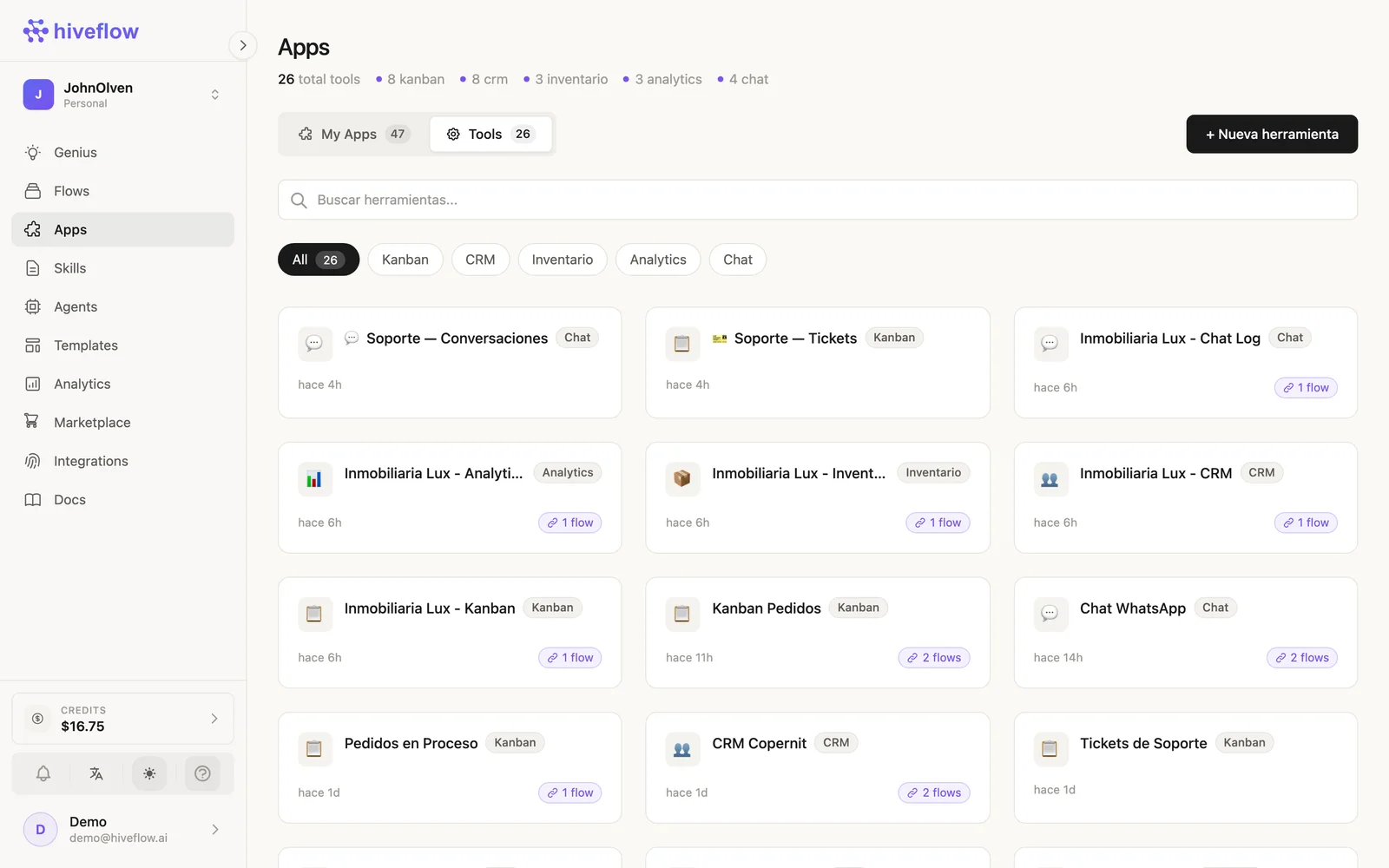
The pattern
Chat Input → LLM Agent ⇄ CRM (contacts & cases)
                      ⇄ Kanban (ticket board)
             LLM Agent → Chat Output
                      ↘ Human in the Loop (escalation)
Step by step
- Chat Input (Public Interfaces) — enable context memory (~10 messages) and publish it.
- LLM Agent (AI) — objective: "You are the support agent for ACME. Resolve questions using the knowledge provided. Always register the customer and their case in the CRM, and create a ticket in the Kanban with the right priority. If the customer asks for a human, is angry, or you cannot resolve the issue, escalate." Prompt:
{{message}}. - HiveApp → CRM (Tools) — wire it into the LLM node so it becomes a function-calling tool.
- HiveApp → Kanban — a "Support Tickets" board with columns like New / In progress / Waiting / Resolved, also wired into the LLM.
- Chat Output — returns the agent's reply to the session.
- Human in the Loop (Base) — on an escalation branch: assignees, timeout, and the conversation as context.
Watch the agent's tool decisions in the LLM node's Console → Function Calling Process.
Variations
- Swap Chat Input for WhatsApp Input/Output to run the same agent on WhatsApp.
- Add a Chat tool instance to keep an auditable conversation log with human takeover.
- Load your product docs as Skills scoped to this flow so answers come from your real knowledge.
Genius prompt: "Create a customer support chat flow with an AI agent connected to a CRM and a ticket Kanban, with human escalation."