Billing & credits
How HiveFlow pricing works: credits consumed by every LLM call, subscription plans with monthly credits and limits, top-ups and the Stripe portal.
HiveFlow bills through credits: a single balance that every AI call draws from, plus subscription plans that refill it monthly and raise your platform limits.
What consumes credits
Every LLM call on a managed provider — wherever it happens:
- Flow executions with LLM nodes
- Agent conversations
- Genius messages
- The Hive App builder chat
Cost scales with the model and tokens used. Calls made with your own provider keys (BYOK) are billed by your provider instead — HiveFlow doesn't charge credits for the tokens.
New accounts start with free initial credits, so you can build and test before paying anything.
Your balance
The Credits card at the bottom of the sidebar shows the live balance and links to the billing view. When you run low, a low-credit banner warns you before executions start failing; if the balance hits zero, AI calls are blocked with an insufficient credits notice until you top up.
Plans and limits
Subscription plans add monthly credits plus platform limits that scale with the tier:
| Limit | Meaning |
|---|---|
| Max flows | How many flows the account can keep. |
| Executions / month | Total flow runs per month. |
| LLM calls / month | AI calls across the platform. |
| Nodes per flow | Canvas size ceiling per flow. |
| Concurrent executions | Runs that may be in flight at once. |
Manage everything from Profile → Subscription: subscribe, change plan, or top up credits on demand. Payments run through Stripe, and the Manage billing button opens the Stripe Customer Portal for invoices, payment methods and cancellation.
Transactions
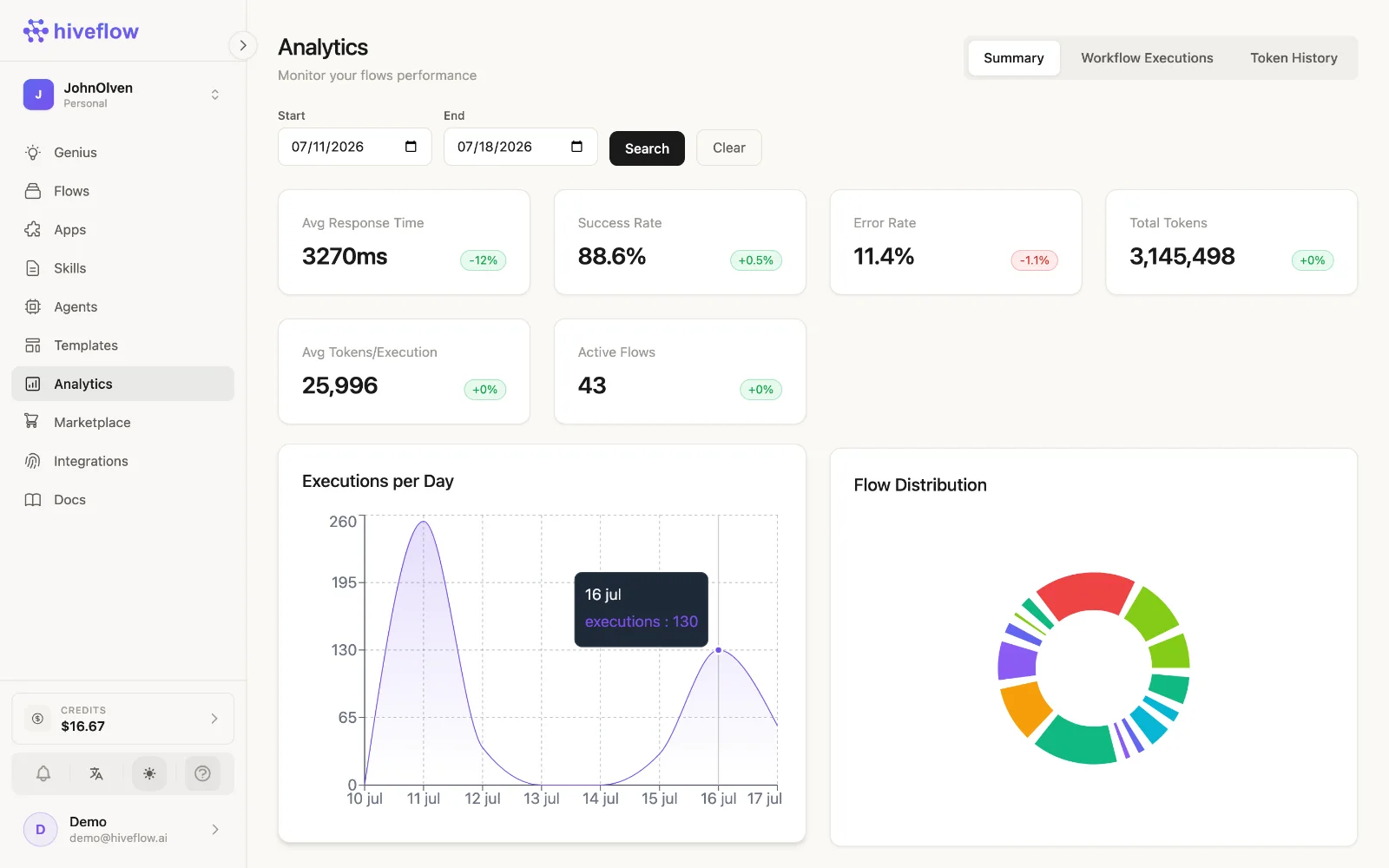
The billing view keeps a transaction history — plan charges, top-ups and credit consumption — so finance can reconcile usage. For per-flow cost analysis, use Analytics.
Organizations
Organizations carry their own balance and plan; members spend from the organization's credits according to their permissions.