Welcome to HiveFlow
Learn how to build, run and monitor AI workflows with HiveFlow — the visual AI agent orchestrator.
HiveFlow is a visual AI agent orchestrator: a drag-and-drop canvas where you connect triggers, LLMs, tools, data and outputs to build automations — and a set of higher-level building blocks (Agents, Skills, Hive Apps and Genius) that turn those flows into products.
Start here
- Create your account — sign up and verify your email.
- Tour the interface — what each section of the dashboard does.
- Quickstart: your first flow — build and run a working AI flow in minutes.
The building blocks
| Concept | What it is |
|---|---|
| Flow | The core unit: a canvas of connected nodes that processes inputs into outputs. |
| Node | A single step in a flow — 44 types across 8 categories, from LLM agents to databases. |
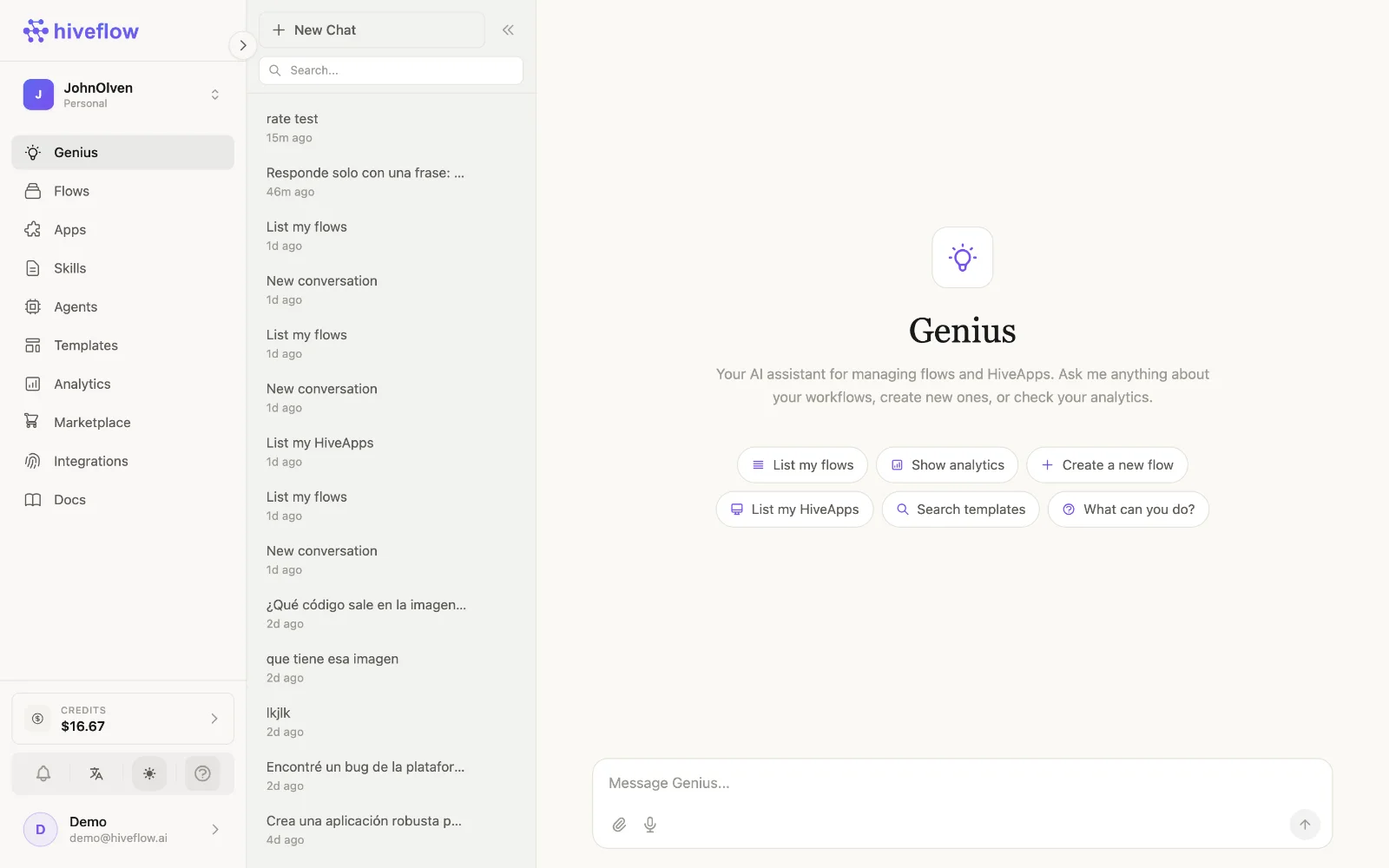
| Genius | The AI assistant that builds flows, apps and tools for you from a chat. |
| Agent | A conversational AI (chat + LLM + memory) powered by a flow, with a chat UI. |
| Skill | Reusable knowledge in Markdown that is injected into your AI elements as context. |
| Hive App | A full web app generated with AI, deployable and connectable to a flow as backend. |
| Integration | An external service (Airtable, Slack, databases…) connected via MCP and usable as tools. |
Automate everything
Flows can be triggered from chat widgets, public forms, WhatsApp, HTTP webhooks, the browser extension, the desktop and mobile apps, the CLI, an MCP client like Claude or ChatGPT, or on a schedule — and can answer back through the same channels. When you need programmatic access, the full HiveFlow API is available.